IFD500 Series Pilot Guide
5-90 Aux Subsystem
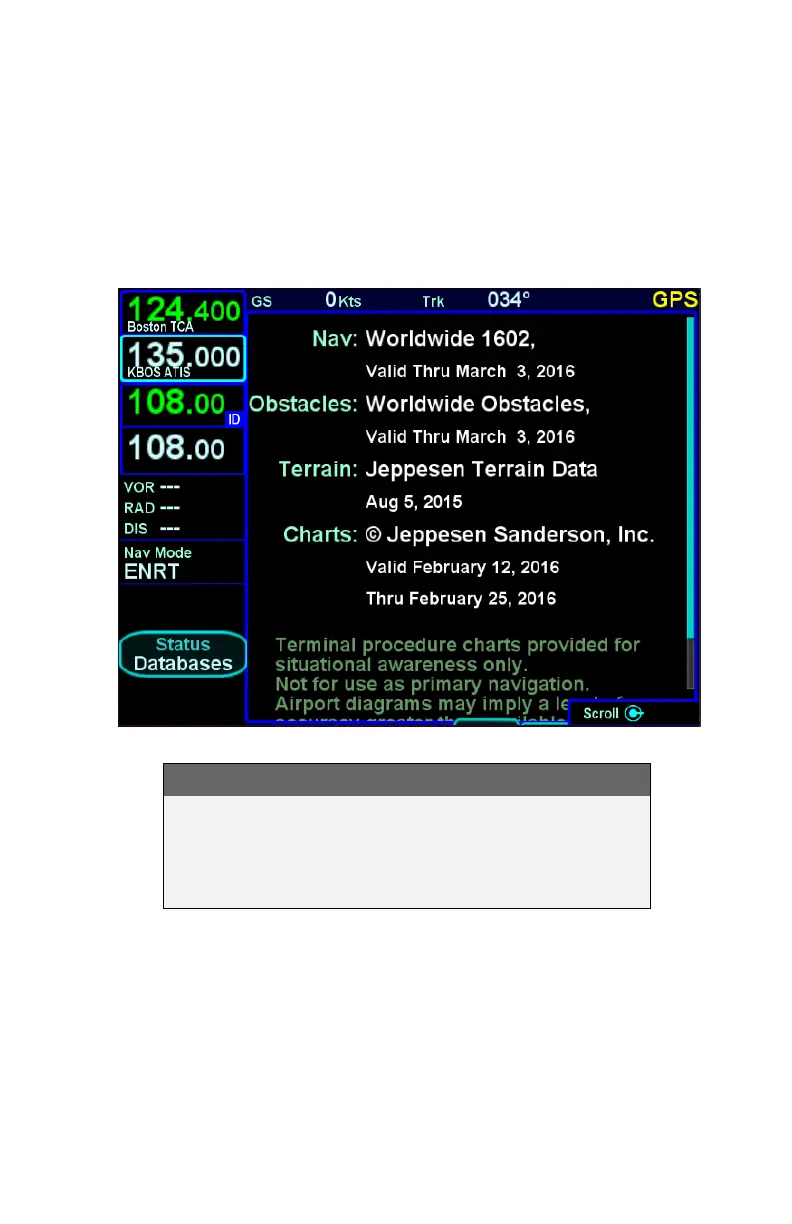
Database Status Page
The “Databases” selection on the “Status” LSK of the SYS tab will
display the currently loaded version of the Nav data, Obstacles
data, Terrain data and Charts data and will indicate valid date
ranges or if/when a given database is expired.
Database Status Page
NOTE
Database Currency
It is critical that you update the data regularly and
that you ensure the databases are current prior to
conducting flight operations.
Pressing the “Update Databases” LSK will put the IFD into
Maintenance Mode where the databases can be uploaded to the
IFD (see page 7-60 for instructions).



 To Next Page