IFD500 Series Pilot Guide
1-46 System Overview
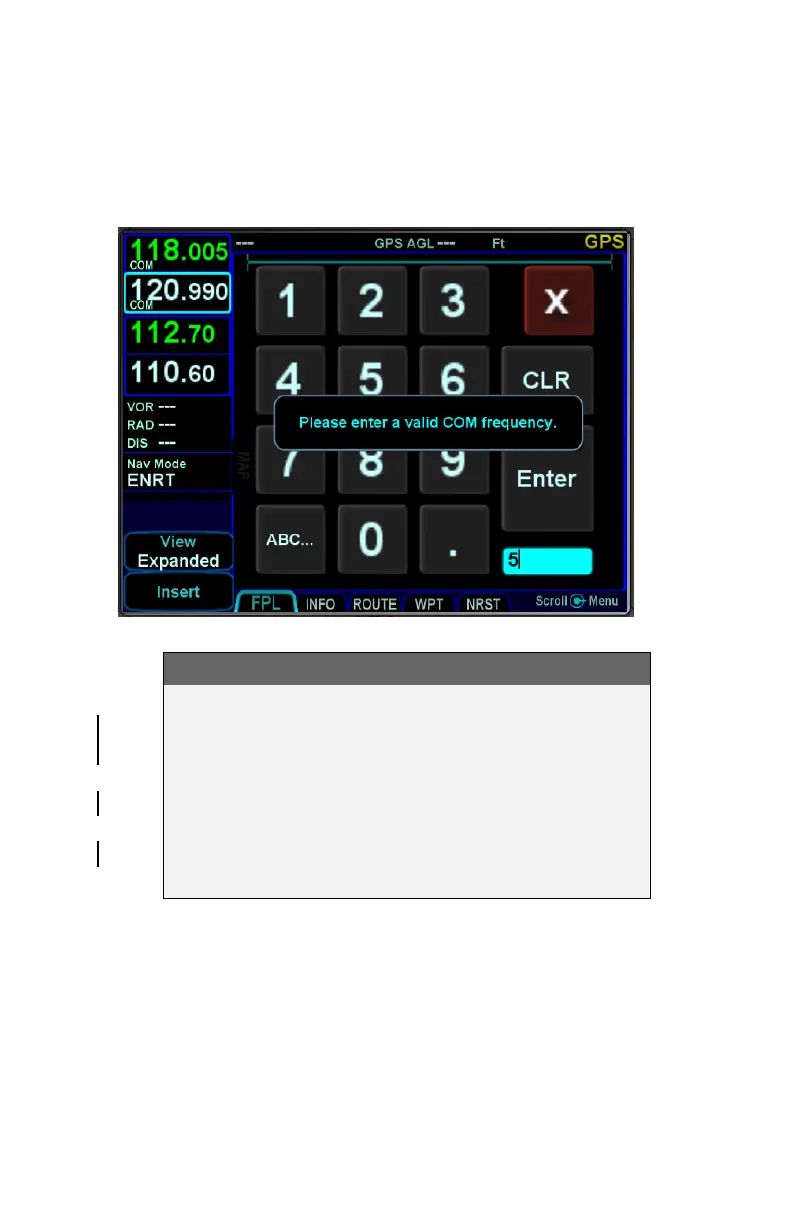
immediately sense that entry to be invalid and present an alert
box stating the entry is invalid.† Validity logic is not applied on
cross-side keyboards in dual IFD installations.
Invalid Keyboard Entry Alert
TIPS AND TECHNIQUES
Optimal Touch Performance
The touchscreen works best when the area being
touched is maximized. Avoid using just fingernail
contact or just the tip of a finger. Increased pressure
on the glass by your finger will not have any effect.
Many types of gloves will work, but performance will
likely be degraded (see “Use of Gloves” section on
page 7-42).



 To Next Page