IFD500 Series Pilot Guide
FMS Subsystem 3-7
Cursor View Active
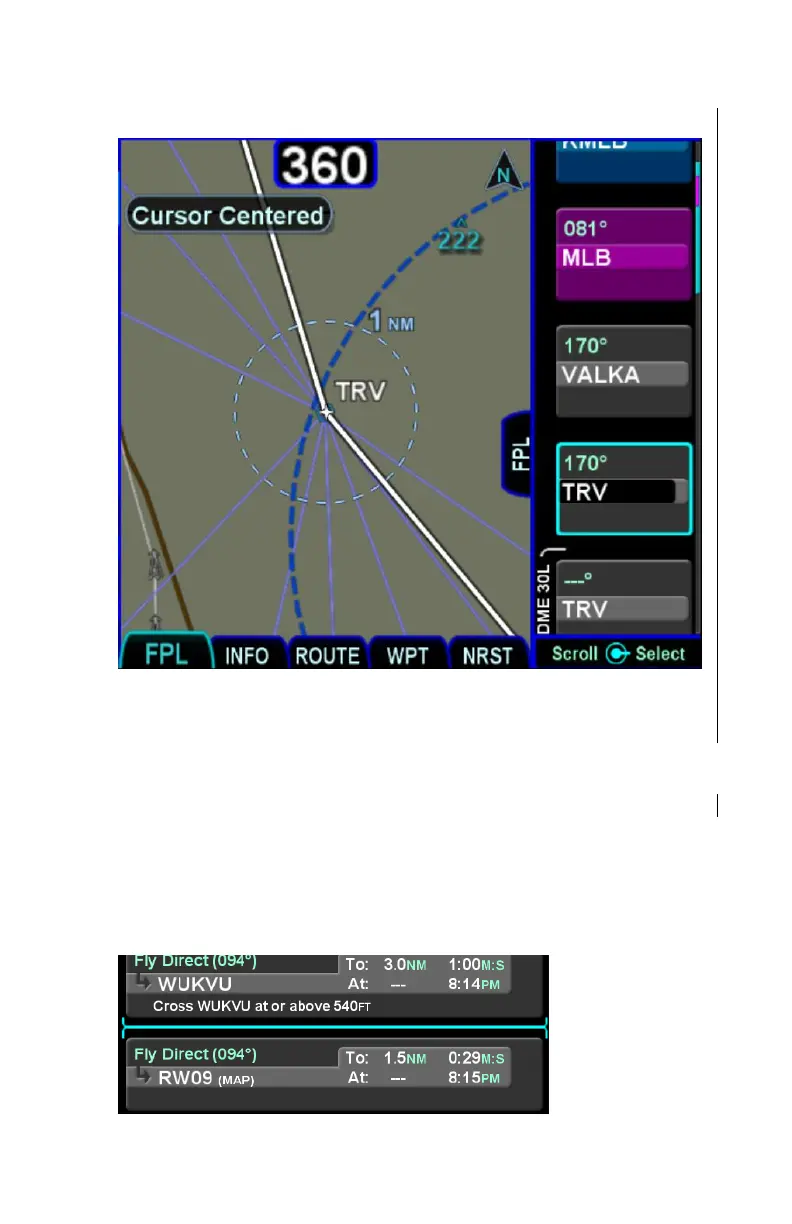
Flight Plan Cursors
There are three types of cursors – an insert cursor, an edit cursor,
and a field cursor. An insert cursor appears as a thin cyan
horizontal line that appears between flight plan rows. This cursor
allows you to insert new legs and procedures at that position. The
edit cursor appears as a cyan box surrounding the entire row and
allows you to perform operations on that row. A field cursor
appears as a filled cyan ("reverse video") box within a row.
Insert Cursor
Insert Cursor –
Thin cyan line



 To Next Page