20 Technical description
BALTECH VP-3470
Operation manual
2. Input «02 channel»
3. Output for stroboscope and tachometer
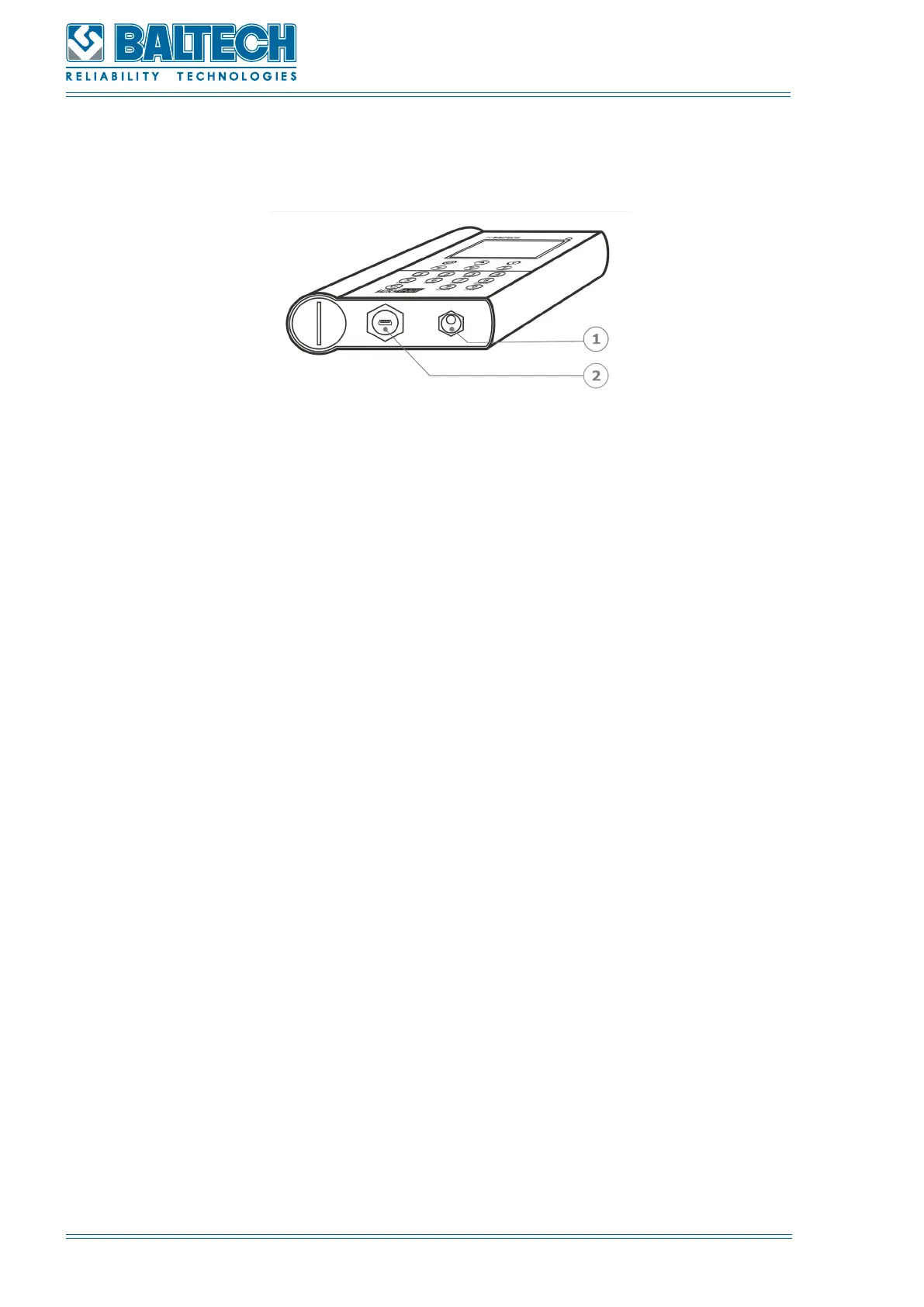
Figure 3. Lower panel of the display unit
1. Plug for a network adapter
2. USB input
The display unit has a robust aluminum housing (IP 65) with a film keyboard on
the front panel. Data interchange between the display unit and PC is conducted via
the USB interface. The function keys and alphanumeric keyboard are located on the
front panel (Figure 4).
To enter a letter press the corresponding button several times till the required letter
is displayed. Press long (more than 2 seconds) to move to the next symbol.
The button 0 is used for lacuna and full point.



 To Next Page