BALTECH VP-3470
Operation manual
General settings 41
7. General settings
7.1. General parameter setting
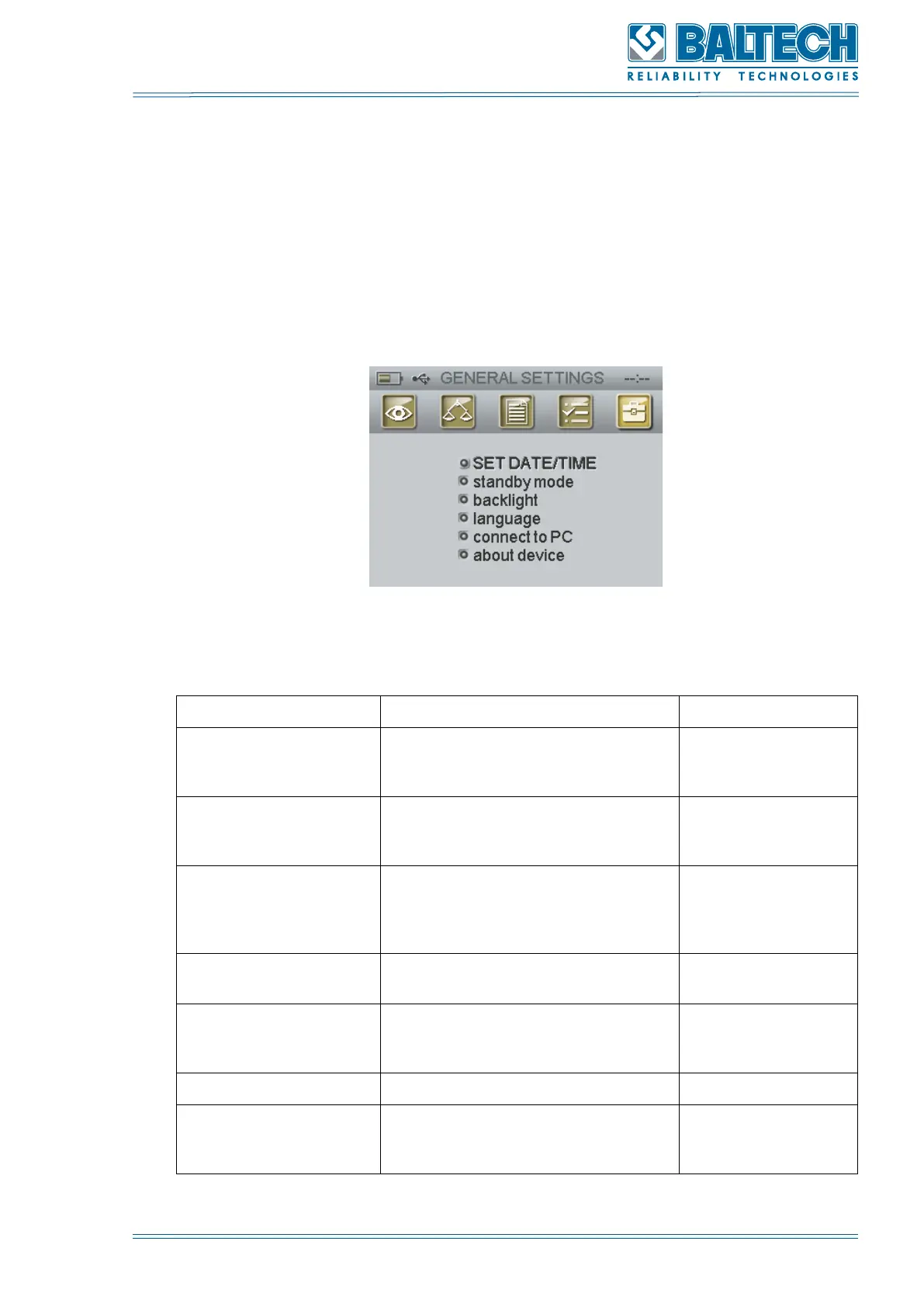
To set up the general parameters use the program GENERAL PARAMERS (Figure
15).
Figure 16. General parameters menu
Table 5. General parameter setting
Task Procedure Note
Set date/time General settings > set date/time
Date format:
dd/mm/yy (Figure
16)
Standby mode General settings > Standby mode
Time setting in
minutes (Figure
17)
Backlight General settings > Backlight
Backlight setting in
percentage from
0 to 100% (Figure
18)
Language selection General settings > Language
Russian and
English (Figure 19)
Preventative
maintenance of the
file system
General settings > Connect to PC -
Device information General settings > About device Figure 20
Self-testing General settings > About device
Press Enter to
activate the self-
testing (Figure 21)



 To Next Page