BALTECH VP-3470
Operation manual
Reports 83
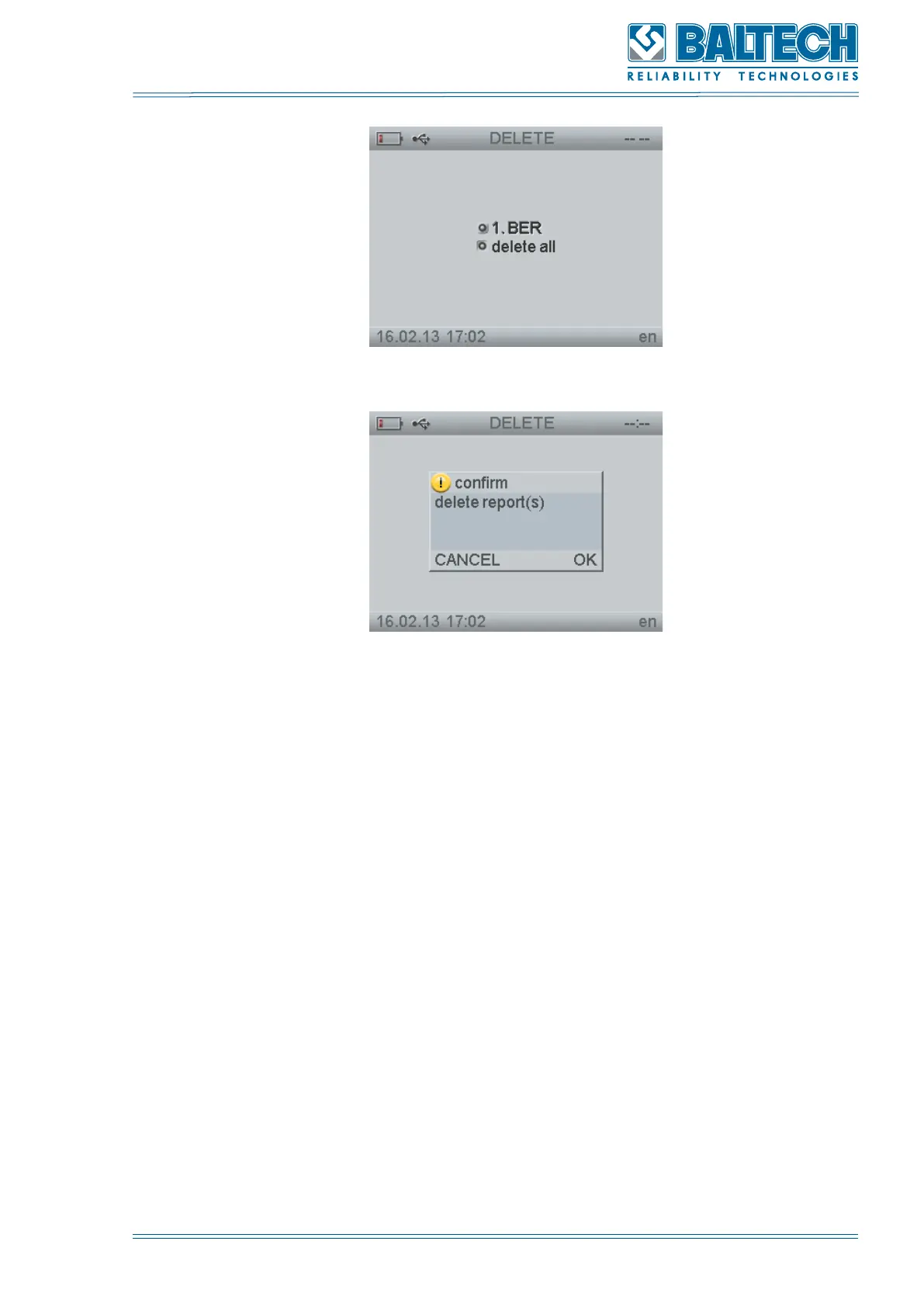
Figure 89. Delete
Figure 90. Confirm deletion
10.3. Transfer of the balancing reports to PC
You can transfer the saved reports to PC. To do this:
1. Connect the display unit to PC (see section p. 5.4).
2. Run the BALTECH Expert software on your PC.
3. Select REPORTS program from the main menu and press Enter. The window
Reports will open.
5. Select Send to PC and press Enter. The transfer process will be displayed on the
screen. To exit this mode press Cancel.
10.4. Control from PC
You can connect the display unit to PC and to receive the data from the sensors
directly on the PC. The main operation is done in the program RealTime, installed
on the PC. To do this:



 To Next Page