36 Operation conditions and prestarting procedures
BALTECH VP-3470
Operation manual
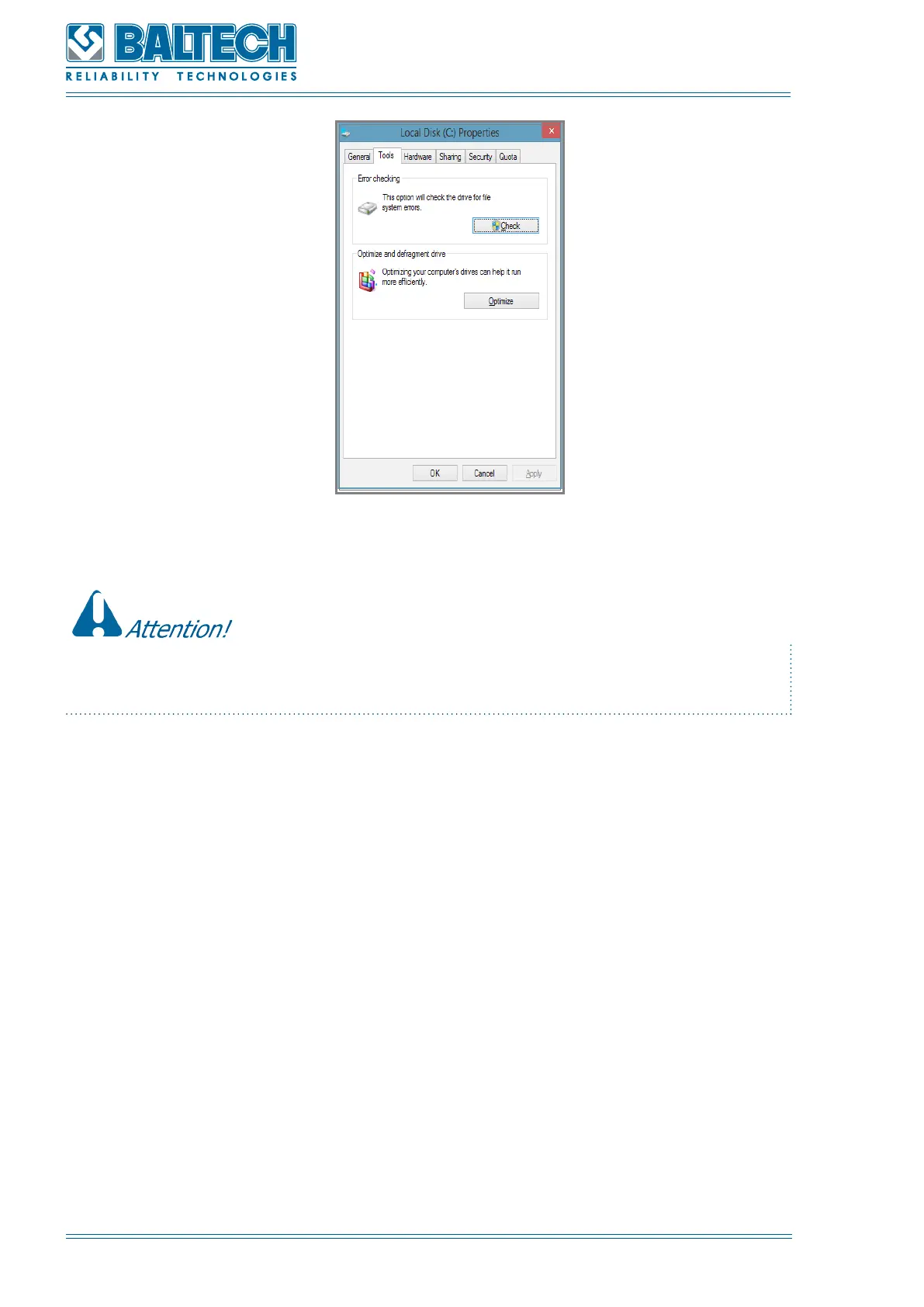
Figure 14. Window «Properties»
If the above described procedure could not help to eliminate operation failures, please
contact technical specialists of BALTECH GmbH.
5.6. Switching on
To switch on the display unit press the Power button on the keyboard of the
display unit (Figure 4). The screen will show the rotating company logotype. The
MEASUREMENT program will be displayed on the screen (Figure 14).



 To Next Page