82 Reports
BALTECH VP-3470
Operation manual
saved reports, the device will show “List empty”.
The device can store about 1000 reports.
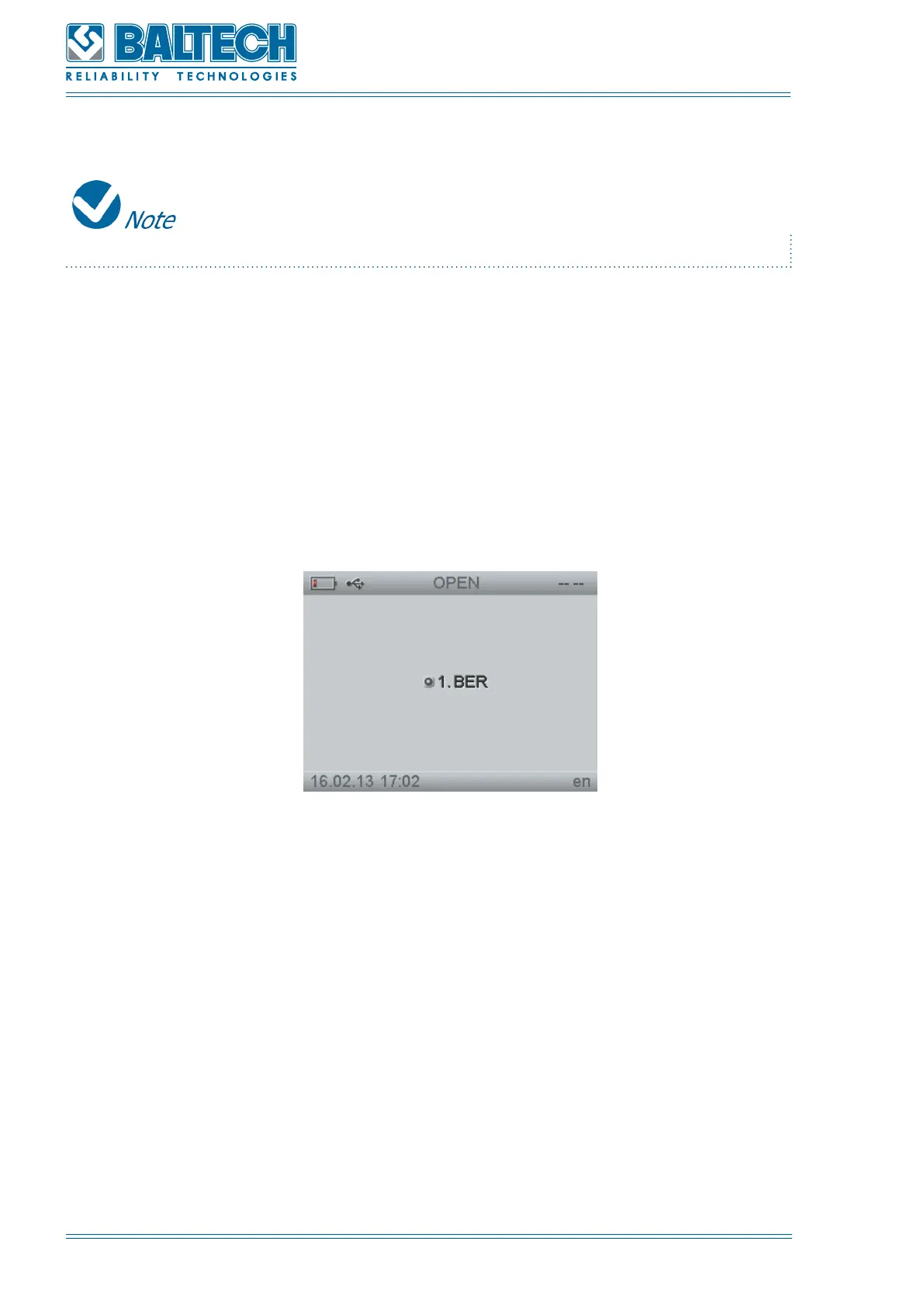
Use the navigation buttons to select the required report and press Enter.
10.2. Report deletion
To save the report:
1. Select REPORTS from the main menu and press Enter.
2. Select DELETE and press Enter.
Figure 88. Delete
4. Use the navigation button to select the required report and press Enter. To delete
all the reports select DELETE ALL. Press Enter to confirm the deletion or Cancel to
cancel the deletion (Figure 89).



 To Next Page