78 Balancing
BALTECH VP-3470
Operation manual
The ICM allows performing balancing of the rotors within one run which considerably
facilitates the balancing procedure. Besides, ICM makes it possible to evaluate the
dynamic forces occurred in the rotor supports, based on the vibration levels. Though
machines of the same class can have different ICM, deviation from the average
values are within the limits that make it possible to perform the rotor balancing.
To receive the ICM perform the balancing according to the p. 9.1.”New balancing”
and then perform the following:
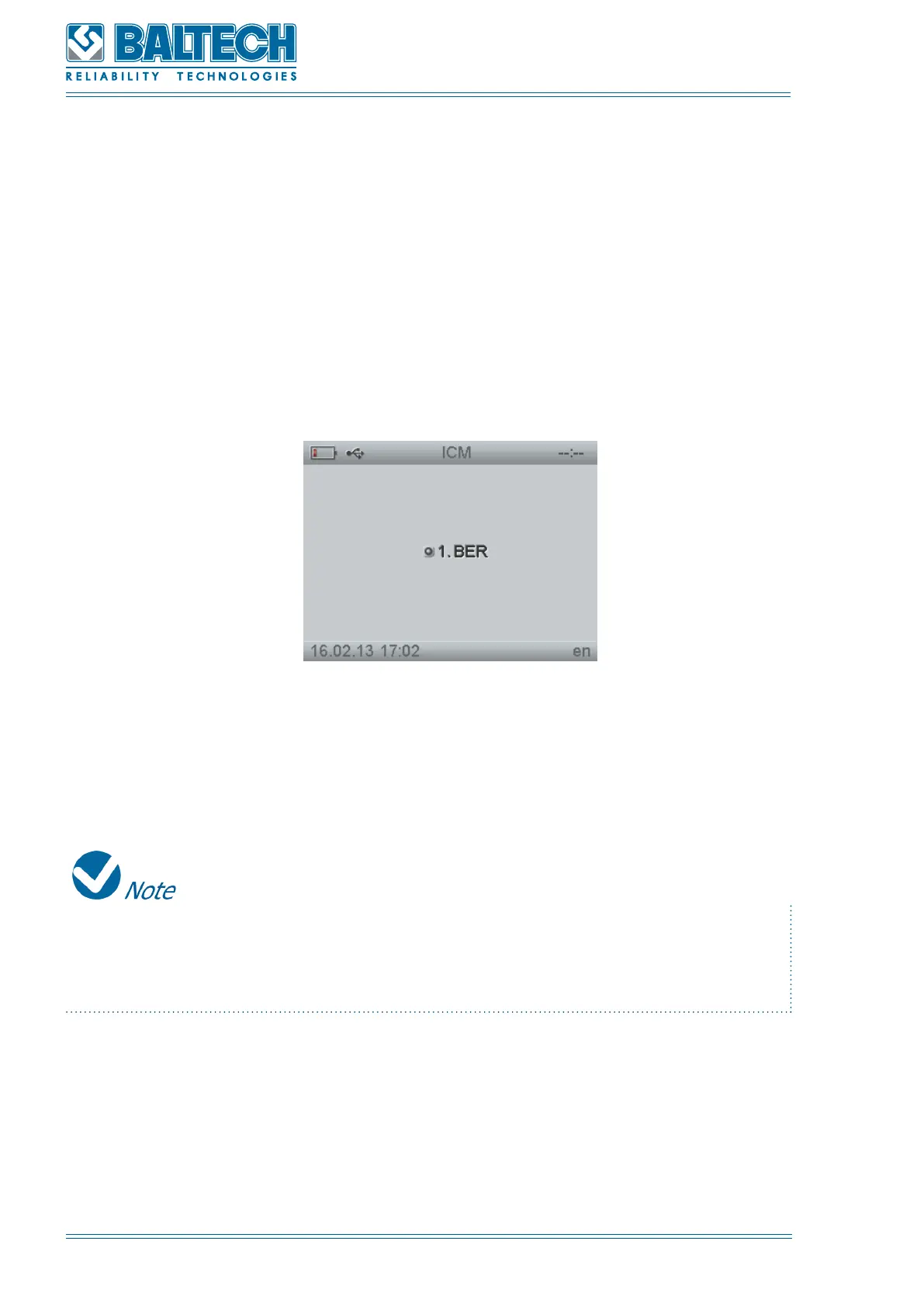
1. Activate ICM and press Enter (Figure 81).
Figure 82. ICM
2. Select a balancing report and press Enter. The window INITIAL RUN will open
(Figure 64).
In this window you can select only the measuring channel for each measure point.
The number of the measure points and all the settings are taken from the reports
of the initial balancing.
3. Press Enter to move to MEASURING (Figure 65). Here you can see the vibration
level and phase and the rotation speed (right window).
4. Pres Enter to receive the results of the initial run. (Figure 66)
5. Press Enter to move to CORR WEIGHTS (Figure 71, Figure 72). Here you can see



 To Next Page