BALTECH VP-3470
Operation manual
Measurements 55
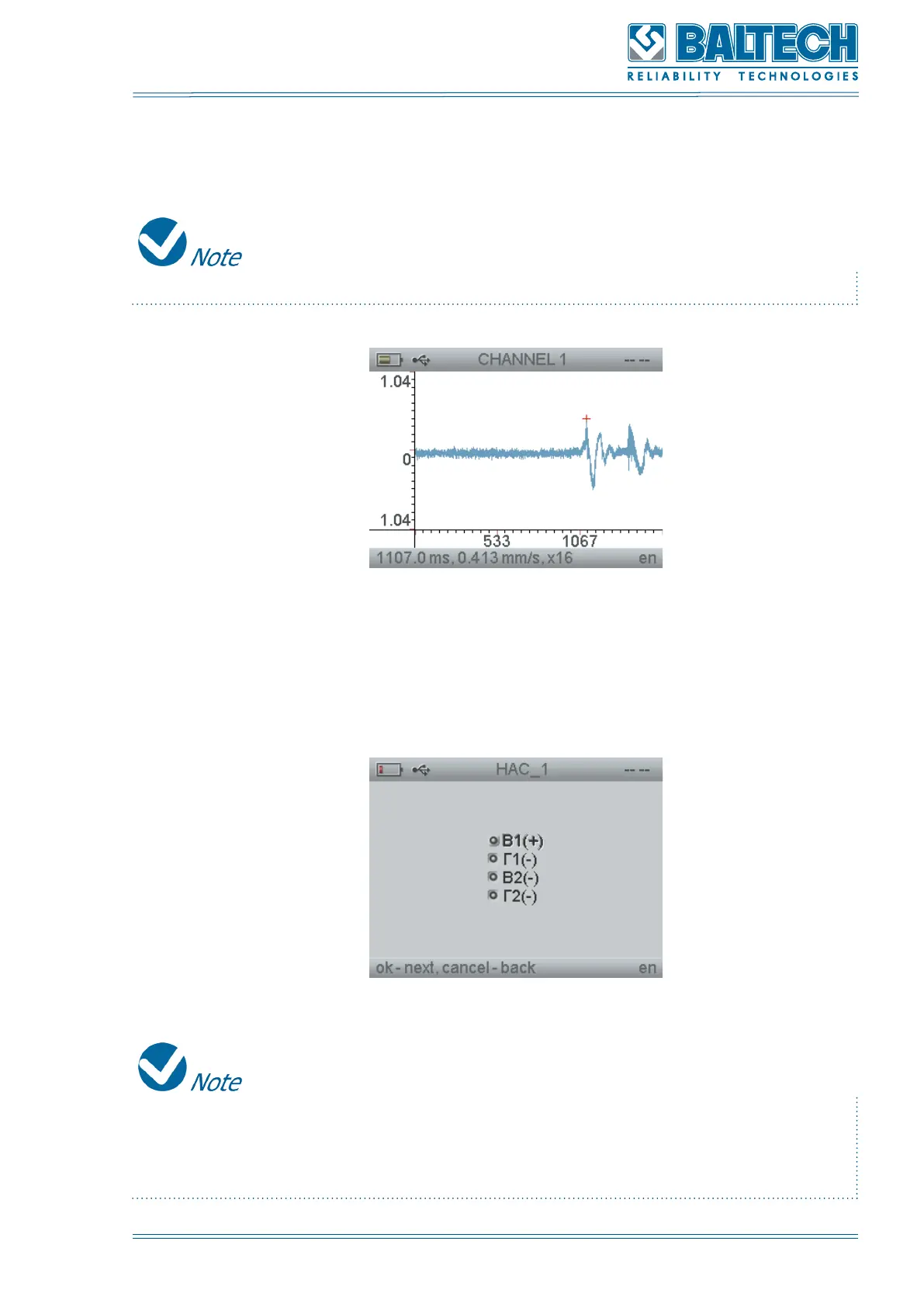
After the measurement channel is selected the measuring process starts (Figure
40).
To stop the measurement process press and hold Cancel.
Figure 42. Measurement process in ROUTES function
To save the measurement results press Enter. The list of the measure points will be
displayed on the screen.
Figure 43. List of measurement points
The measure points in which the measurement was performed, are marked with
“+” sign. To perform the measurement again press Enter and carry out the above
actions.



 To Next Page