70 Balancing
BALTECH VP-3470
Operation manual
The color of the light indicator changes depending on the stability of the phase
and rotation speed values.
• Blue: the rotation speed values are not stable (balancing can’t be performed,
adjust the tachometer position);
• Red: no signal from the vibration sensors;
• Orange: the phase readings are not stable, fluctuation more than ±15° (during
the balancing the calculation accuracy of the correction weight will be low. Some
additional defects can present. Before you start balancing, perform the vibration
analysis and eliminate the detected defects) ;
• Yellow: instantaneous values of the phase vary not more than ±15° (balancing
can be done, the calculation accuracy of the correction weight is mean);
• Green: the phase readings are stable, deviation is not more than ±7,5°.
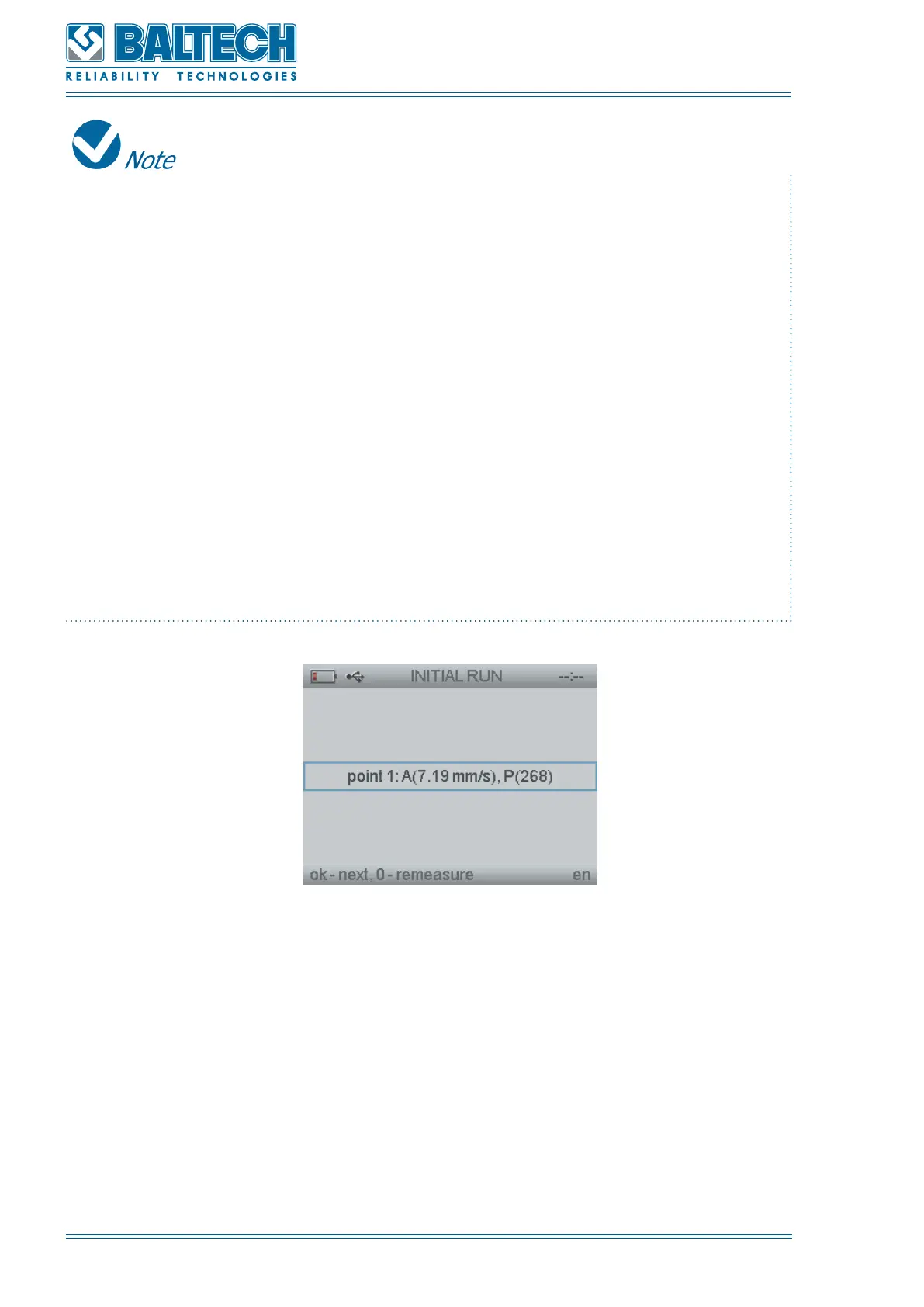
Figure 67. Initial run results
6. Based on the received results an operator can decide if the balancing is required.
To start the balancing press Enter (Figure 67). To stop the balancing and save the
measuring report, press Cancel. If you press Enter the “Trial weight” window will
open (Figure 68). To calculate the trial weight perform the following:
a) Enter the rotation speed (RPM), weight of the rotor (mp) and radius of installation
of the trial weight.
b) Press Enter. The device will calculate the trial weight.



 To Next Page