BALTECH VP-3470
Operation manual
Reports 81
10. Reports
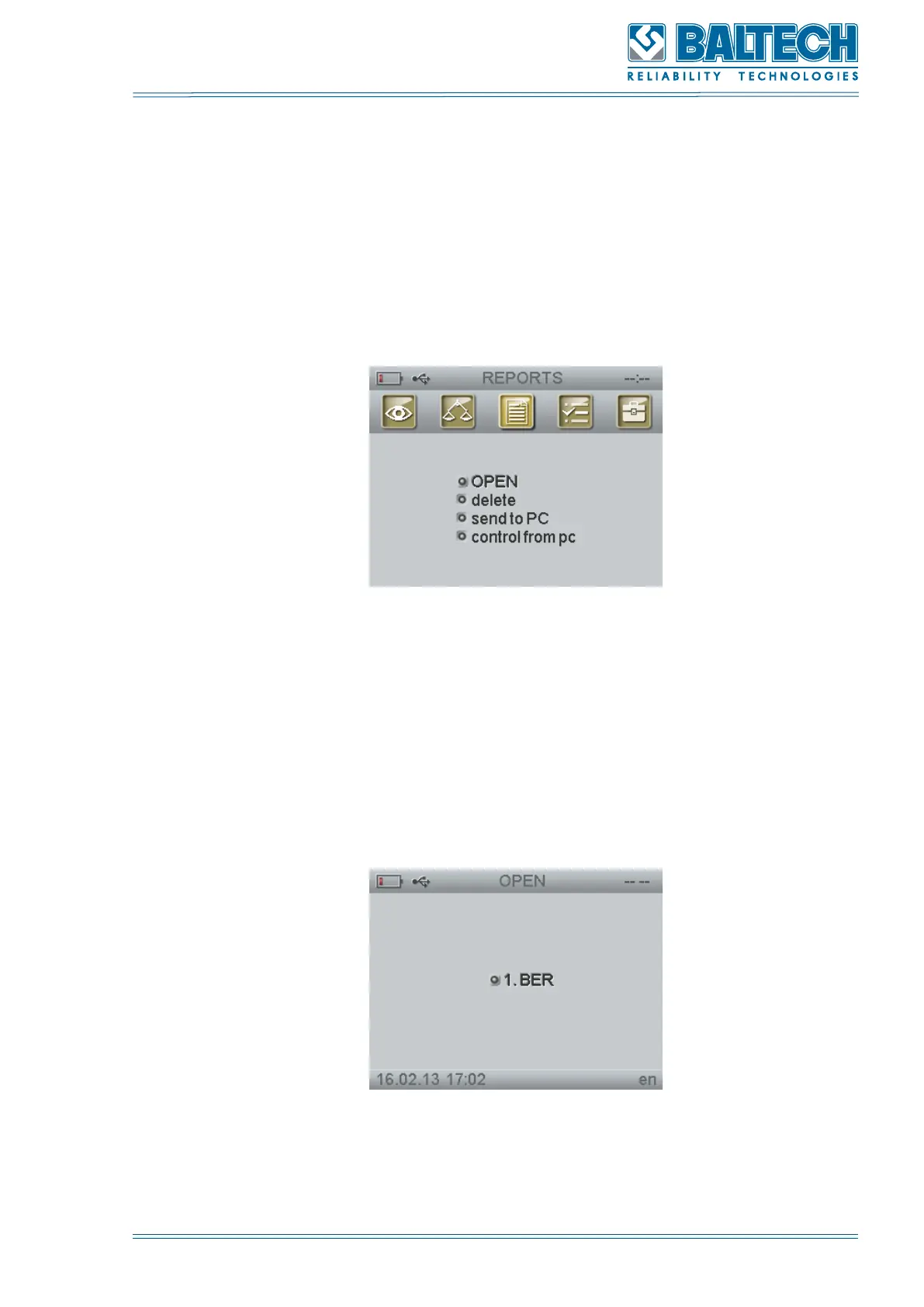
REPORTS (Figure 86) includes the functions (Figure 86) allowing you to view the
balancing data saved in the instrument memory and to transfer them to PC using
the BALTECH Expert software. This function is also used to view and delete the
measuring results.
Figure 86. Reports functions
10.1. Report view
To open and view the report:
1. Select REPORTS the main menu and press Enter.
2. Select Open and press Enter.
Figure 87. List of reports
3. The last 40 reports will be displayed on the screen (Figure 86). If there are no



 To Next Page