BALTECH VP-3470
Operation manual
Balancing 79
the correction weight and installation angle.
6. After the correction weight is installed press Enter to move to TRIM RUN (Figure
73).
7. Press Enter to move to MEASURING (Figure 65).
8. Press Enter to receive the results of the trim run (Figure 74).
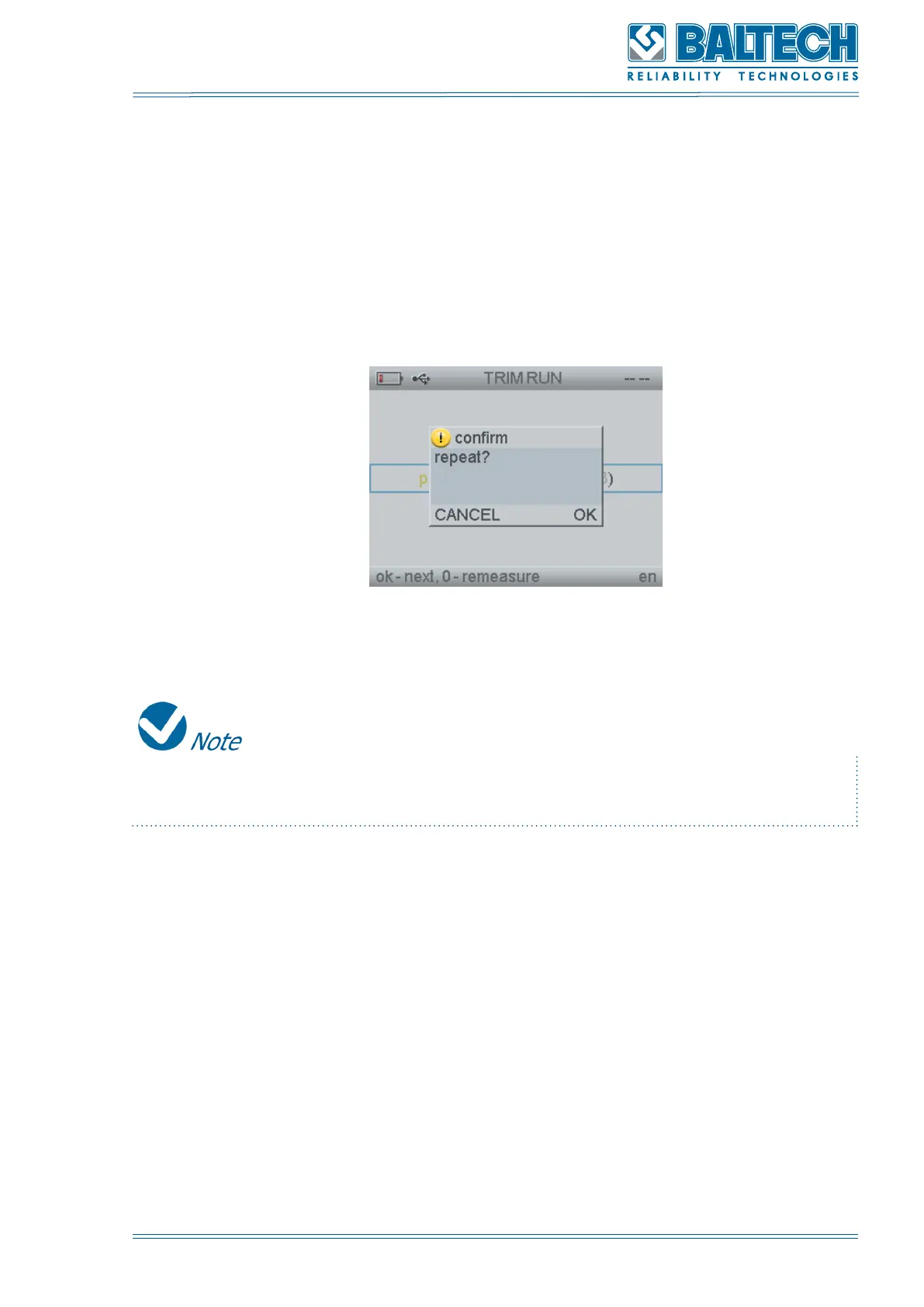
9. Press Enter to repeat the balancing (Figure 83).
Figure 83. Repeat balancing
If you want to repeat the balancing press Enter and perform the actions described
in the p. 2-8.
10. Press Enter to save the balancing results.



 To Next Page