BALTECH VP-3470
Operation manual
Balancing 75
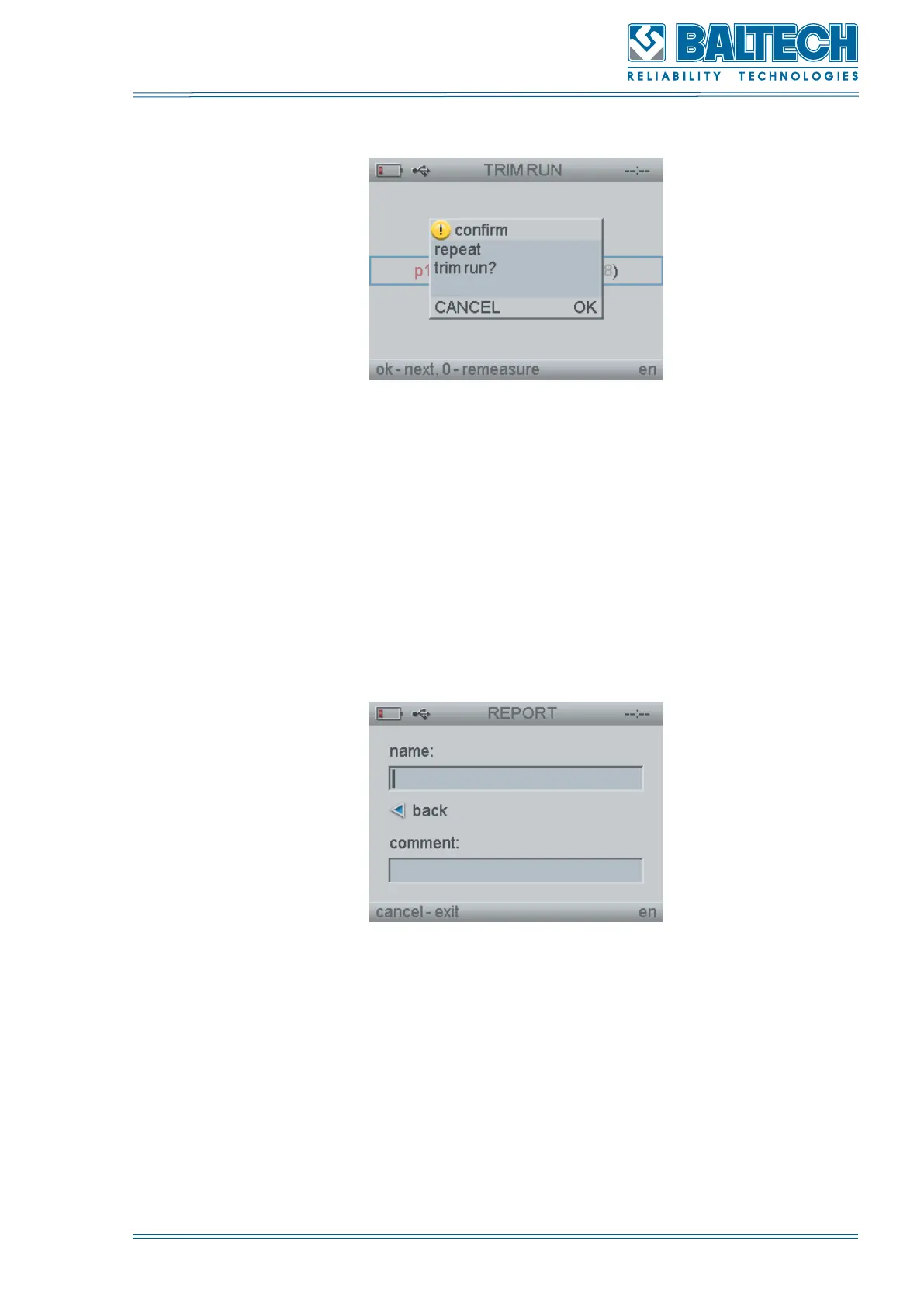
Figure 76. Repeat trim run
11. Press Enter to move to the window MEASURING (p.9). Perform the actions
specified in the p. 9-11.
Or
12. Press Cancel to move to the window REPORT (Figure 76). Enter the name of
the report, press Enter to save the balancing report. You can also add comments to
the report.
Figure 77. Report
9.2. Manual input
1. Select MANUAL INPUT from the BALANCING program (Figure 62) and press Enter.
The window with the parameters will open (Figure 77).



 To Next Page