68 Balancing
BALTECH VP-3470
Operation manual
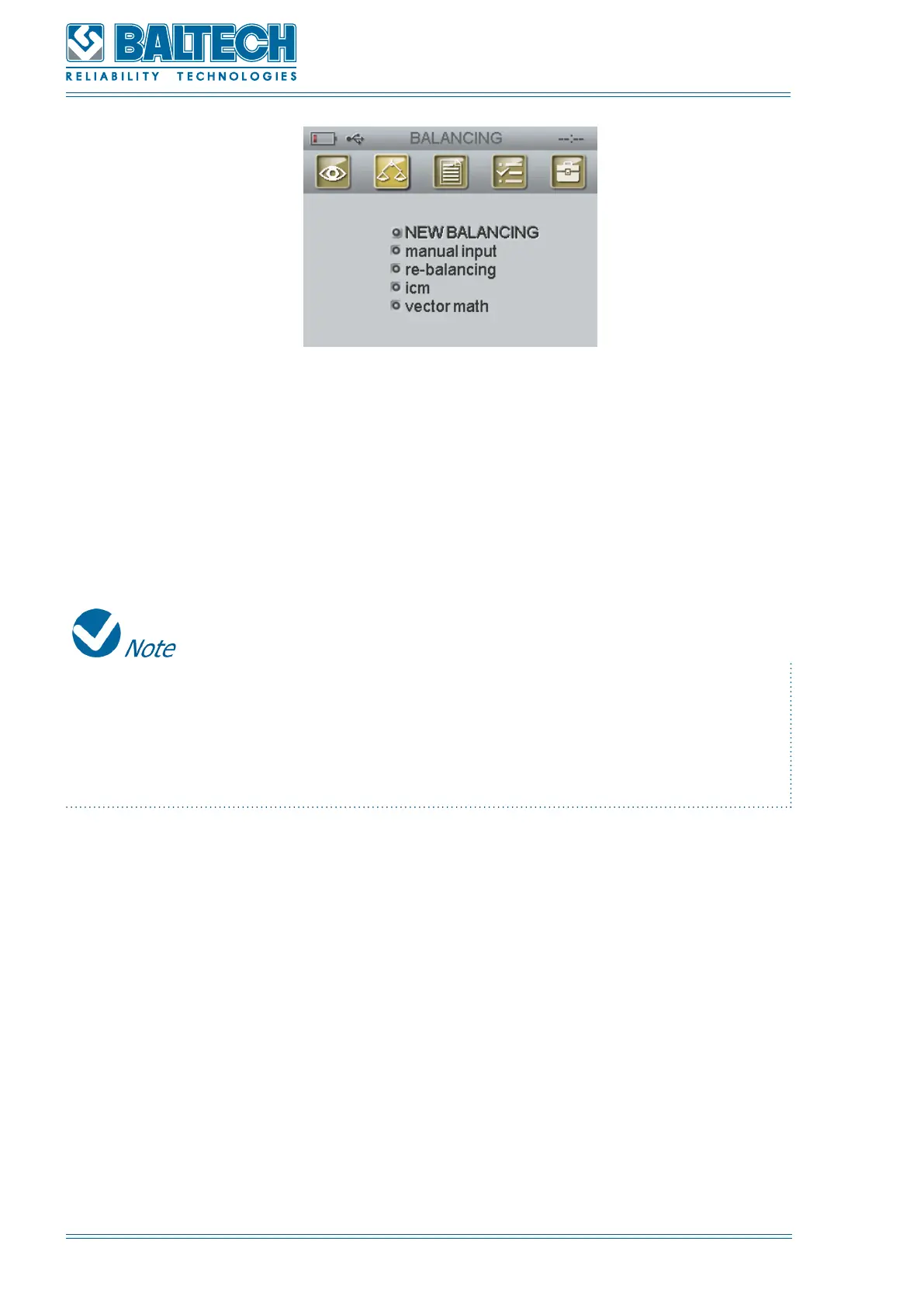
Figure 64. New balancing settings
Set the number of planes (from 1 to 4), number of measure points (from 1 to 16),
method (general or angles), number of angles (from 3 to 360; this parameter is
available for the angle method), angle direction (towards/ against the direction of
rotation), trial weight (removal or adding) (Figure 63).
If the angle method is selected, set the number of angles (from 3 to 360). The
number of angles corresponds to the number of available installation places of the
correction weights. To calculate the installation angle divide 360° by the number
of planes.
3. Perform the phase measurement. Press Enter to move to PEAK AND PHASE
function (Figure 57).
4. Press Enter to move to INITIAL RUN window (Figure 64).
Set the channel for each point.



 To Next Page