BALTECH VP-3470
Operation manual
Measurements 63
2. Perform the measurement
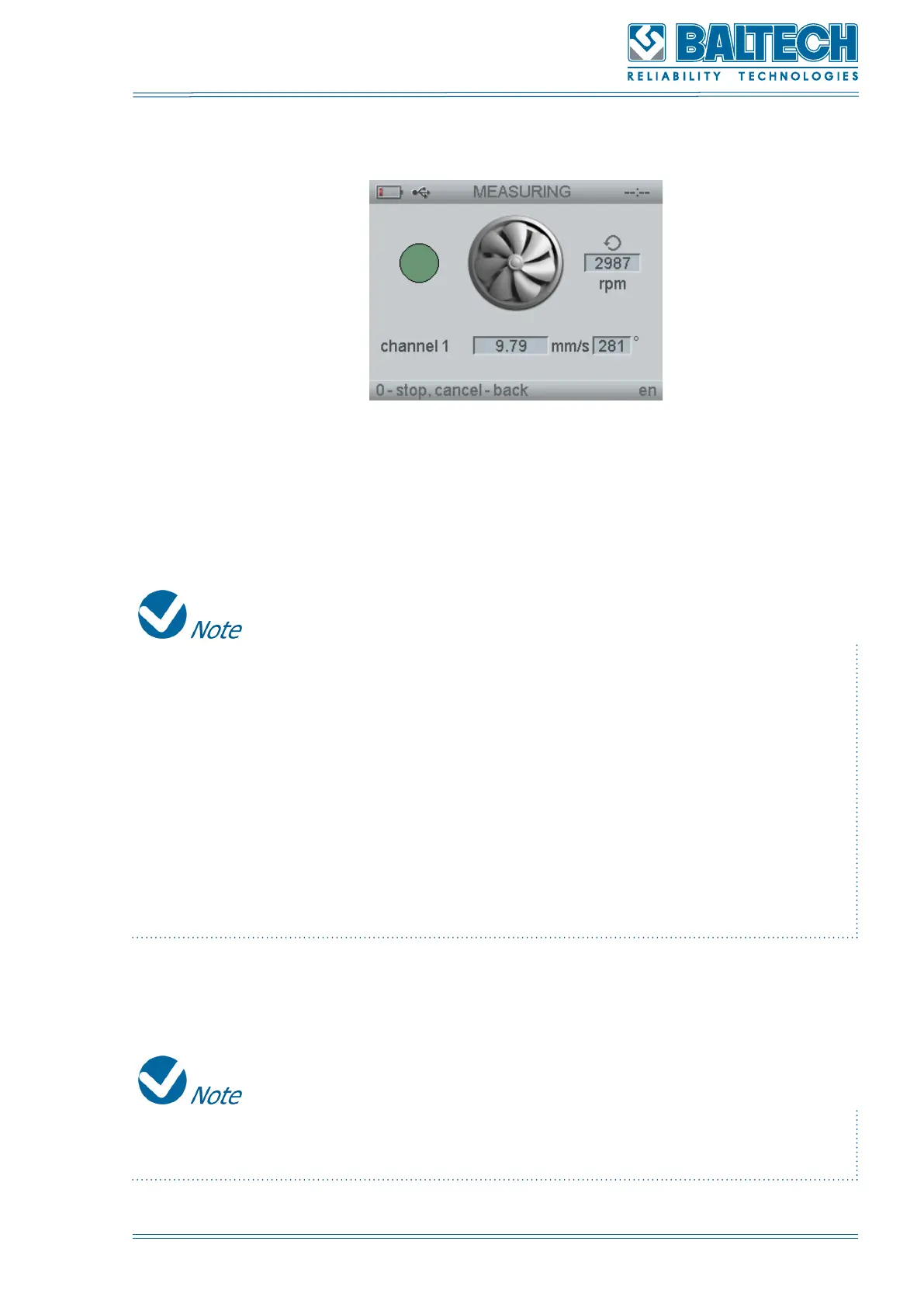
Figure 59. Peak and phase
If the mode “Strobo” is selected the rotation speed and phase should be entered
manually.
The color of the light indicator changes depending on the stability of the phase
and rotation speed values.
• Blue: the rotation speed values are not stable;
• Red: no signal from the vibration sensor or tachometer (phase measurement is
not available);
• Orange: the phase readings are not stable, fluctuation more than ±15°;
• Yellow: instantaneous values of the phase vary not more than ±15°;
• Green: the phase readings are stable, deviation is not more than ±7,5°.
3. Press 0, then press Enter to save the measurement results.
If you press 0 again the phase will be measured again. In the mode Strobo the
button 0 is not active. Instead press Cancel.



 To Next Page