EasyManua.ls Logo

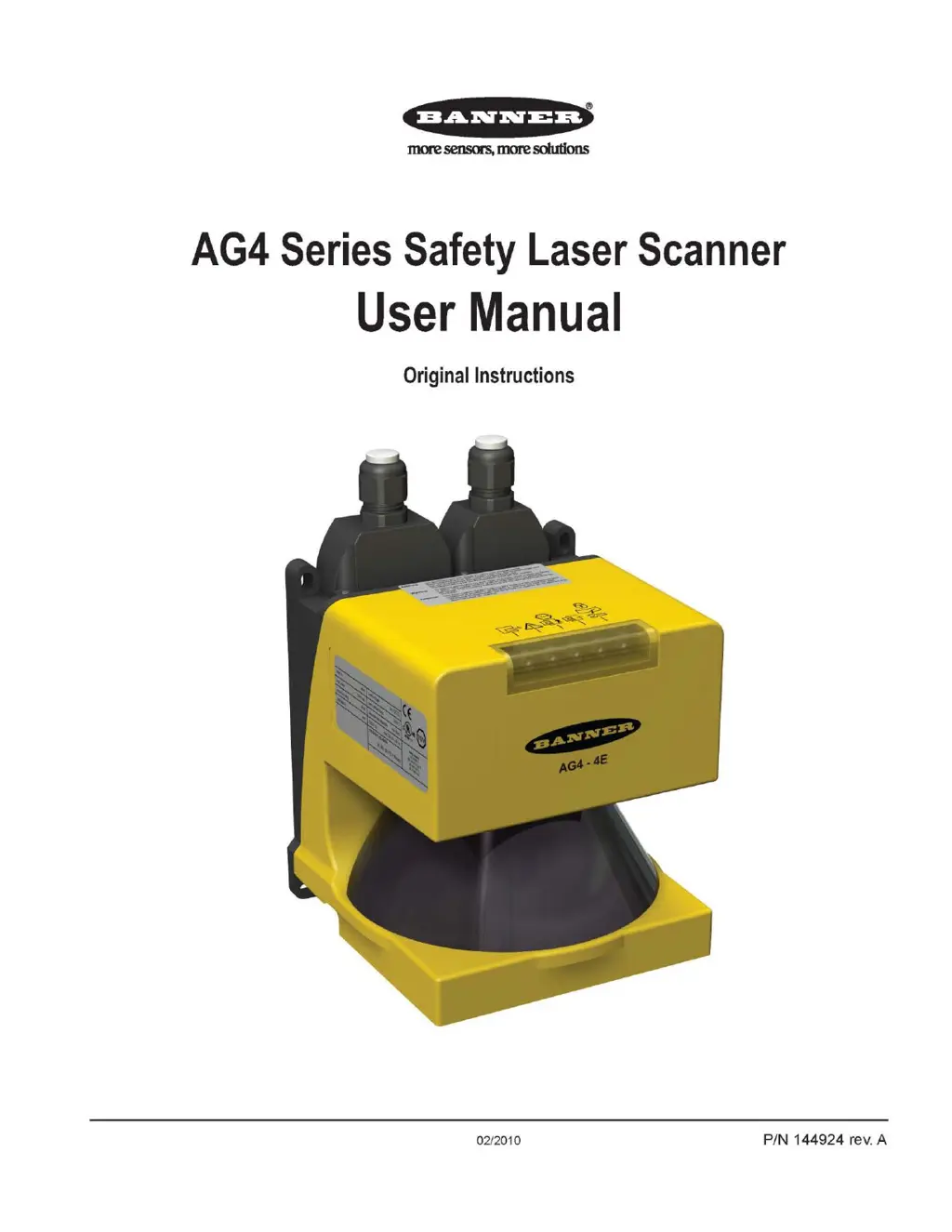
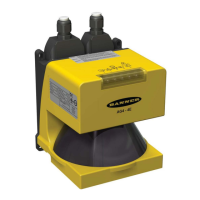
Banner AG4 Series - User Manual

Banner AG4 Series
94 pages
Print Icon
To Next Page IconTo Next Page
Loading...
•=65§
1
§
1
3
1
'
more
seru;ors,
more
solutions
AG4
Series
Safety
Laser
Scanner
User
Manual
Original
Instructions
02/2010 P/N 144924 rev. A
Buy: www.ValinOnline.com | Phone 844-385-3099 | Email: CustomerService@valin.com

Table of Contents

Other manuals for Banner AG4 Series

Questions and Answers

  • M
    Michelle DavisAug 13, 2025
    What to do if motion monitoring has detected a fault in Banner Scanner?
    • B
      Bernard JohnsonAug 13, 2025
      If the Banner Scanner's motion monitoring has detected a fault, check the vehicle's speed and travel direction. Also, check the control system's Field Pair switchover.
  • R
    Robin WilliamsAug 16, 2025
    How to recover from a lockout condition on Banner AG4 Scanner?
    • V
      Victoria JensenAug 16, 2025
      To recover from a Lockout condition of your Banner Scanner, ensure all errors are corrected and then perform a reset routine. Alternatively, you can cycle the power.
  • T
    Tanner AndersonAug 20, 2025
    What to do if there are errors on the Field Pair control inputs of Banner Scanner?
    • A
      Andrew HarrisAug 20, 2025
      If the Banner Scanner experiences errors on the Field Pair control inputs, check the Field Pair switchover, switchover sequences, and switchover times. Ensure that at least one Field Pair is always active.
  • S
    Sherry AlexanderAug 25, 2025
    What to do if ConfigPlug configuration is not compatible with Banner Scanner?
    • A
      Alisha OrtizAug 25, 2025
      If the ConfigPlug configuration is not compatible with your Banner Scanner, replace the Scanner. Ensure the Scanner type corresponds with the ConfigPlug's configuration.
  • C
    castillojaniceAug 28, 2025
    How to fix invalid diagnostics command on Banner AG4?
    • M
      Marcus MartinAug 28, 2025
      If you are receiving an invalid diagnostics command on your Banner Scanner, it may be because the software is not compatible with the firmware. Use a newer version of the configuration and diagnostics software.
  • S
    Stephen McbrideAug 31, 2025
    What happens when reference measurement failed on Banner AG4 Scanner due to glare?
    • A
      amyjonesAug 31, 2025
      If the reference measurement failed on your Banner Scanner due to glare or a rotation speed error, the Scanner will perform a reset.
  • A
    Alexander SpearsSep 4, 2025
    What to do if Banner AG4 shows device fault?
    • H
      Henry YangSep 4, 2025
      If your Banner Scanner displays a device fault, clean the front screen and then restart the Scanner.
  • V
    Vincent PowellSep 7, 2025
    What does it mean if LED #5 is flashing on Banner Scanner?
    • A
      angela37Sep 7, 2025
      If LED #5 (YELLOW) is flashing at a 4Hz rate on your Banner Scanner, diagnostic information is available via the AG4Soft program.

Banner AG4 Series Specifications

General IconGeneral
BrandBanner
ModelAG4 Series
CategoryScanner
LanguageEnglish

Related product manuals