10. Removal and installation of the projector covers
10.1 Removal of the lamp cover
Necessary tools
Flat screwdriver
How to remove
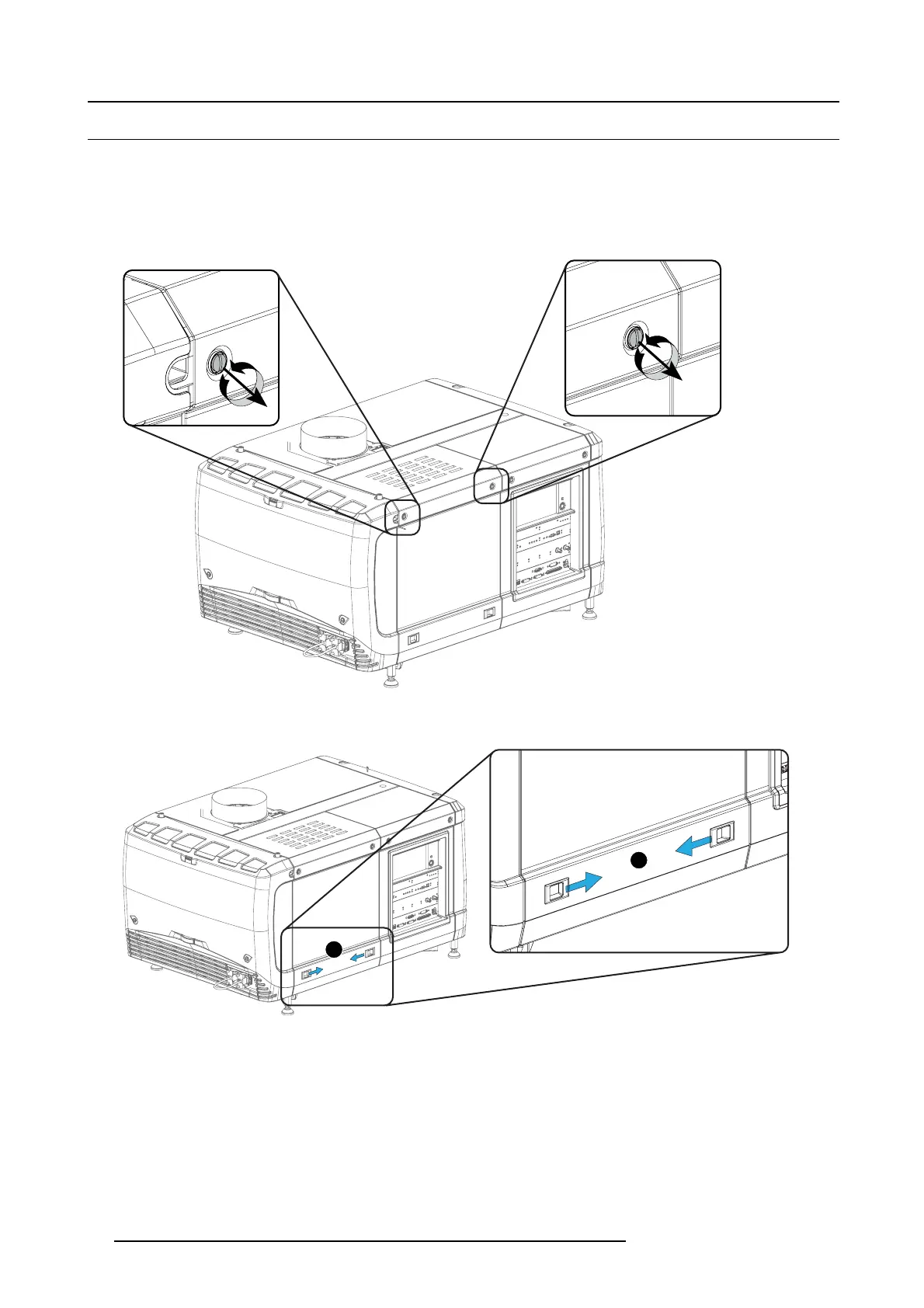
1. R elease both captive screw s on top of the lamp cover.
Image 10-2
Lamp cover, fasting screws
2. Push both lock to each other to release the locks and pull at the same time the bottom side of the cover away form the projector.
1
1
Image 10-3
Lamp cover, locks
3. Take off the cover.
94
R59770491 DP2K-32B 30/04/2010



 To Next Page