10. Removal and installation of the projector covers
10.10 Installation of the s ide cover
How to install
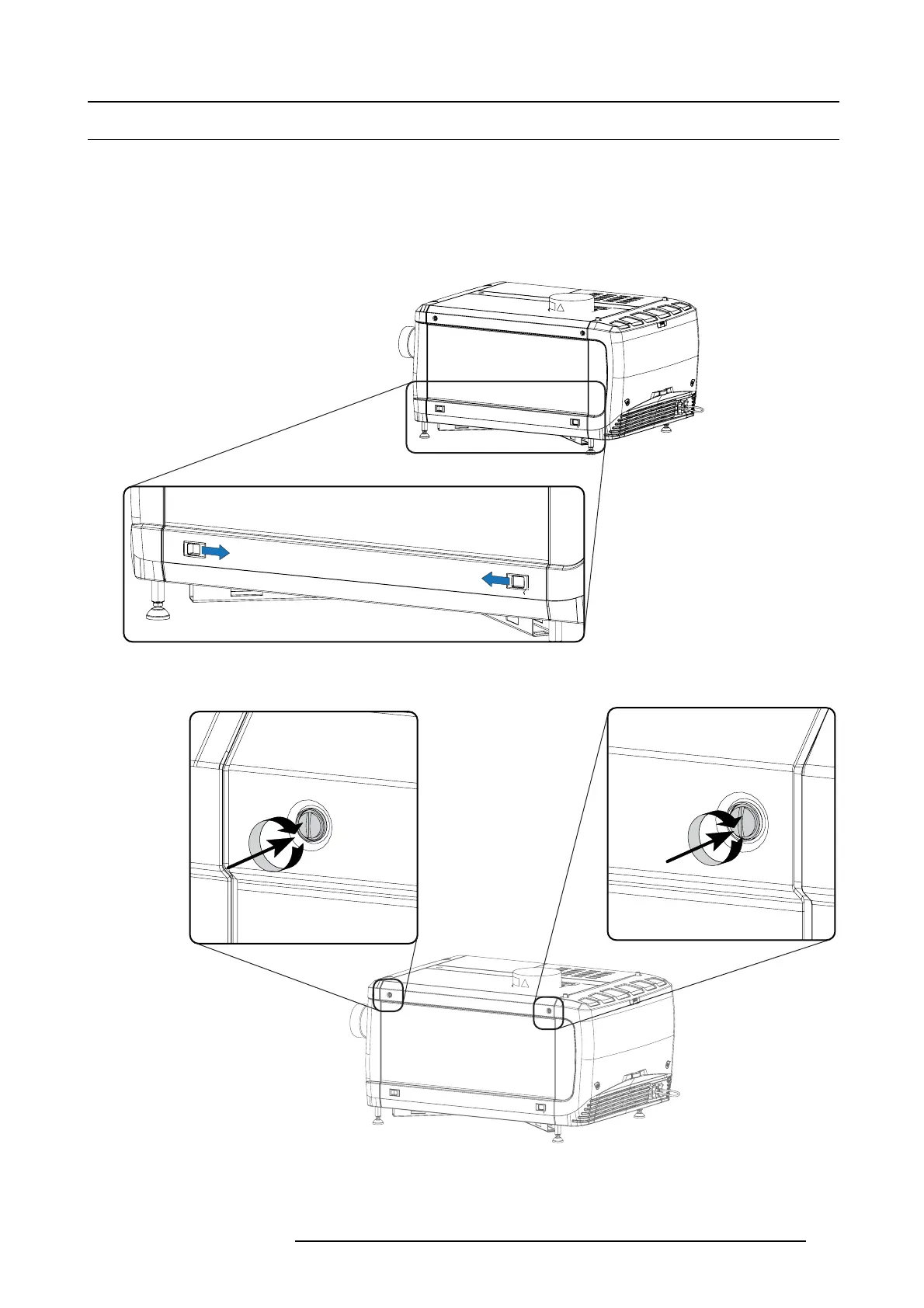
1. Place the top of the side cover on its place.
Close the cover as follow:
a) G ently move the bottom side of the cover towards the projector
b) P ush both lock to each other and pus h at the same time the c over against the projector frame.
c) Release both locks so that they lock in their rec eivers.
Image 10-20
2. Secure the co ve r by fasting bot h cap tive scr ew s.
Image 10-21
Lock side cover
R59770491 DP2K-32B 30/04/2010 109



 To Next Page