10. Removal and installation of the projector covers
10.3 Removal of the input cover
Necessary tools
Flat screwdriver
How to remove
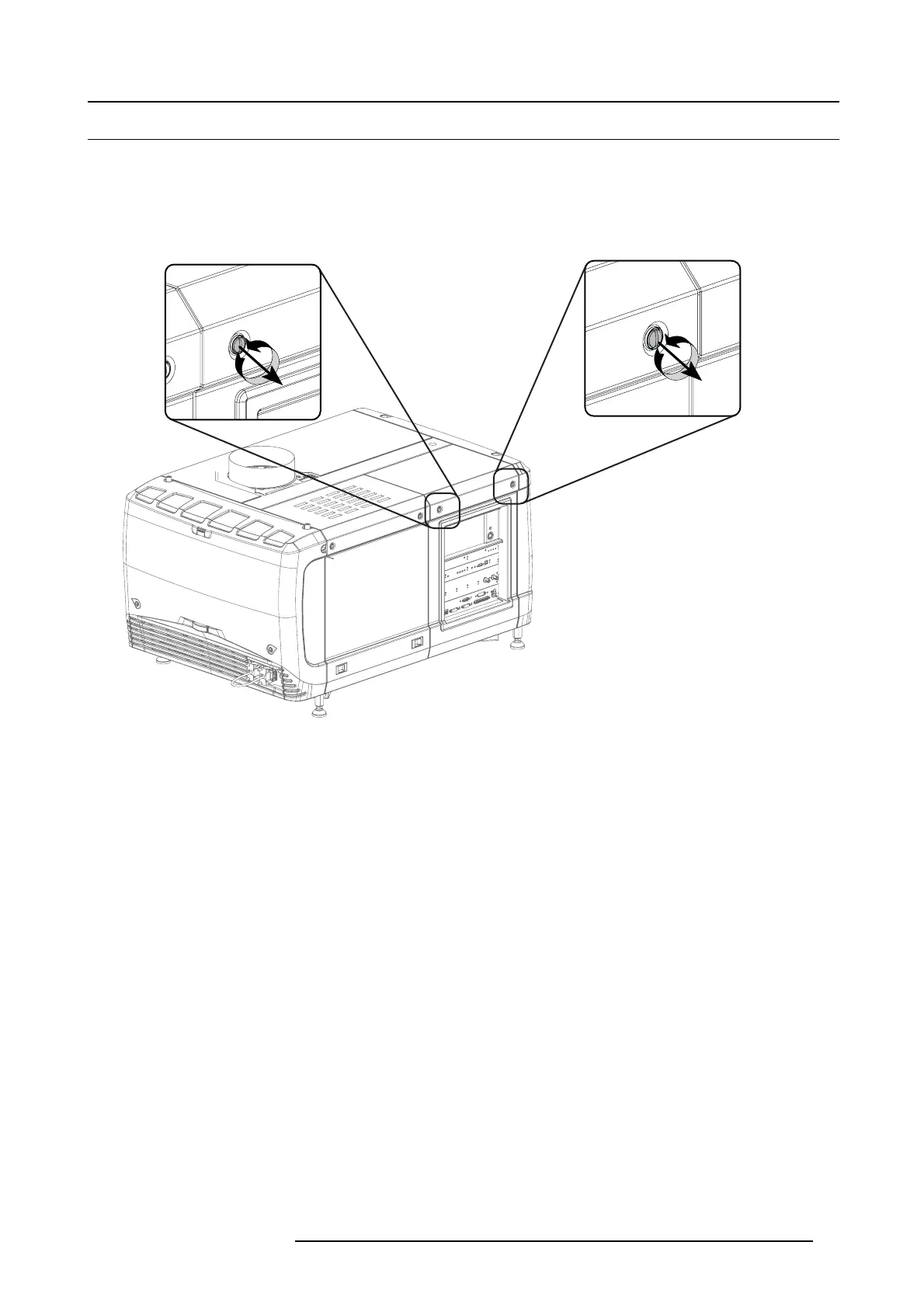
1. R elease both captive screws at the top of the input cover using a flat screw driver.
Image 10-6
Input cover, fixation
2. R emove the input cover as follow:
a) P ull the bo ttom side of the c over to you until the cover is unlocked.
b) S lide the full cover away from the projector
.
R59770491 DP2K-32B 30/04/2010
97



 To Next Page