5. Lenses & lens holder
5.6 Lens shift, zoom & focus
Motorized lens adjustment
The D P2K -32B projector is e quipped with a motorized lens shift functionality and a motorized zoom & focus functionality.
Maximum shift range
The lens can be shifted with respect to the DMD which result in a shifted image on the screen ( Off-Axis). A 100% shift means that
the centre point of the projec ted image is shifted by half the s creen size. In other words , the centre point of the projected image falls
together with the outline of the image in an O n-Axis projection. Du e to mechanica l an optical limitations the shift range is limited as
well.
All DP 2K lenses have a shift range of 50% up /down and 30% left/right. This range is valid for all throw ratios.
How to shift the lens of the DP2K-32B?
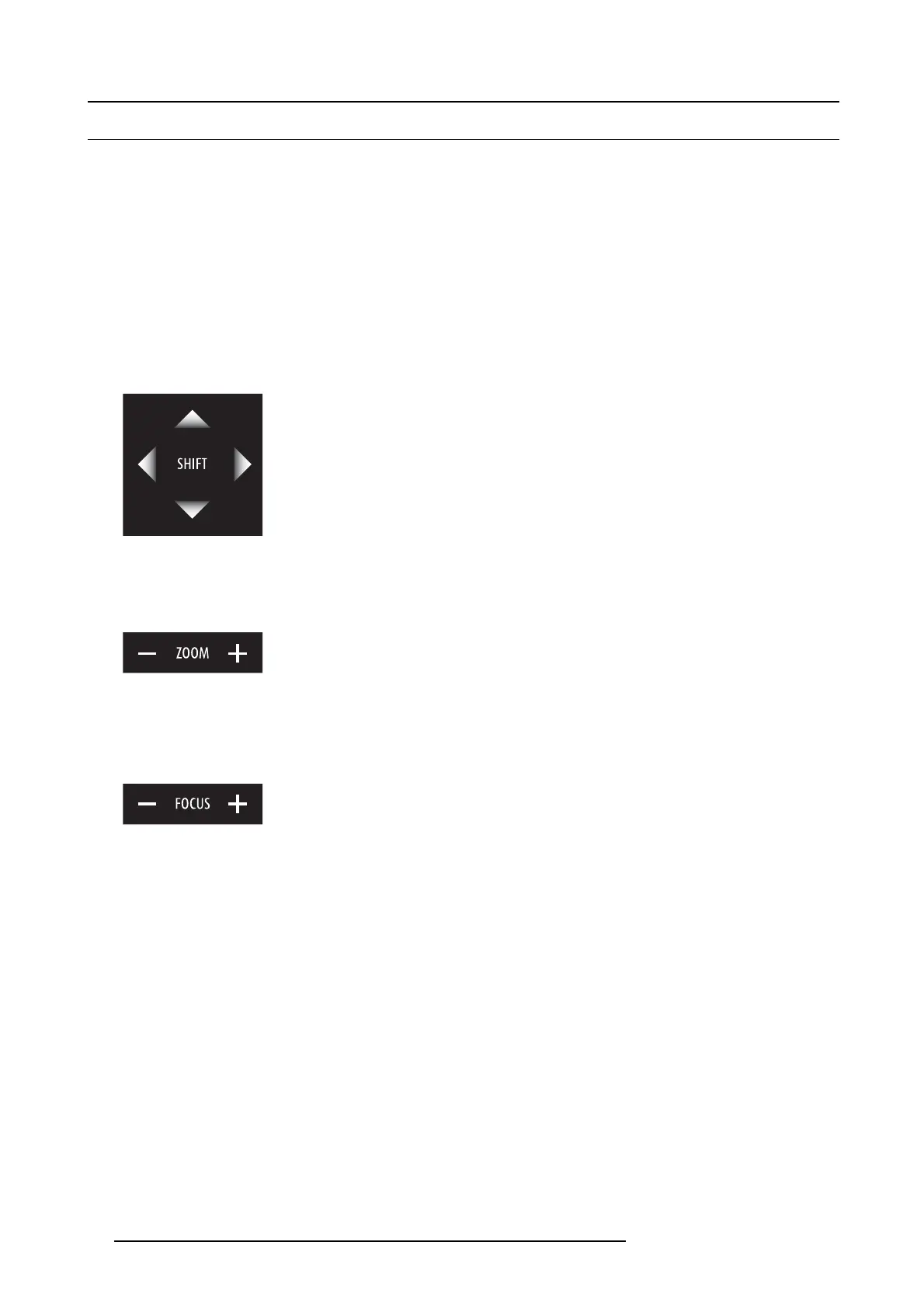
1. U se the up and down arrow k eys on the local keypad to shift the lens vertically and use the left and right ar row k eys on t he
local ke ypad to shift the lens horizontally.
Image 5-12
How to zoom in or out?
1. Is the projector equipped with a motorized zoom & focus?
If yes, use the “+” and “-” z oom keys on the local k eypad to zoom in or out.
Image 5-13
If no, use the zoom barrel on the lens to zoom in or out.
How to focus?
1. Is the projector equipped with a motorized zoom & focus?
If y es, use the “+” and “-” focu s keys on the local keypad to focus the image on the screen.
Image 5-14
If no, use the focus barrel on the lens to focus the im age o n the screen.
58
R59770491 DP2K-32B 30/04/2010



 To Next Page