10. Removal and installation of the projector covers
10.7 Installation of the input cover
Necessary tools
Flat screwdriver
How to install
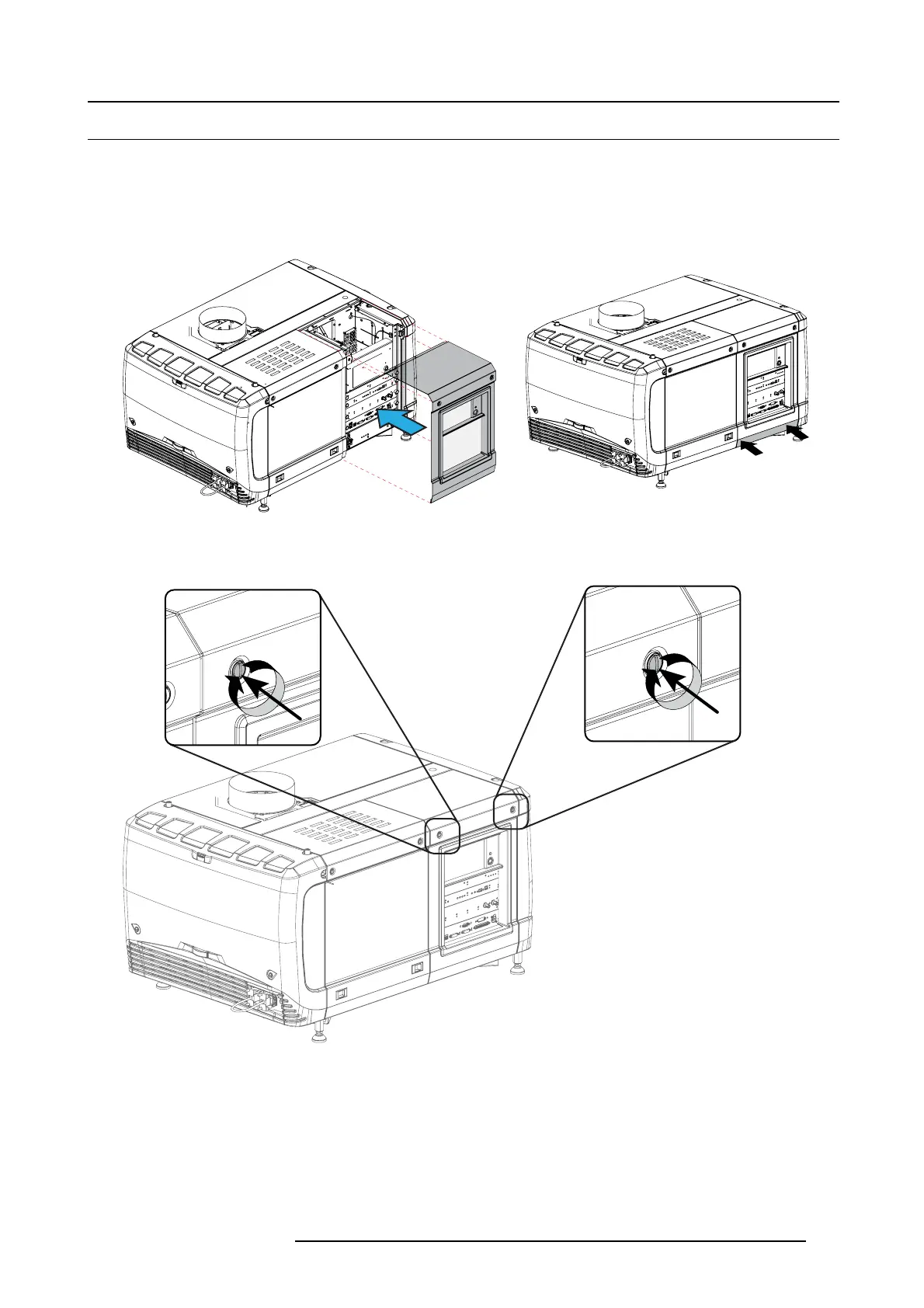
1. Place the top side of the cover on its place.
Image 10-15
Mount input cover
2. Gently mo ve the bottom side of the cover towards the projector and push the bottom side until the locking studs click in the
receivers.
Image 10-16
Secure input cover
3. Secure the cover by fastening the captive screw.
R59770491 DP2K-32B 30/04/2010
105



 To Next Page