5. Lenses & lens holder
5.2 Lens selection
How to select the right Lens
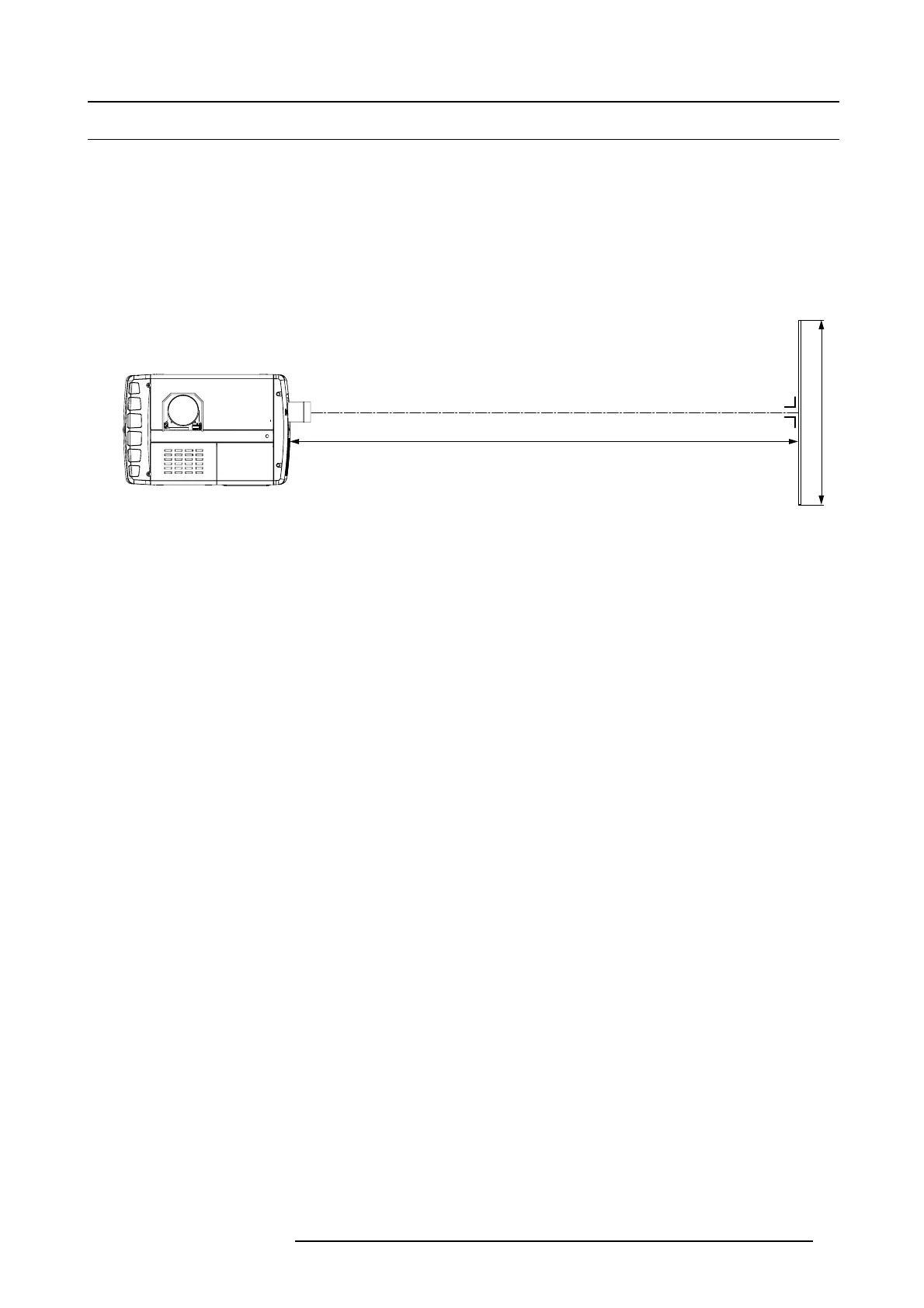
1. D etermine the required screen width (SW).
2. D etermine the position of the projector in the projection room with regard to the screen and m easure the projector-screen distance
PD.
Note: To be precise, PD is the perpendicular distance betw een the front plate of the Lens Holder and the screen.
3. U se the lens formulas (see "Lens formulas", page 54) to find the best c orresponding PD with regard to the meas ured
projector-
screen distance for the required s creen width SW.
Tip: Divide PD by S W to determine the approximate throw ratio. Choos e a Lens, which captures the calculated throw ratio.
Use the lens formula of the chosen Lens to recalculate exactly.
SCREEN
PD
SW
Image 5-6
Projector distance
R59770491 DP2K-32B 30/04/2010 53



 To Next Page