11. Maintenance
11 .2 Remove and clean both bot tom dust filt ers
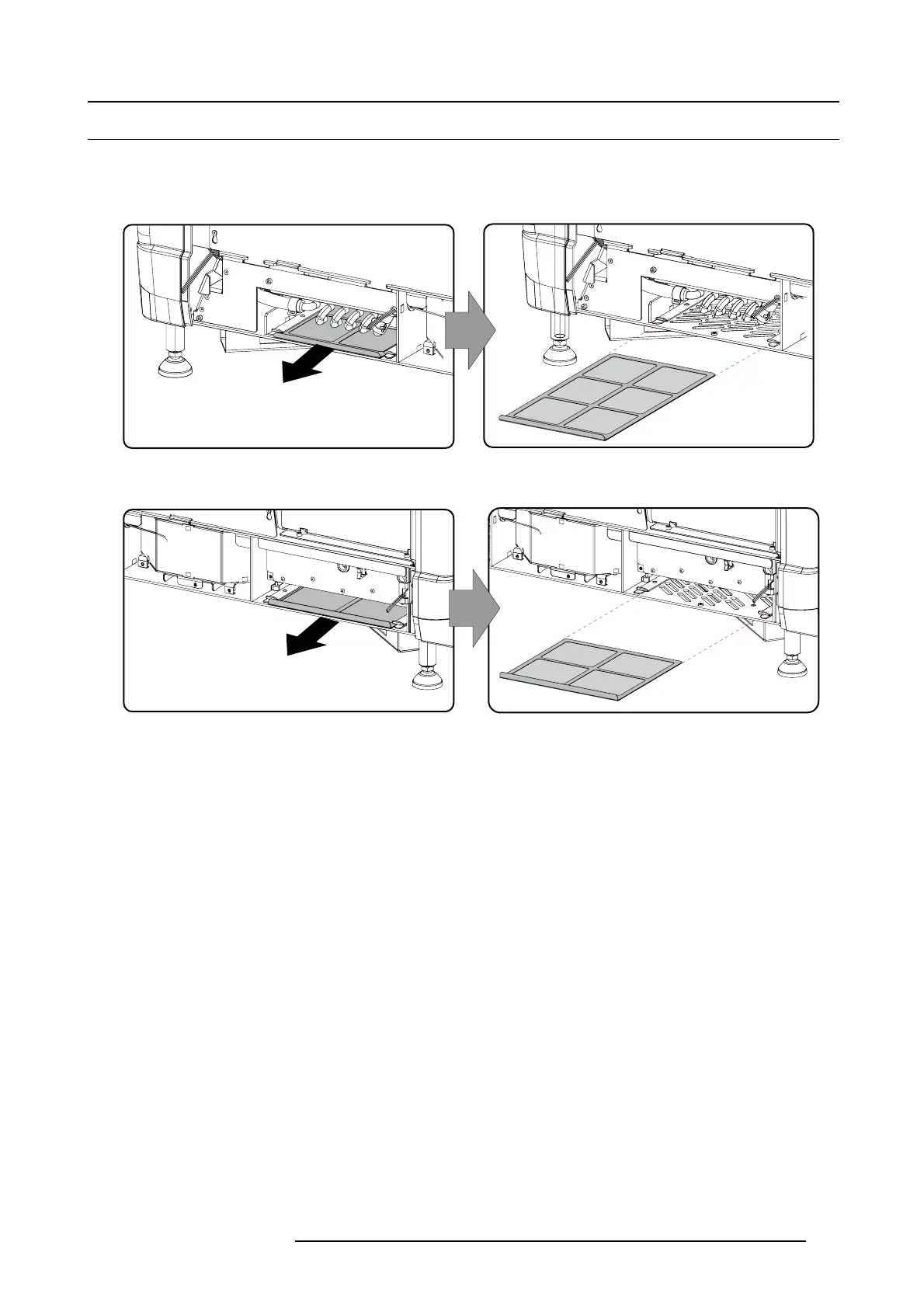
How to remove
1. R emove the side cover.
2. Slide out the bottom front dust filter.
Image 11-3
Bottom front dust filter
3. Slide out the bottom bac k dust filter.
Image 11-4
Bottom back dust fi lter
Clean the dust filter
1. R emove most contamination with a vac uum cleaner.
2. Blow r emaining du st away with compressed air in an other room or outside.
Mount the dust filters
1. Insert the dust filter with the han dle upw ards. Sm all filter at the back, big filter at the front.
2. Push the filters completely in until they click into position.
3. R einstall t he side cover.
R59770491 DP2K-32B 30/04/2010
113



 To Next Page