9. Projector registration
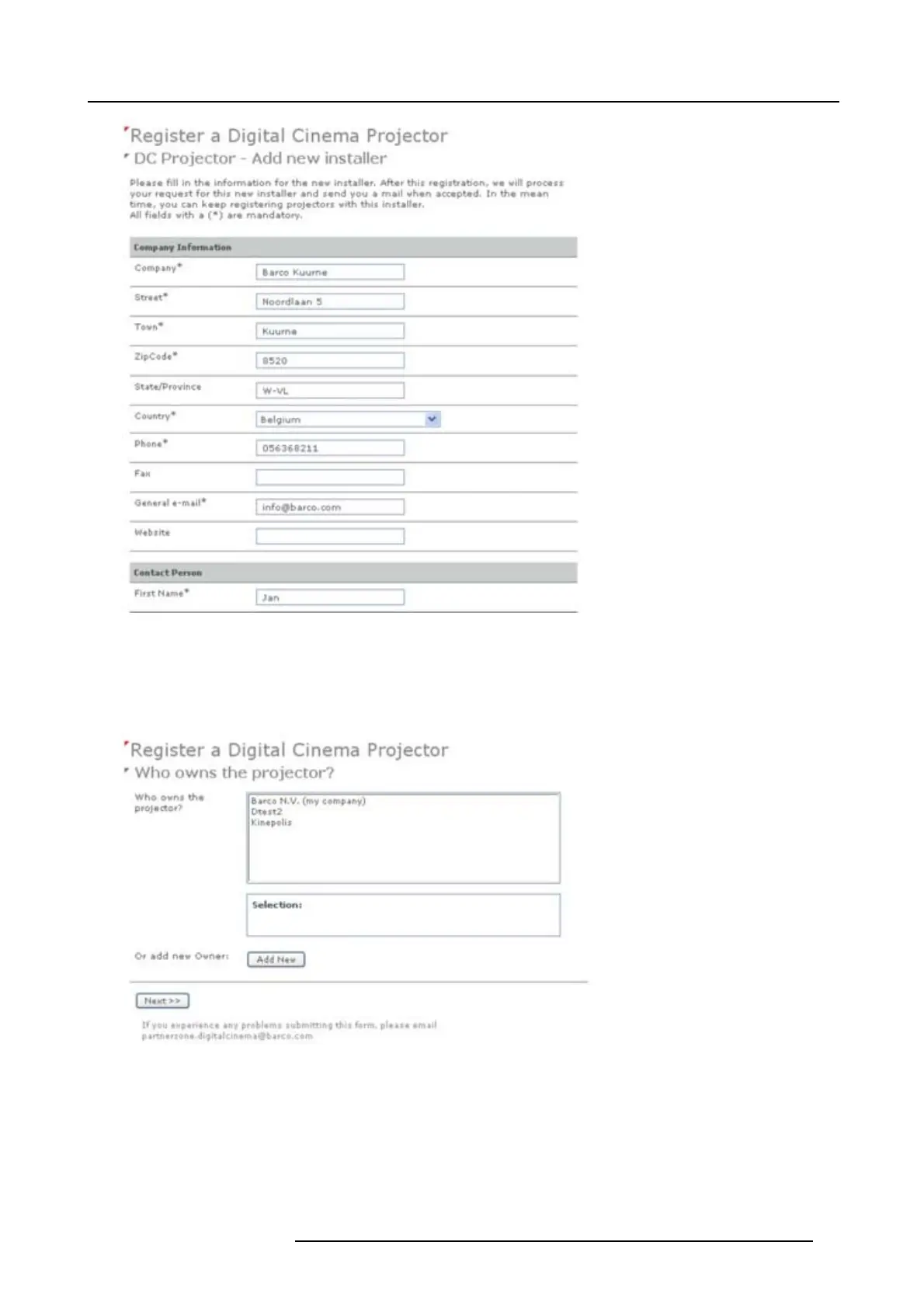
Image 9-7
Add new installer
The new installer is added to the list o f ins tallers and is selected. Click Next >> to continue to next step.
The owner input form appears.
10.If the own er is in the list, select the owner and c lick Next >> to finalize the registration.
If the ow ner is not in the list, click Add new and continue with nex t step.
Image 9-8
Select owner
11.Fill out the Com pany informa tion, Contact person and Suppor t contact. C lick Next >>.
R59770491 DP2K-32B 30/04/2010
89



 To Next Page