BeagleBone Black System
Reference Manual
Page 18 of 108
For an up-to-date list of confirmed working accessories please go to
http://circuitco.com/support/index.php?title=BeagleBone_Black_Accessories
3.4.2 Connecting Up the Board
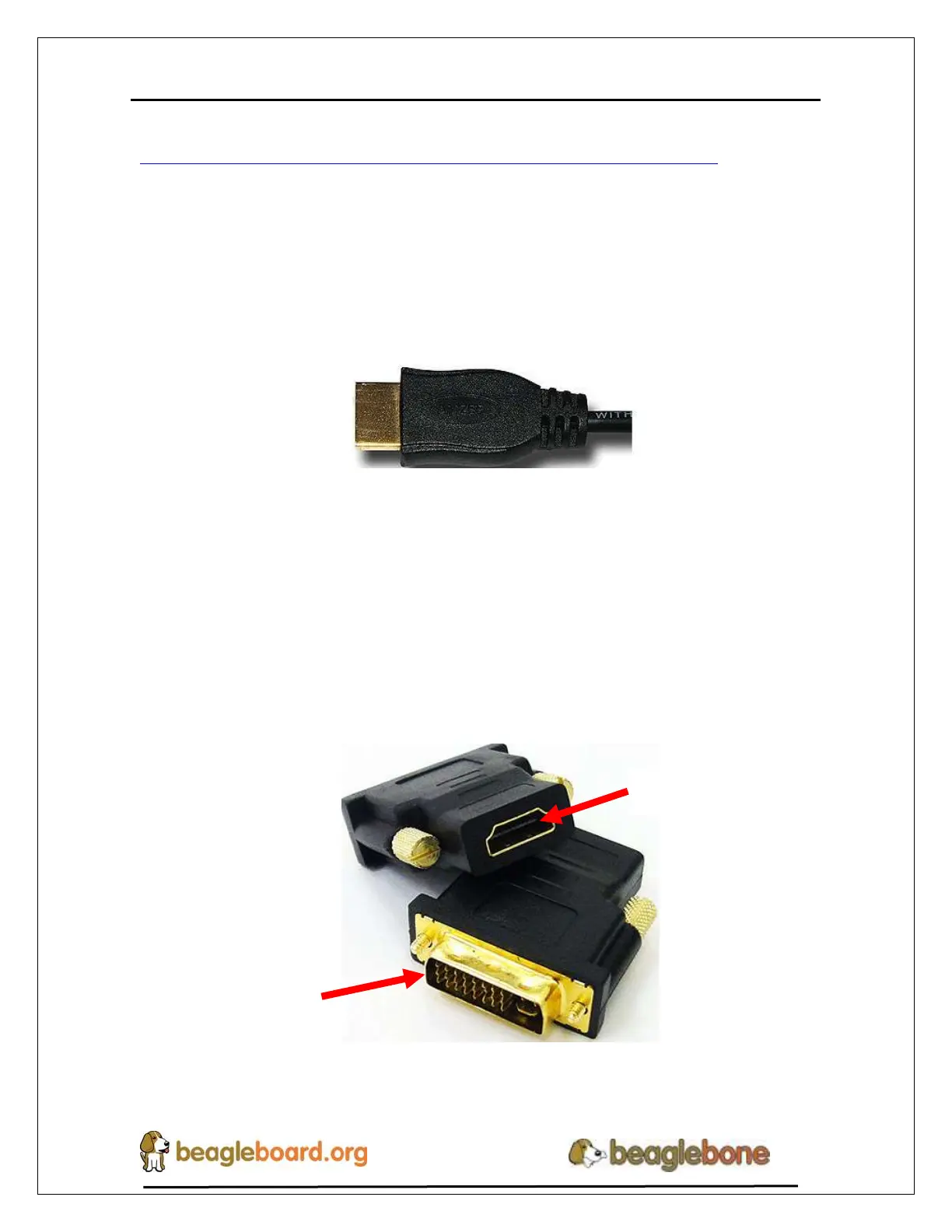
1. Connect the big end of the HDMI cable as shown in Figure 7 to your HDMI
monitor. Refer to your monitor Owner’s Manual for the location of your HDMI
port. If you have a DVI-D Monitor go to Step 3, otherwise proceed to Step 4.
Figure 7. Connect microHDMI Cable to the Monitor
NOTE: Do not plug in the cable to the board until after the
board is powered up.
2. If you have a DVI-D monitor you must use a DVI-D to HDMI adapter in addition
to your HDMI cable. An example is shown in Figure 8 below from two
perspectives.
Figure 8. DVI-D to HDMI Adapter


 To Next Page