BeagleBone Black System
Reference Manual
Page 20 of 108
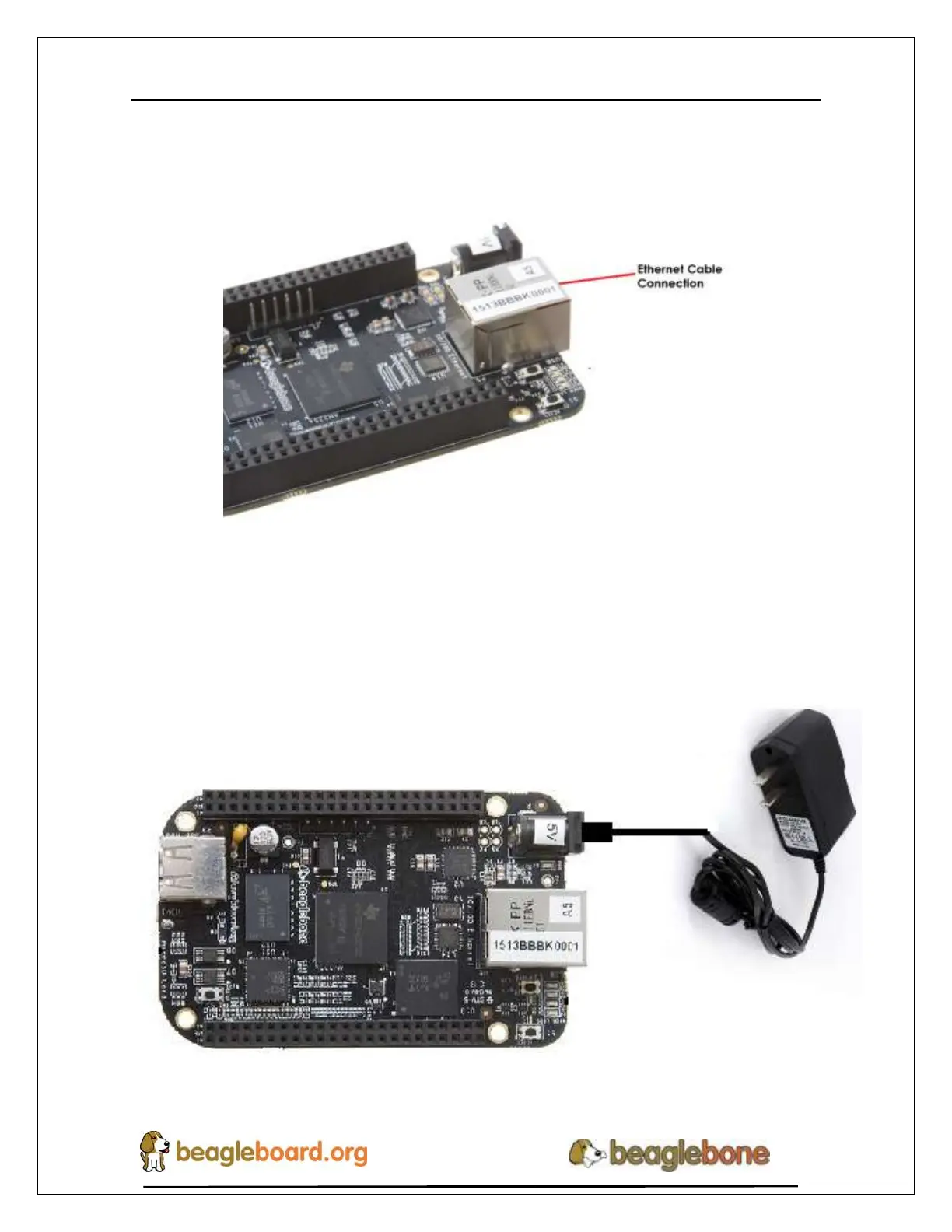
If you decide you want to connect to your local area network, an Ethernet cable can be
used. Connect the Ethernet Cable to the Ethernet port as shown in Figure 12. Any
standard 100M Ethernet cable should work.
Figure 12. Ethernet Cable Connection
5. Apply Power
The final step is to plug in the DC power supply to the DC power jack as shown in
Figure 13 below.
Figure 13. External DC Power


 To Next Page