PN A51387AB
3-19
Installing and Calibrating an Aperture Tube
Verifying the Calibration
3
the operator to verify the calibration at regular intervals using the Aperture Calibration Options
window (page 3-11).
To verify aperture calibration:
1. Select
Calibration > Verify Aperture Calibration on the Main Menu bar.
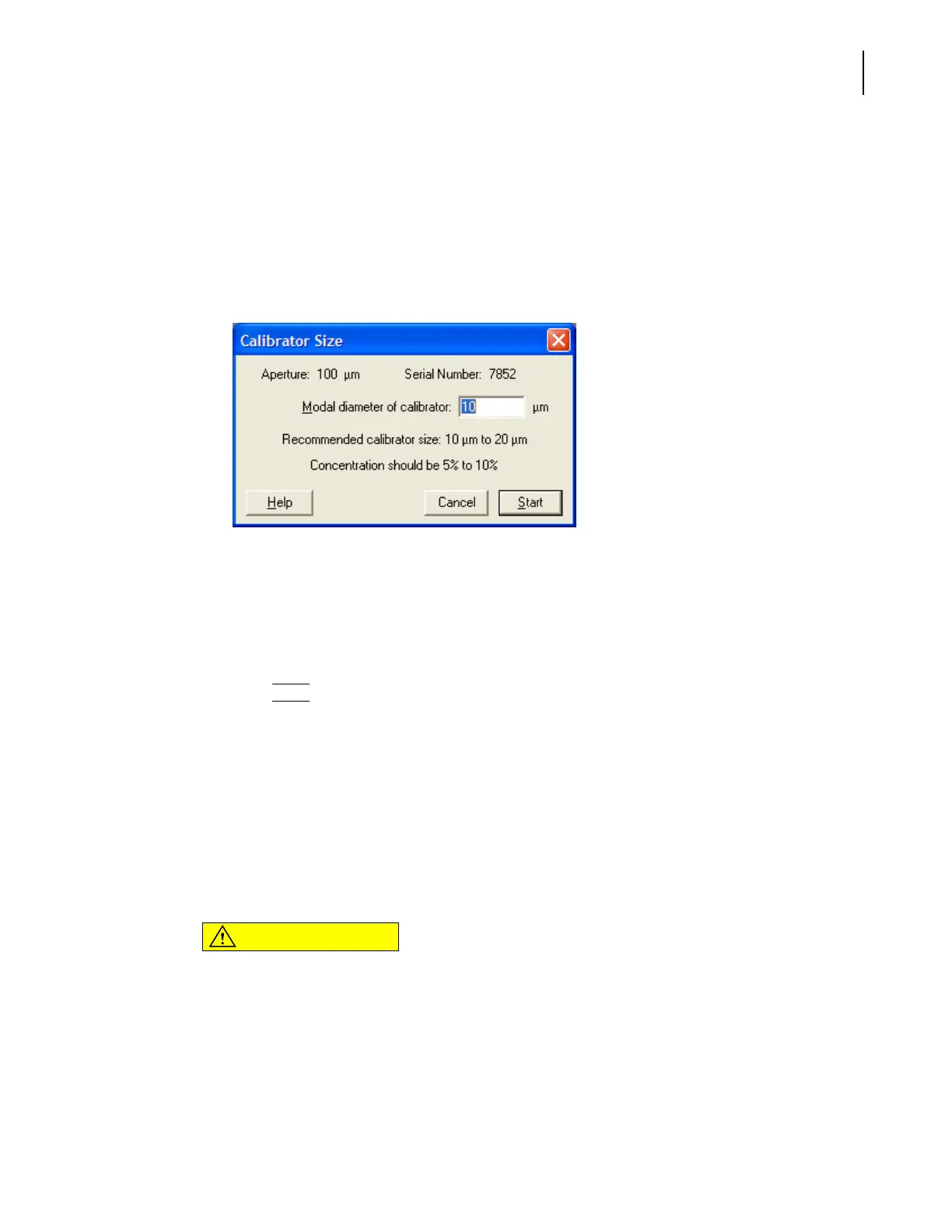
2. In the Calibration Size window, enter the Modal diameter of calibrator in the field. This value
appears on the assay sheet supplied with the calibrator.
To select the appropriate calibrator for your aperture tube size, see Choosing the Calibrator Size,
page 3-10.
NOTE
The recommended calibrator size range is 10% to 20% of the aperture diameter; however, the
software allows entries from 3% to 50% of the aperture diameter.
3. Click
(
Start
)
.
4. On the Status Panel, verify that the Concentration index bar shows a value as close as possible
to 10%.
NOTE
Start with a low concentration and build up to 10%. It may be difficult to clean a high
concentration of calibrator beads from the system.
If the concentration of calibrator beads is greater than 10%, the Concentration index bar will
display High. If the concentration is too low, calibration time will increase. In either case, stop
the calibration, adjust the calibrator concentration, and recalibrate the aperture.
CAUTION
If you are using a polystyrene nano-particle calibrator, keep the concentration
level below 2%.



 To Next Page