74
\
\
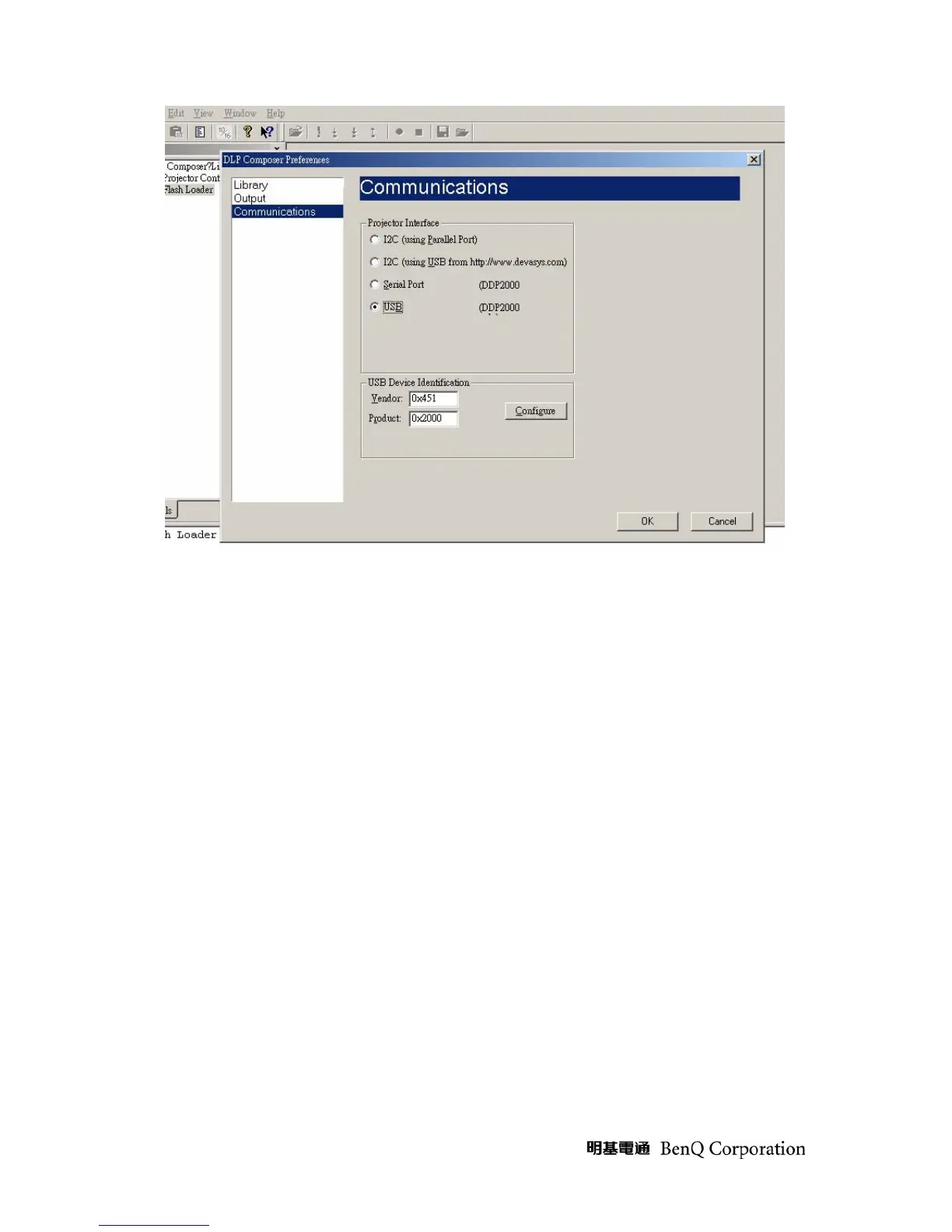
Download procedure
1 Click on Flash Loader and browse the image file (new version firmware)
2 Make sure to check “Skip Boot loader area (load all but the first 16KB)”
3 Plug power cord into projector
4 Press “UP+SOURCE+AUTO” simultaneously on keypad, the projector LAMP LED would lite
on
5 Plug in USB cable between computer and projector side
6 Press start download to begin update new firmware



 To Next Page