38
Local Keyboard Description (Detailed description refer to SW Specification)
Key Name Detailed Description
Power Use this button to turn your Data Projector on and off (standby mode).
Source
To select input sources as Computer, Video, S-Video, YpbPr
Auto Toggle auto-tracking image function
Blank/Q? Press “Blank” key first to blank the screen;Press key for 3 seconds, Q function
will start
Mode Change Different presentation mode
Right (1) Move next page (2) OSD increment & move next sub-item (3) Keystone+.
Left (1) Move previous page (2) OSD decrement & move previous sub-item (3)
Keystone-.
Up (1) Move item bar. (2) Move to page level
Down (1) Move item bar (2) Menu
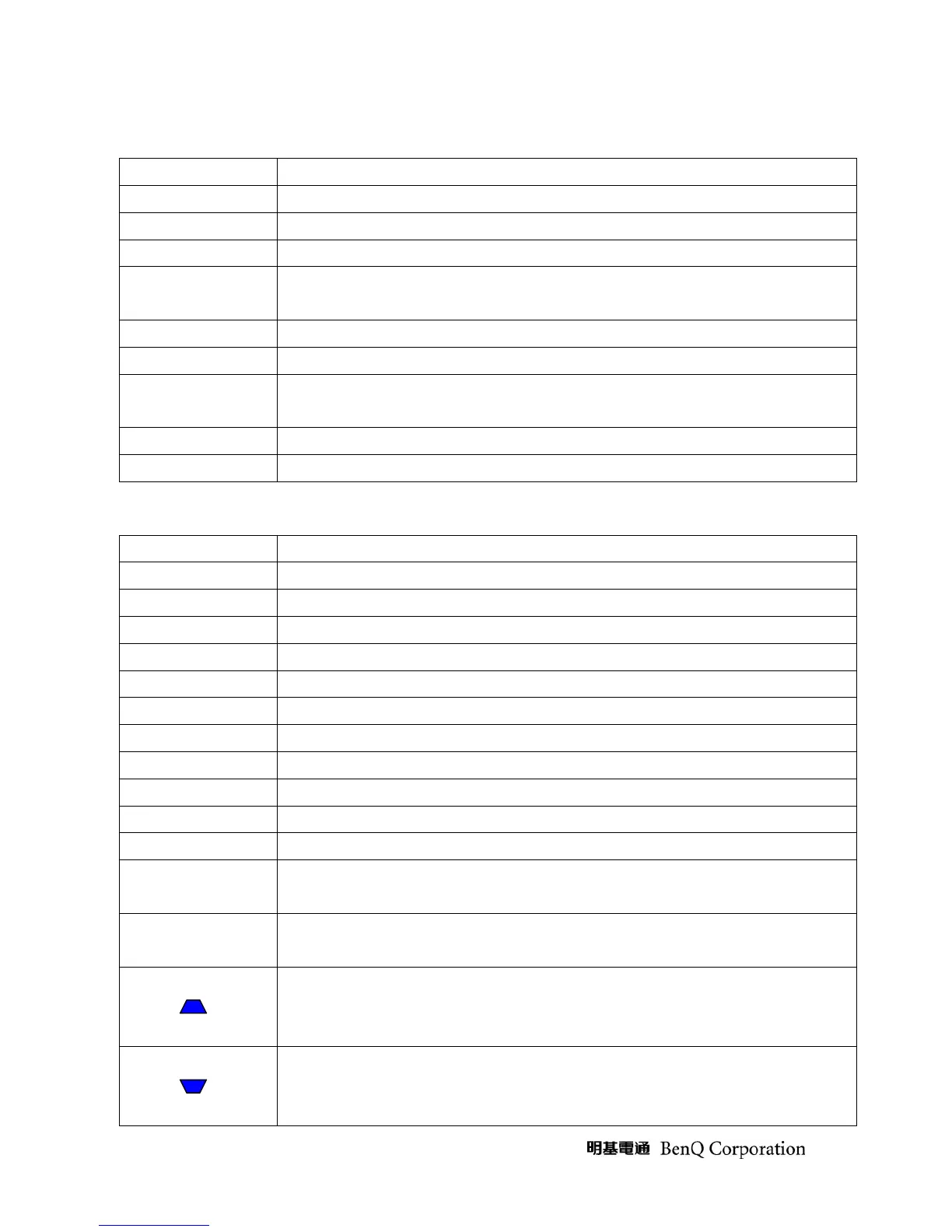
Remote Control Keys Description (Detailed description refer to SW Specification)
IR-Key Name Detailed Description
Power Use this button to turn your Data Projector on and off (standby mode).
Source To select input sources as Computer, YPbPr , Video, S-Video
Menu (1) OSD pop-up. (2) Move next item
4
(1) Move next page (2) OSD increment & move next sub-item.
3
(1) Move previous page (2) OSD decrement & move previous sub-item.
5
(1) Close OSD. (2) Move to page level
6
(1) Move item bar
Auto Toggle auto-tracking image function
Mode Change different Preset mode
Freeze This button will freeze a picture. Press again to resume motion.
Blank Press “Blank” key first to blank the screen.
Q? Displays and closes the “Question?”, which shows basic solutions if a problem
occurs.
Timer Call out the “Presentation Timer” setup OSD and user can set timer to remind
presenter.
Keystone+
Keystone-



 To Next Page