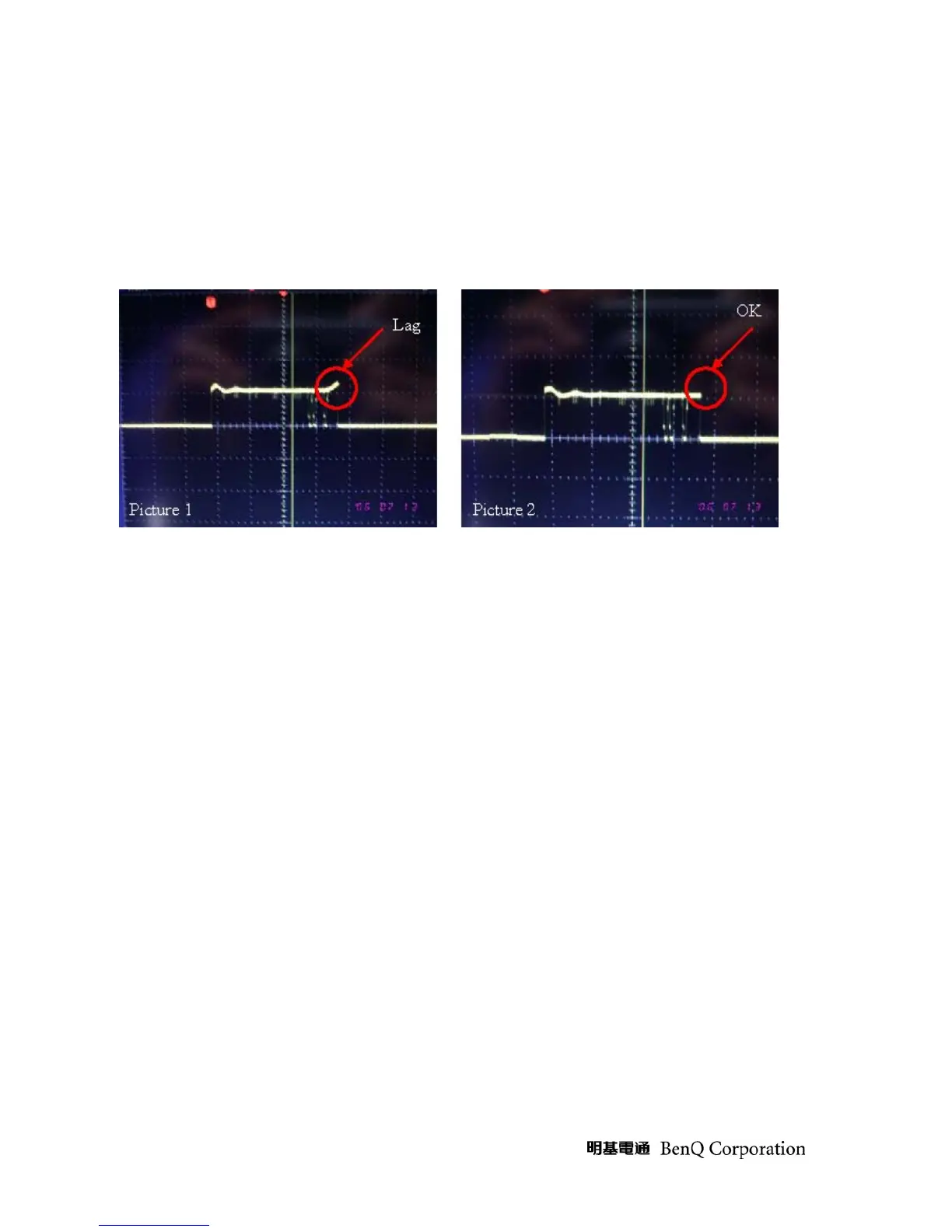
77
2 Open Factory OSD, and select color wheel delay item
3 Leave the image pure blue (DMD blue curtain)
4 Put the detector on the screen that blue image was projected.
5 Watch the oscilloscope and notice the square waveform
6 Use the “ ” and “ ” key to increment or decrement the color wheel delay value
7 No matter the waveform is square or not, let the waveform was lagged first.(see picture 1)
8 Then increment or decrement the value to let the waveform just to be square.(see picture 2)
3.sRGB Mode alignment procedure,Overfill adjustment And Burn-In setting



 To Next Page