7 Main Menu Device Setup LB 470 Level
56925BA2 Rev. 03, 11/2017
Assign / change password
To set or change a password, select "Standard" (Fig. 42, item 4) and click on
<Change password> (Fig. 42, item 2) to open the input field.
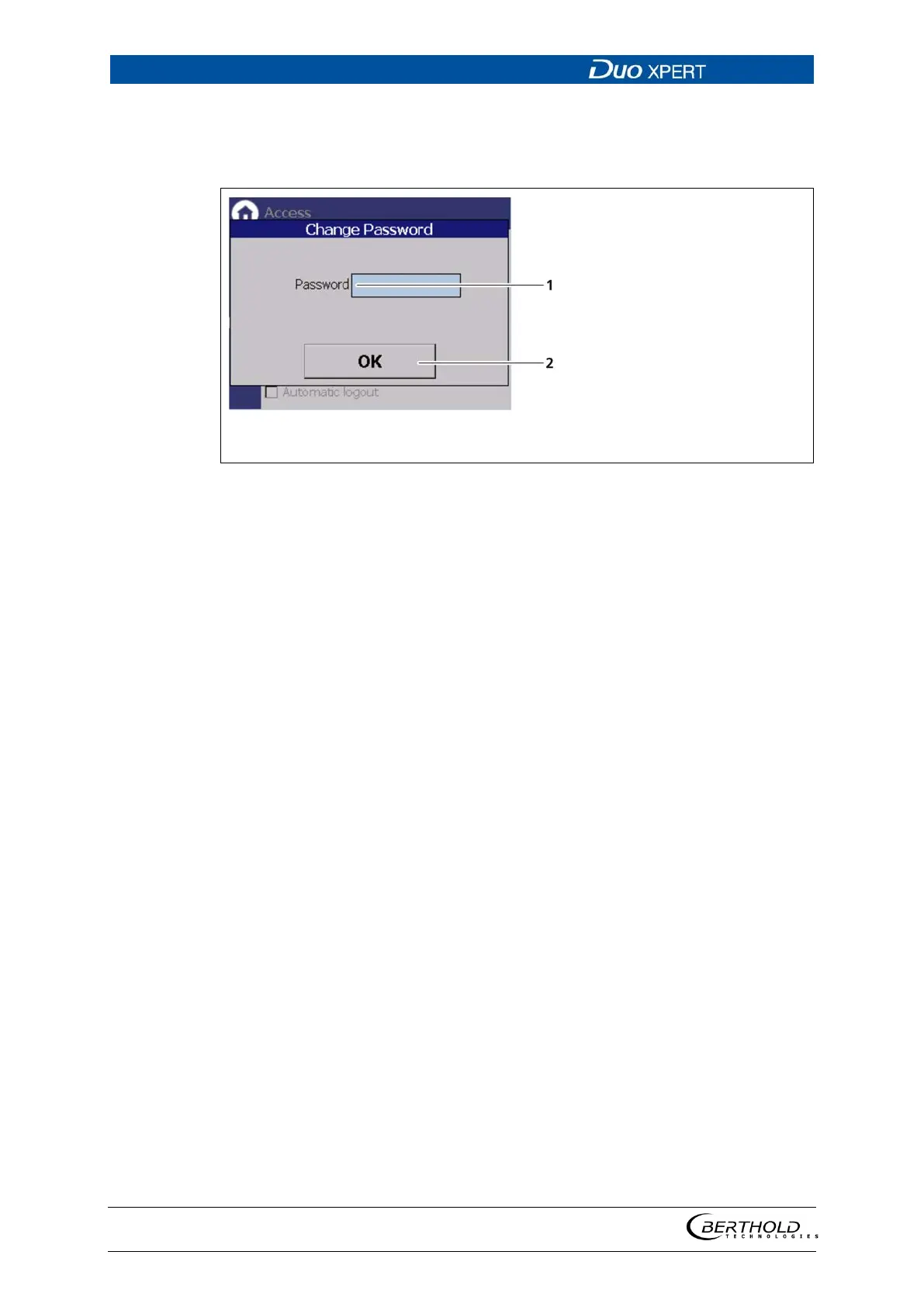
43 Change password
1. Click on the text field (Fig. 43, item 1.) to open the input field.
2. Enter a password (case-sensitive!).
3. Confirm with the Enter key.
4. Click <OK> (Fig. 43, item 2) to confirm.
The password has been set / changed.



 To Next Page