KT (E6.1) 07/2015 Page 24/138
08.03.2013 05:05:06
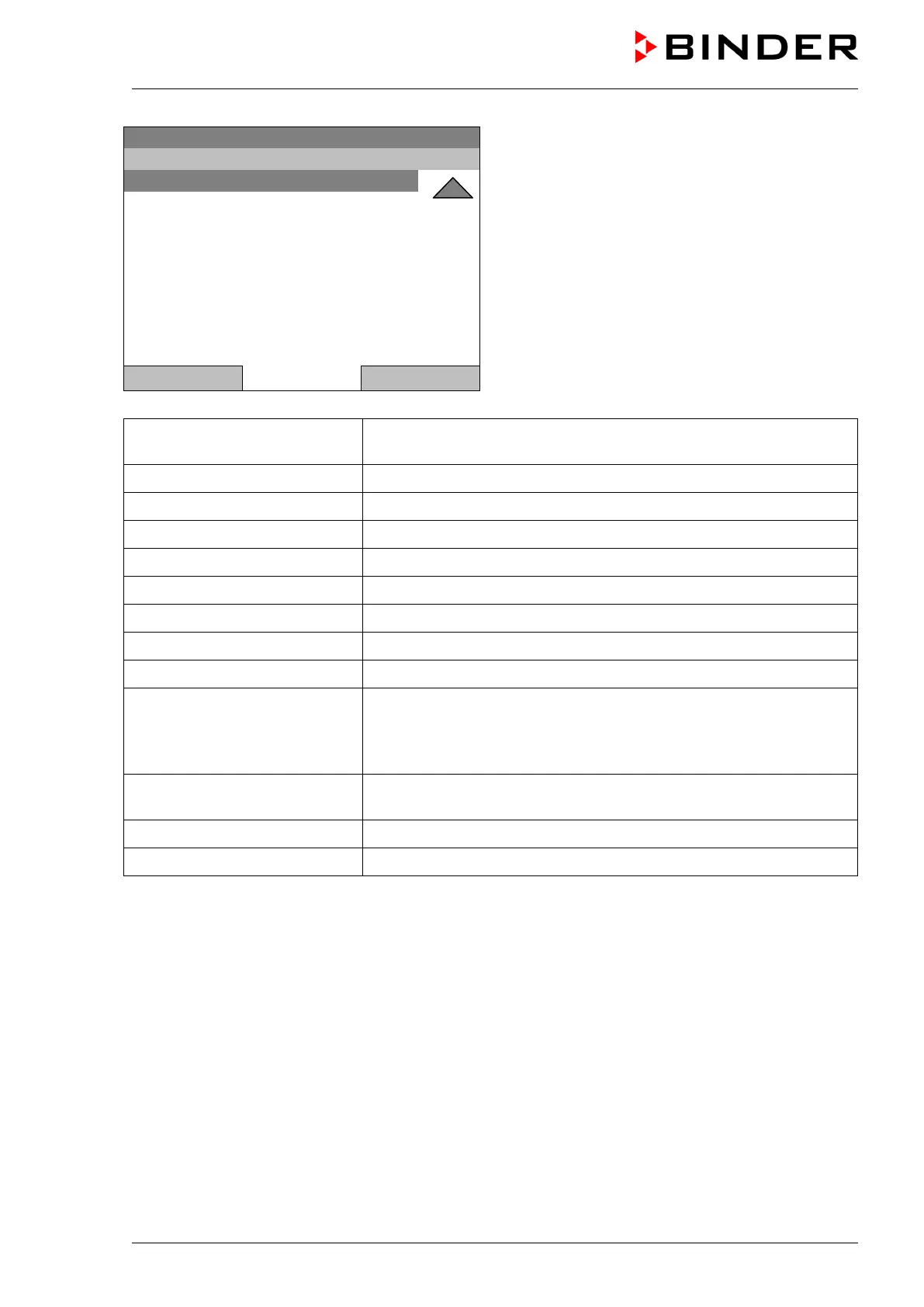
General menu (next page)
(“Optional equipment” menu item is visible only with
optional unit equipment)
Close Home
Controller mode
Switching between the operating modes “control off” or “fixed value”,
chap. 6.2.1
Event list
Display of status information and errors, chap. 15
Alarms
Alarm settings, chap. 14.5
Setpoints
Setpoint entry in “Fixed value” operating mode, chap. 8
Safety controller
Setting the safety controller, chap. 17.2
Programs
Time and week programs, chap. 9 and 10
Import/Export
Data transfer via USB interface, chap. 13
Settings
General controller settings, chap. 12
Measurement chart
Graphical display of the measured values, chap. 16
Optional equipment
Setting for optional equipment like door heating, interior socket,
zero-voltage relay control outputs, alarm output, object temperature
display, chap. 7
(menu item is visible only with optional unit equipment)
Sensor adjustment
Adjustment menu for single-point and two-point adjustments (for
Service purpose)
Service contact Service information
System information Chamber information (model, name, serial no., firmware etc.)







 To Next Page