KT (E6.1) 07/2015 Page 79/138
12. General controller settings
In the "Settings" submenu, you can enter the date and time, select the language for the menus and the
desired temperature unit, perform the configuration for the controller’s communication functions, and reset
the controller to factory settings.
To access the "Settings" submenu, go to Menu > Settings
08.03.2013 05:05:06
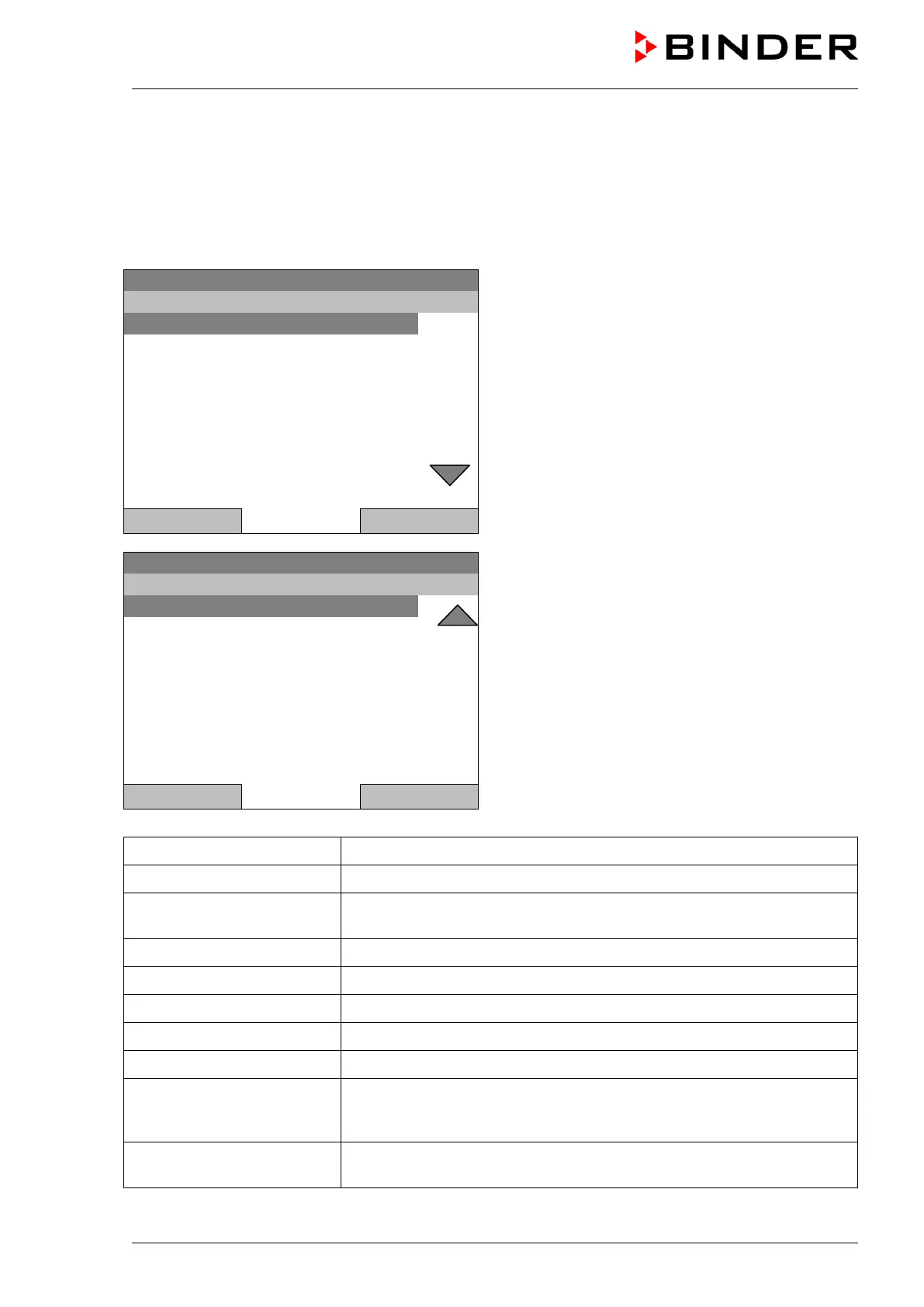
Submenu “Settings”.
Turn the operating button to see additional menu
items.
Sprache, Language, Langue, Idioma, Lingua
Close Home
08.03.2013 05:05:06
Submenu “Settings” (next page)
(The “RS 422 address” menu item is visible only with
optional unit equipment)
Close Home
Setup wizard Chap. 12.1
Date and time Setting date and time, chap. 12.2
Sprache, Language, Langue,
Idioma, Lingua
Selecting the controller’s menu language, chap. 12.3
Display brightness Adjusting display brightness by turning the operating button
Temperature unit Selecting the temperature unit, chap. 12.5
Recording rate Defining the recording rate for data storage, chap. 12.6
Factory reset Factory reset, chap. 12.7
Network settings Network configuration, chap. 12.8
Chamber configuration
Menu for service purpose – Display and entry of chamber data (serial
no., special application no., settings of the door heating and the door
temperature offset, option object temperature), chap. 12.11
RS 422 address
Setting the RS 422 unit address(with option RS422 interface), chap.
12.10







 To Next Page