KT (E6.1) 07/2015 Page 69/138
08.03.2013 05:05:06
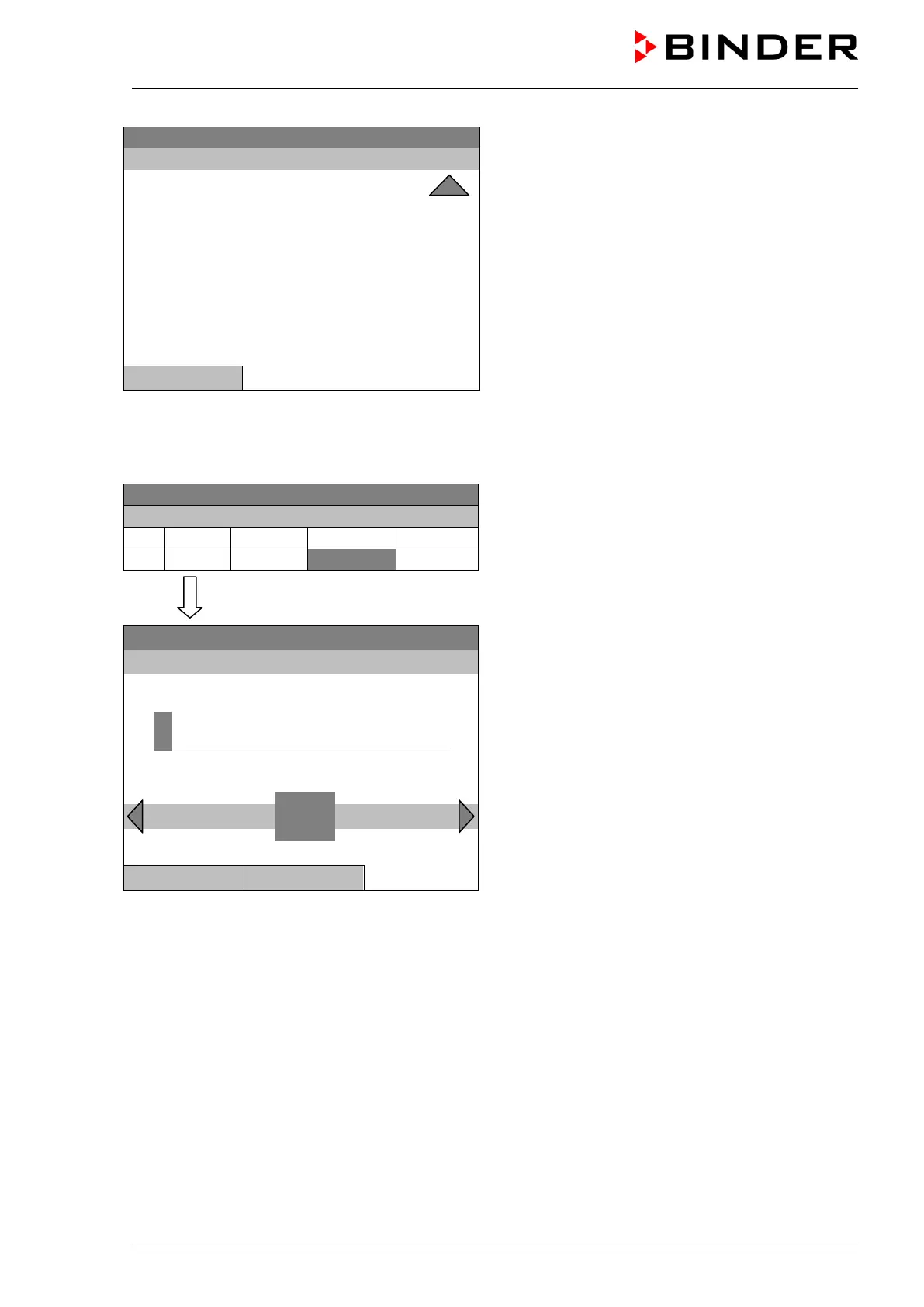
Submenu “Settings” (next page).
Select the desired function
and press the operating button.
Close
10.3.4 Time of the day
08.03.2013 05:05:06
Week program editor.
Select a value under “H:M:S”
and press the operating button.
..\ Temperature controller
08.03.2013 05:05:06
Entry menu “Time of day”.
Enter the desired moment of the shift-point with the
operating button.
Press the “Ok” button to confirm.
0
Ins Pos1 End Ok
1 2 3 4 5 6 7 8 9
Close Ok



 To Next Page