KT (E6.1) 07/2015 Page 83/138
12.5 Changing the temperature unit
To select the temperature unit, go to Menu > Settings > Temperature unit
08.03.2013 05:05:06
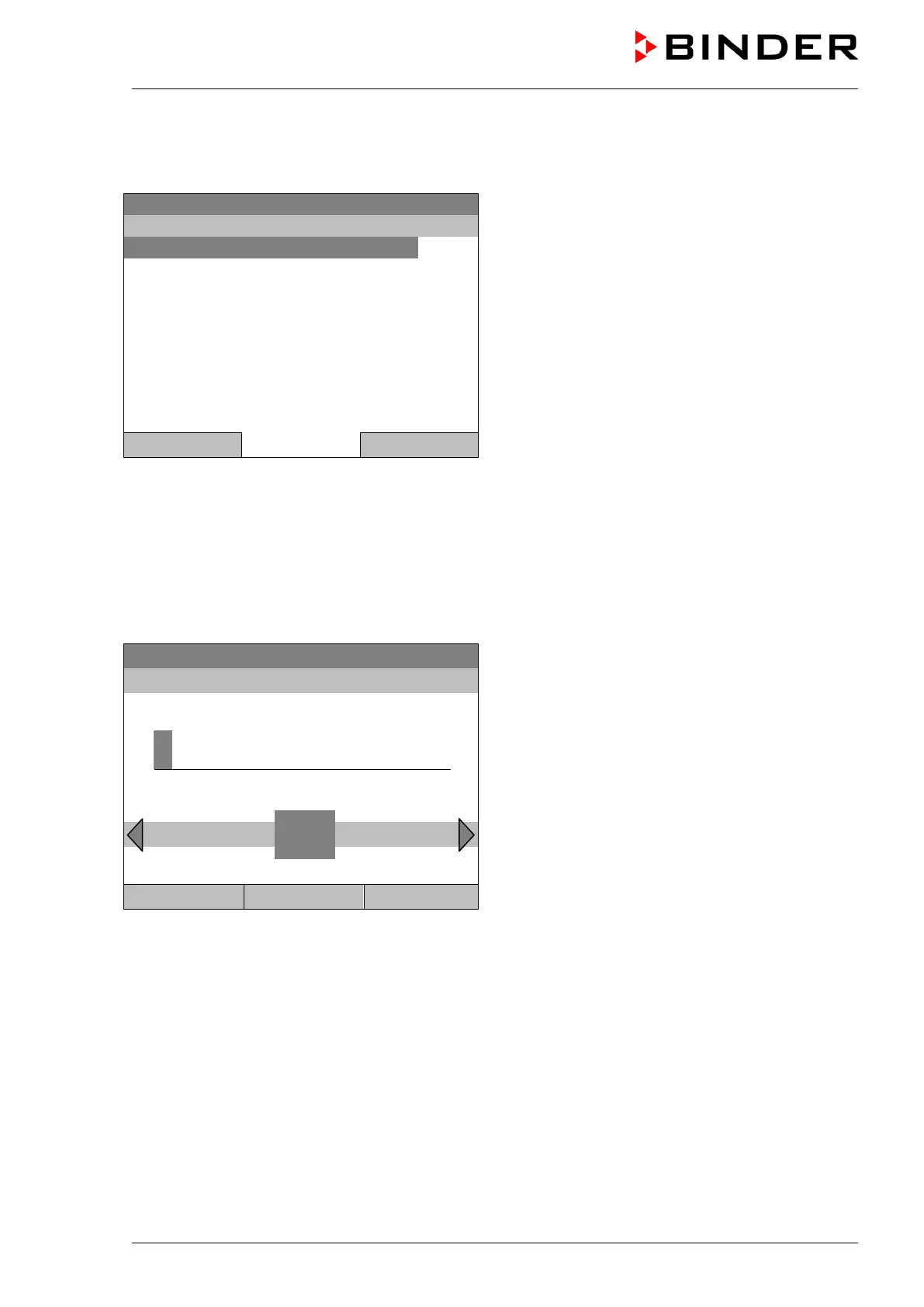
Submenu “Temperature unit”.
Select the desired temperature unit”
and press the operating button.
Close Home
If you selected the temperature unit, the controller returns to the „Settings“ menu..
Otherwise, go back to the “Settings” menu with “Close” or to the initial view with “Home”.
12.6 Defining the data recording rate
To define the recording rate for data storage on the SD card, go to Menu > Settings > Recording rate
08.03.2013 05:05:06
Entry menu “Recording rate”.
The current recording rate is shown. Enter the
desired value with the operating button.
Shortest possible value: 60 seconds.
Press the “Ok” button to confirm.
0
Ok 0 1 2 3 4 5 7 8 9 . – Del Ins
Close Ok Home
When entering a value smaller than 60 seconds, the message “invalid value” appears. Press the
operating button to confirm with “Ok” and repeat the entry with a correct value.
Go back to the “Settings” menu with “Close” or to the initial view with “Home”.
Note:
After a period of 9 years, the controller starts overwriting the oldest values on the storage medium. This is
independent of the selected storage interval and the actual operating time of the chamber. In any case,
the data can be read out at any time using the function “Export to USB drive” (chap. 13.1) and stored
externally.







 To Next Page