KT (E6.1) 07/2015 Page 46/138
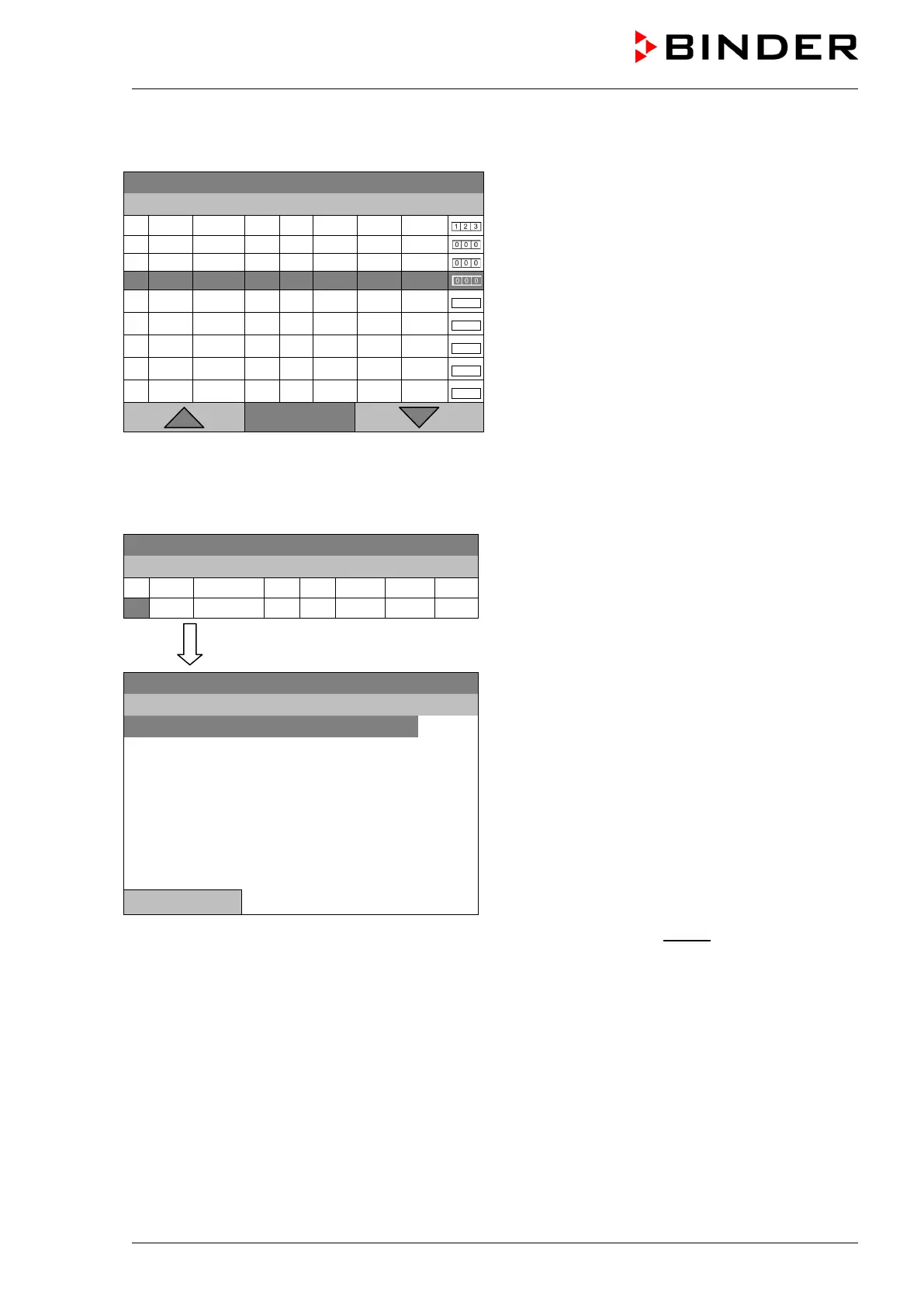
To create a second program line (section), turn the operating button to the right and press it. The next
section will be added.
08.03.2013 05:05:06
Time program editor
(view with optional control outputs).
To edit the values, press the operating button, select
the desired value and press the operating button
again.
..\ Temperature controller
1 25.00 00:00:15
1 0
999.00
999.00
Ramp
Menu
The right column for the 3 control outputs is visible only on units equipped with optional control outputs.
9.3.1 Section handling
08.03.2013 05:05:06
Time program editor.
Select a value under “No.”
and press the operating button.
..\ Temperature controller
08.03.2013 05:05:06
Submenu “Program sections“.
Select the desired function
and press the operating button.
Close
Note: When selecting „Insert“ or “Paste”, the new program section is inserted before the current section.







 To Next Page