KT (E6.1) 07/2015 Page 90/138
13. Data transfer via USB interface
The USB port is located in the instrument box.
To access the submenus for data transfer, go to Menu > Import/Export
08.03.2013 05:05:06
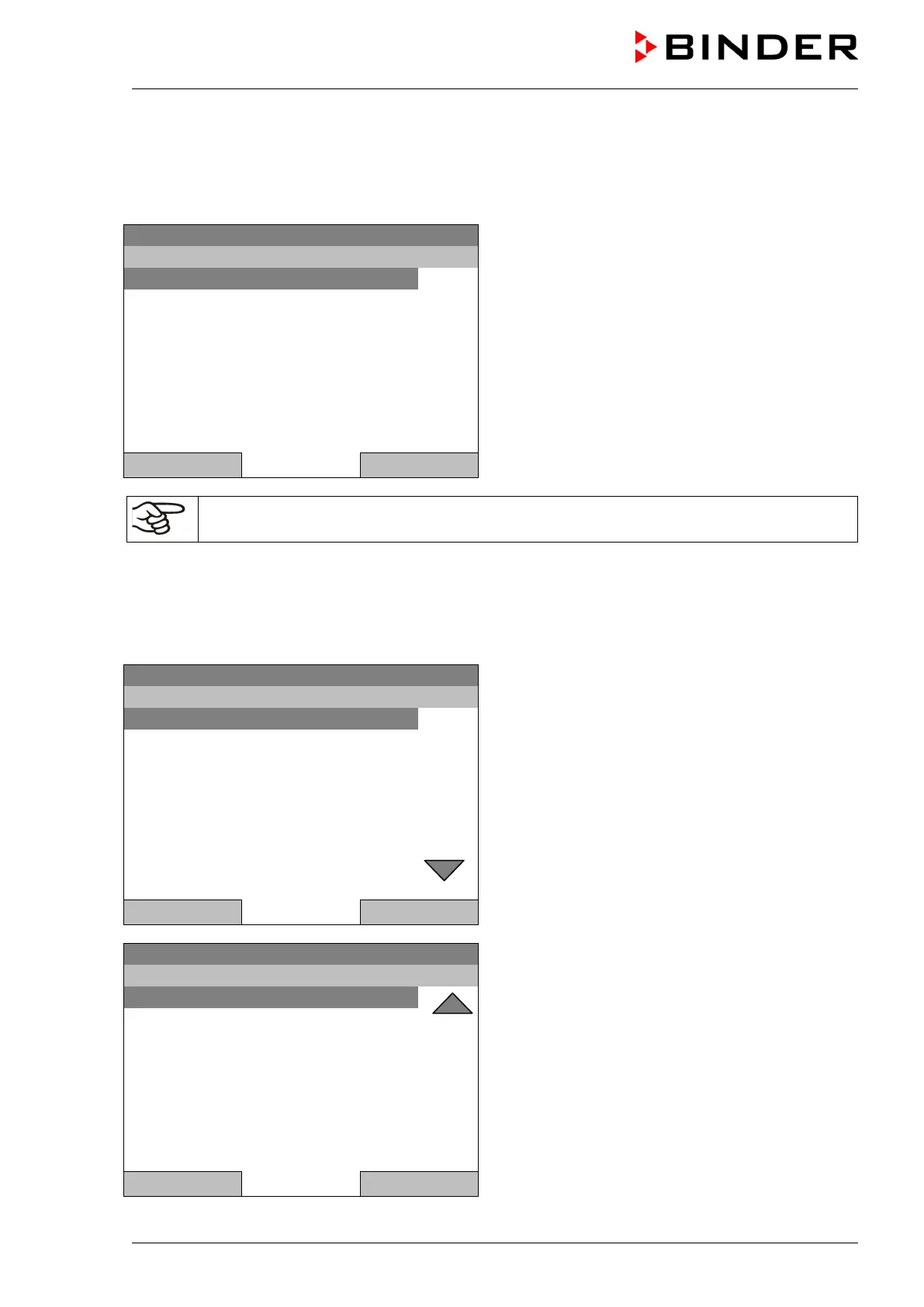
Submenu “Import/Export to USB drive”.
Select the desired type of communication via USB
port (data export or import) and press the operating
button.
..\ Import/Export to USB drive
Close Home
It is possible that some USB devices are not recognized due to compatibility issues. In this
case, please use a USB storage device from a different manufacturer.
13.1 Exporting data to USB drive
Insert the USB stick or the plug of your USB drive into the USB port in the instrument box.
To configure data export to USB media, go to Menu > Import/Export > Export to USB drive
08.03.2013 05:05:06
Submenu “Export to USB drive”.
Turn the operating button to see additional menu
items.
Close Home
08.03.2013 05:05:06
Submenu “Export to USB drive” (next page)
Close Home
Select the desired data type and press the operating button. Data will be written to the connected media.







 To Next Page