KT (E6.1) 07/2015 Page 53/138
9.3.7 Switching on or off the optional zero-voltage relay outputs
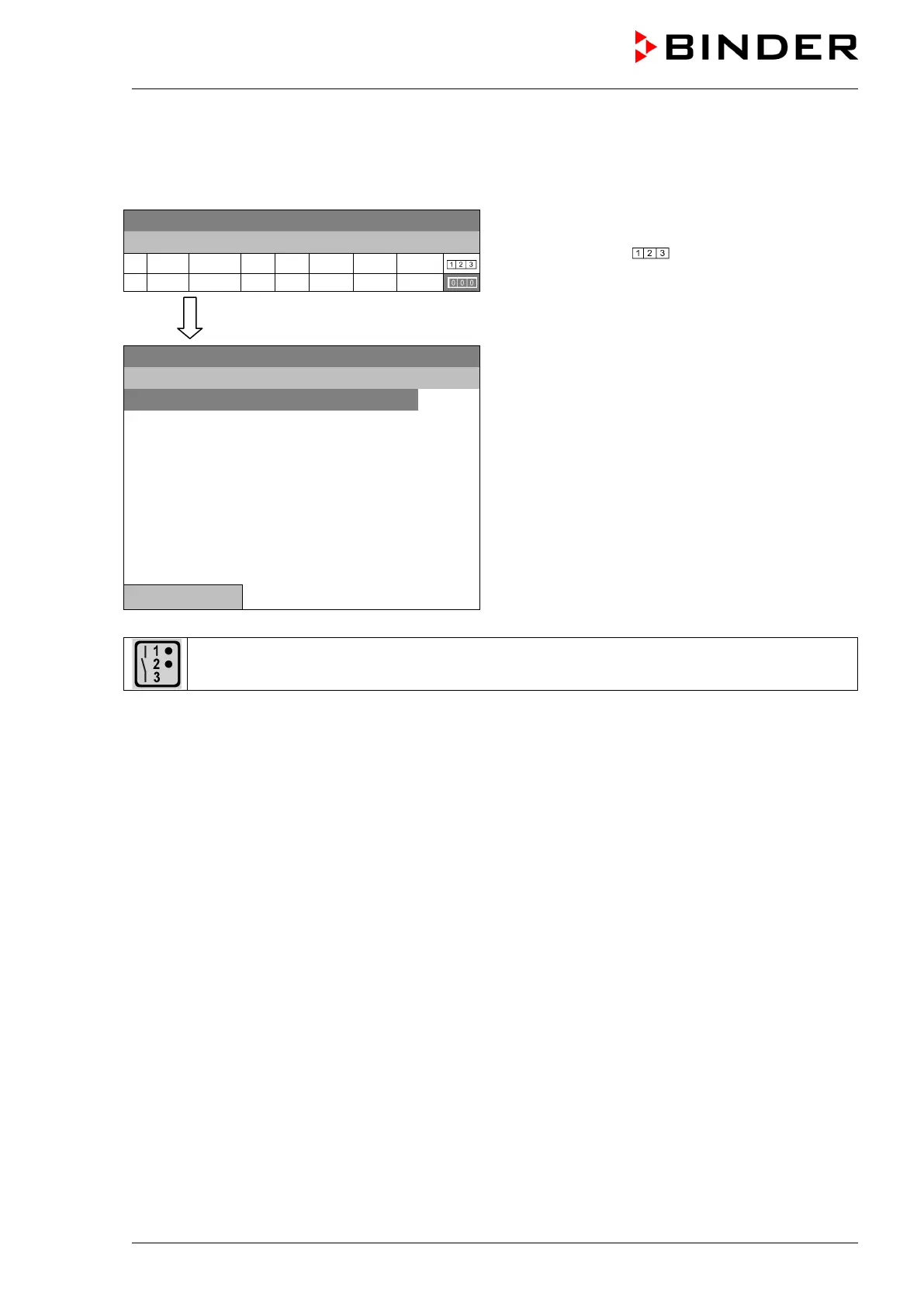
For units equipped with zero-voltage relay outputs (option, chap. 19.6), you can switch on or off the
outputs for each program section via the program editor.
08.03.2013 05:05:06
Time program editor (with option relay outputs)
Select a field under „
“
and press the operating button.
..\ Temperature controller
08.03.2013 05:05:06
Submenu “Zero -voltage relay outputs”.
The possible combination of switching states are
indicated.
Select the desired combination of switching states
and press the operating button.“
[On] = zero-voltage relay outputs turned on
[Off] = zero-voltage relay outputs turned off
..\ Zero -voltage relay outputs
Outputs 1 [Off] 2[Off] 3[Off]
Outputs 1[On] 2[Off] 3[Off]
Outputs 1[Off] 2[On] 3[Off]
Outputs 1[Off] 2[Off] 3[On]
Outputs 1[On] 2[Off] 3[On]
Outputs 1[Off] 2[On] 3[On]
Outputs 1[On] 2[On] 3[On]
Close
A symbol on the controller display indicates the switching state of the three zero-voltage relay
outputs as soon as at least one output is switched on (example: outputs 1 + 2 turned on)







 To Next Page