KT (E6.1) 07/2015 Page 63/138
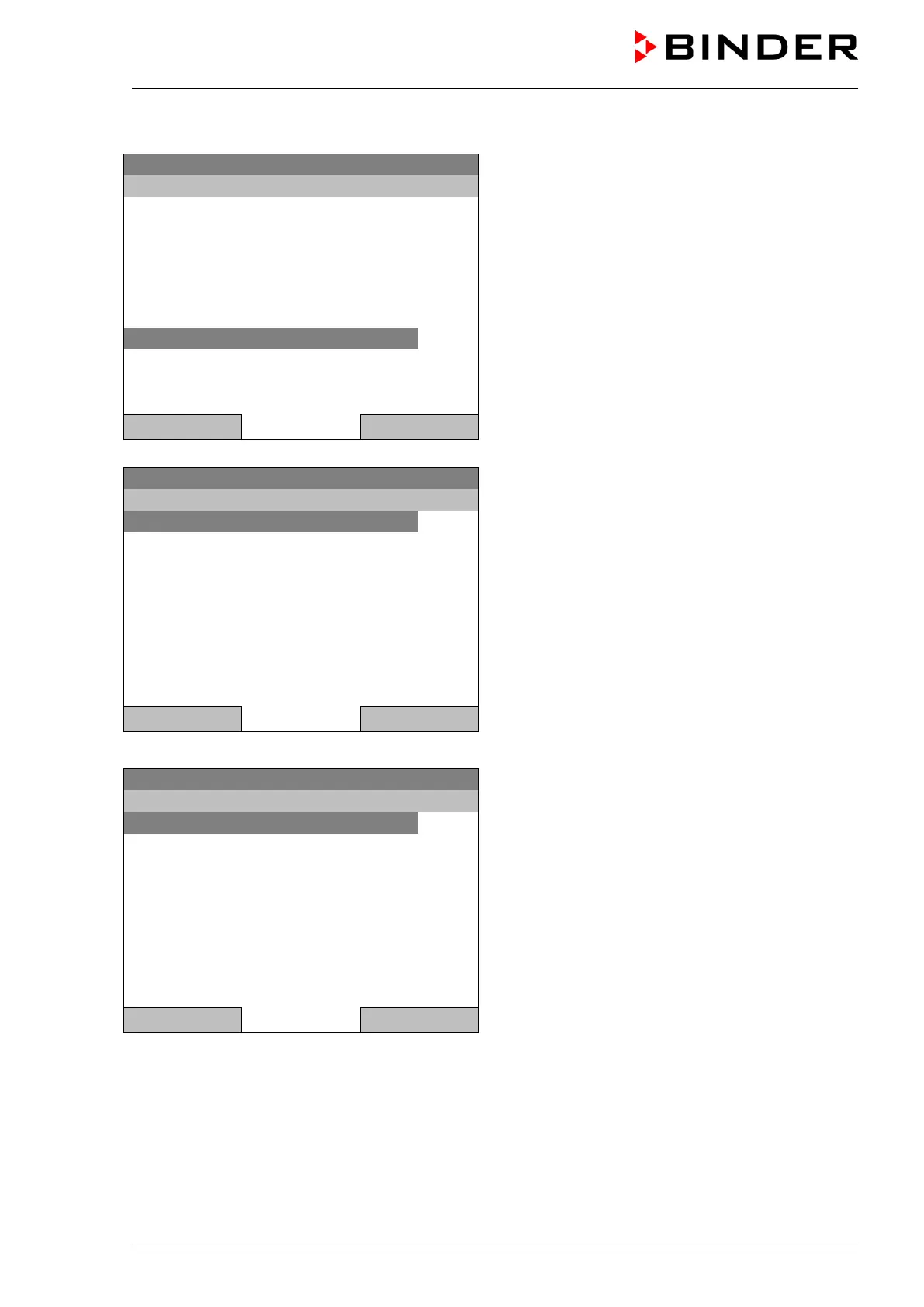
To start a week program, you can also go to Quick menu > Week program > Start
08.03.2013 05:05:06
“Quick menu”.
Select “Week program”
and press the operating button
Safety controller setpoint
Close Home
08.03.2013 05:05:06
Submenu “Week program”.
Select “Start” to start an existing program
and press the operating button.
The further procedure is equal to that described for the general menu.
08.03.2013 05:05:06
Submenu “Select program” (example).
Select one of the programs
and press the operating button to start the program
Close Home







 To Next Page