KT (E6.1) 07/2015 Page 72/138
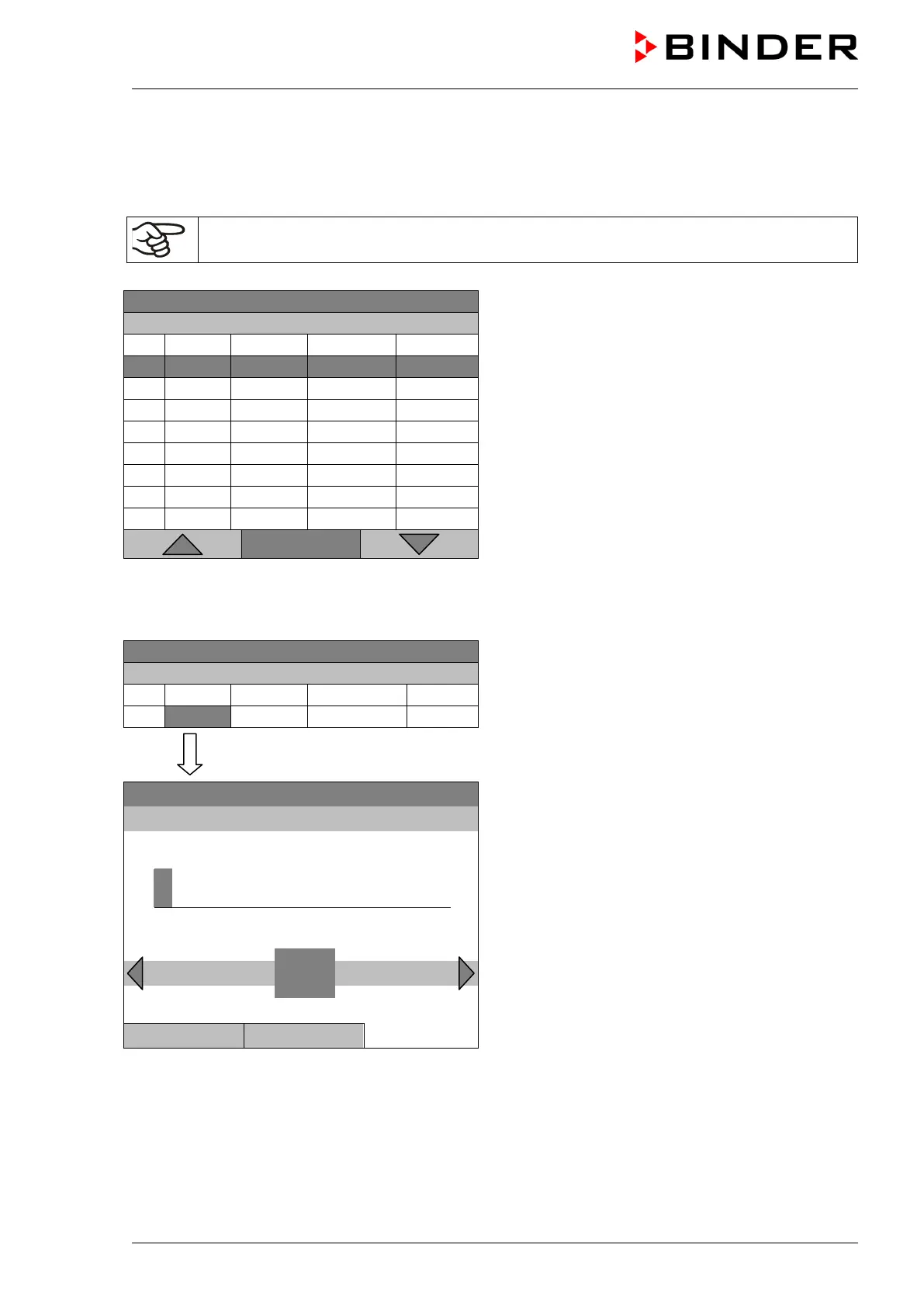
Entering the set-point values for another parameter (fan speed)
The number of program lines (program sections) equal to the number in the temperature program is
displayed. The settings of the shift points (day, time, activity) are taken over from the temperature
program; they are no editable in this view. You can enter the fan speed set-points.
If you want to insert further sections or perform any other programming, first change back to
the temperature program through Menu > Select parameter > Temperature controller.
08.03.2013 05:05:06
Week program editor (example).
Menu
Entering the fan speed setpoint
08.03.2013 05:05:06
Week program editor.
Select a value under “Value”
and press the operating button.
08.03.2013 05:05:06
Entry menu “Fan speed setpoint”.
A fan speed value is shown. Enter the desired value
with the operating button.
Setting range: 40 % up to 100 %
Press the “Ok” button to confirm.
1
Pos1 End Ok 0
2 3 4 5 6 7 8 9 ,
Close Ok
When entering a value outside the setting range, the message “invalid value” appears. Press the
operating button to confirm with “Ok” and repeat the entry with a correct value.







 To Next Page