KT (E6.1) 07/2015 Page 86/138
Display the MAC address
To identify the chamber in the Ethernet network you can display the chamber’s MAC address.
08.03.2013 05:05:06
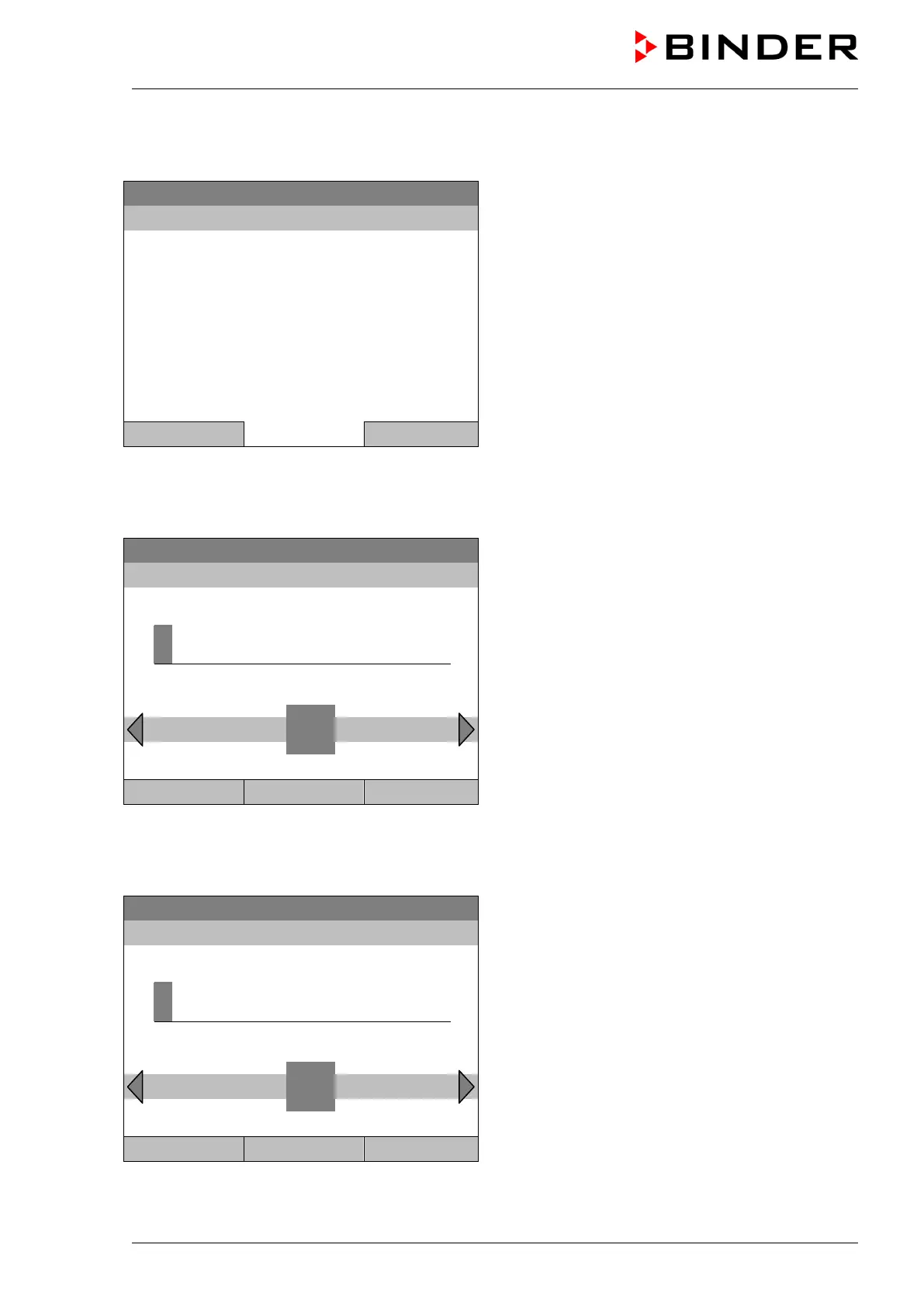
Submenu “MAC address”
(example value)
The MAC address is displayed.
Close Home
Go back to the “Network settings” menu with “Close” or to the initial view with “Home”.
Enter the IP address:
22.08.2012 05:05:06
Entry menu “IP address”
(example value)
Enter the desired IP address with the operating
button.
Press the “Ok” button to confirm.
..\ IP address (n.n.n.n.)
1
Ins Pos1 End Ok 0 2 3 4 5 6 7 8 9 .
Close Ok Home
Go back to the “Network settings” menu with “Close” or to the initial view with “Home”.
Enter the subnet mask:
22.08.2012 05:05:06
Entry menu “Subnet mask”
(example value)
Enter the desired net mask with the operating
button.
Press the “Ok” button to confirm.
..\ Subnet mask (n.n.n.n.)
2
3 4 5 6 7 8 9 , -
Close Ok Home
Go back to the “Network settings” menu with “Close” or to the initial view with “Home”.







 To Next Page