42 CT-600-2
Viewing the status is possible on most of the screens without login. To change the operation, e.g. start or
stop or change regulation mode, requires the user to login. Login is also required to change the configuration
or parameter settings.
10.2 User access (login) to ACP LINK panel HMI
Depending on the work intended on the HMI, it may be necessary to log in on the HMI and access a certain
screen. Login is done by pushing the “login” button in the top right corner. Hereafter a pop-up window will
show where the username and password must be inserted. There are two primary levels of access: User and
Service.
Access as normal user (level “User”) allows access to buttons on the Control screen, to control and change
the regulation mode. It also enables the user to manually reset alarms on the Alarms screen and to set PID
regulator set points on the Parameter screen.
User:
User
Password:
1234
See also the section 10.12 to understand the extent of this user level and how the unit is being operated on a
daily basis.
Service level access allows access to more screens and is used to setup or modify the basic configuration,
parameters and timers, required to configure and optimize the operation of the ACP. It can also be used for
service and fault finding.
User:
Service
Password: xxxxxx -
Contact BITZER for password
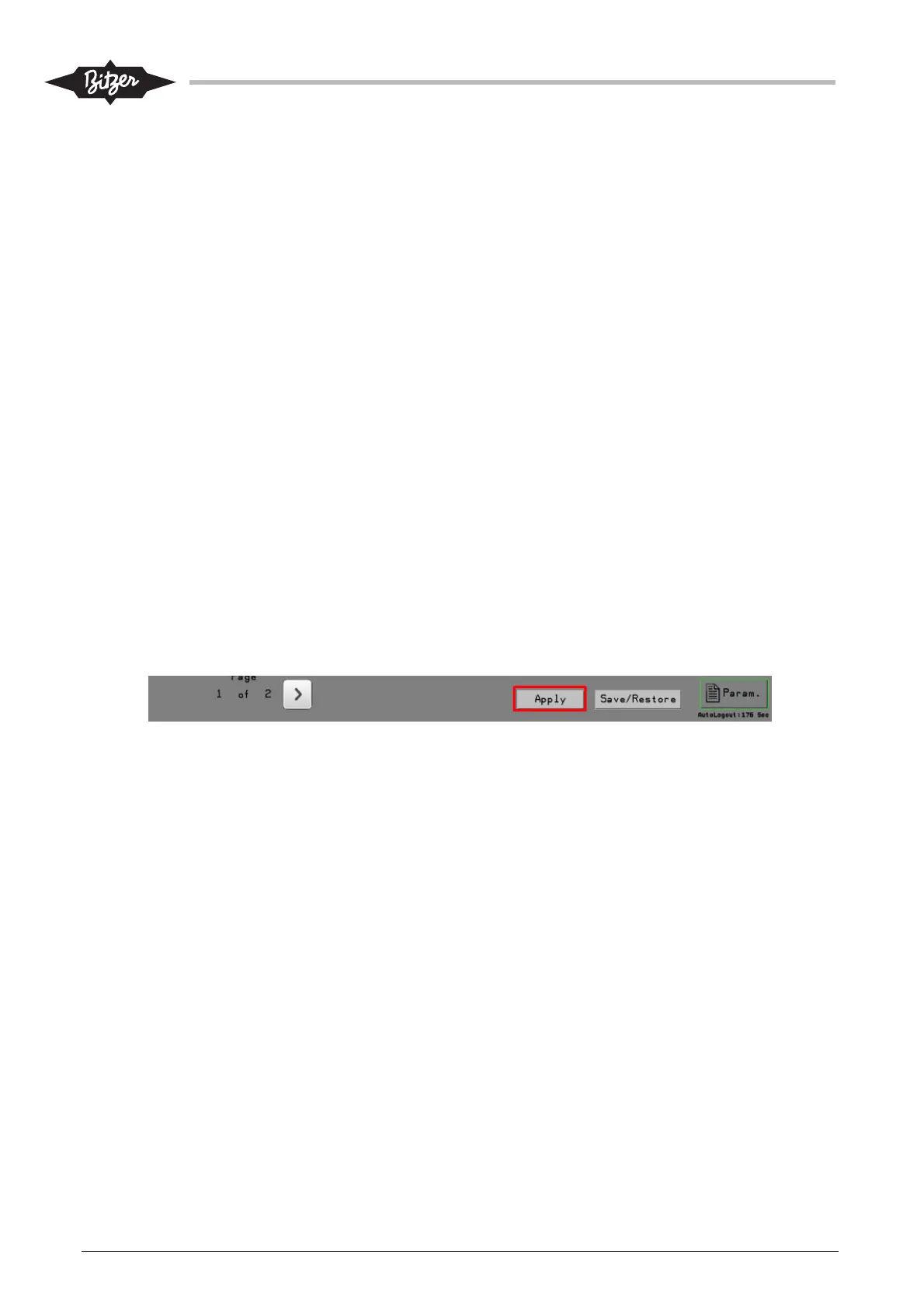
When logged in as “Service” it is important to note, that after any change has been made to a parameter or a
timer, the “Apply” button at the bottom of the screen must be pressed for the change to take effect. If the user
switches to a different screen without pressing “Apply”, the settings are discarded.
10.3 Control screen (CTRL)
The Control screen shows regulation mode and different information on the control of the ACP.
When logged in (independent of the user level), buttons will appear to change the regulation mode, the
manual capacity set point and the start priority. When pressing the regulation mode button [1] a popup
window will appear to select the operation mode.



 To Next Page