58 CT-600-2
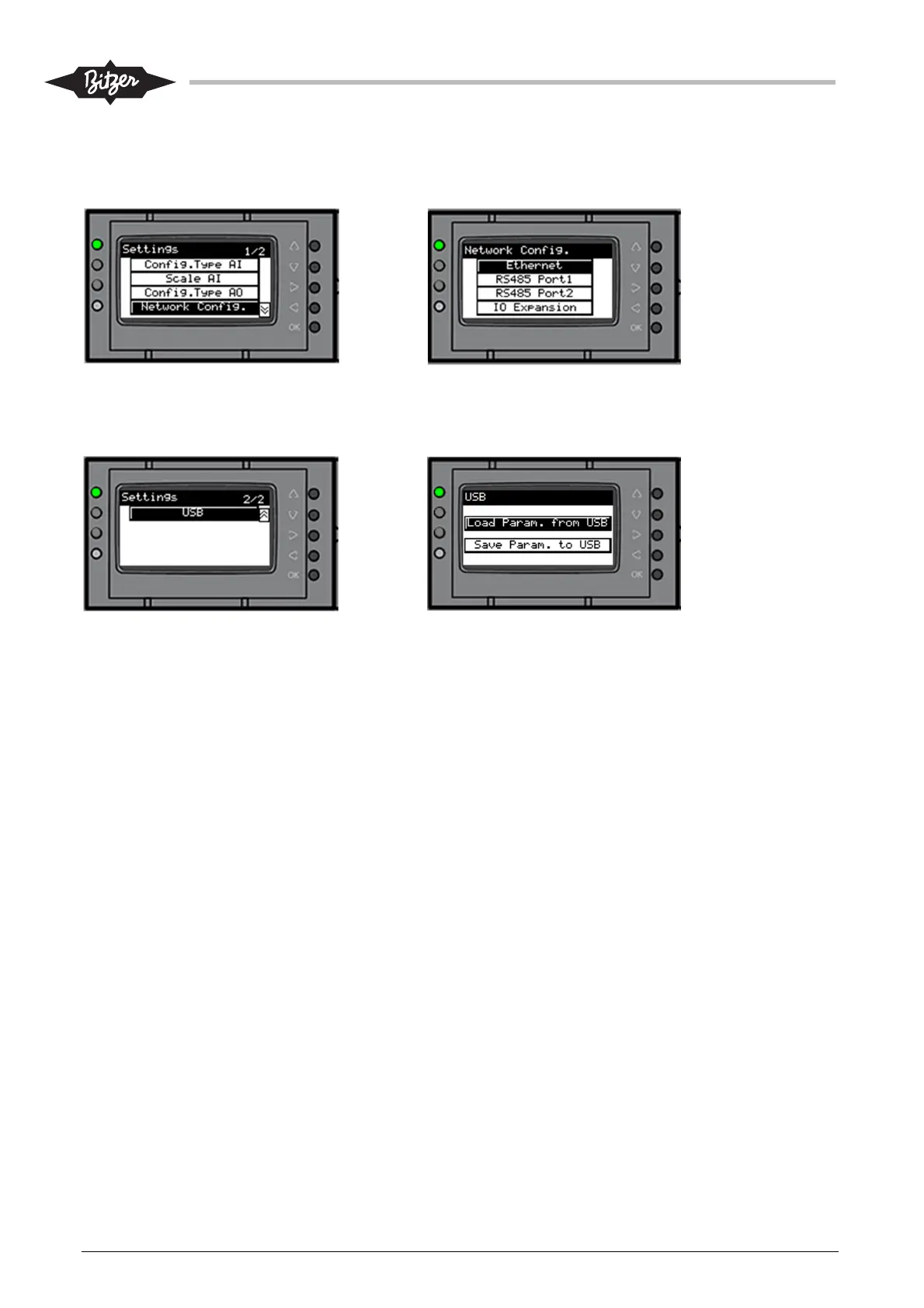
From the Settings screen, select “Network Config.” to configure the Ethernet IP addresses and enable/
disable the optional extension module. The RS485-1 (Modbus RTU) parameters can also be changed,
however this is normally not necessary for use on ACP.
From the Settings screen, page 2, select “USB” to download (select “Load Param. from USB”) or upload
(select “Save param. To USB”) a parameter file from/to a USB-Stick. See also section 9.8.3 for further details.



 To Next Page