28
1. 87 7. 8 7 7. 2 2 6 9 BLACKBOX.COM
NEED HELP?
LE AVE THE TECH TO US
LIVE 24/7
TECHNICAL
SUPPORT
1. 87 7. 87 7. 2 26 9
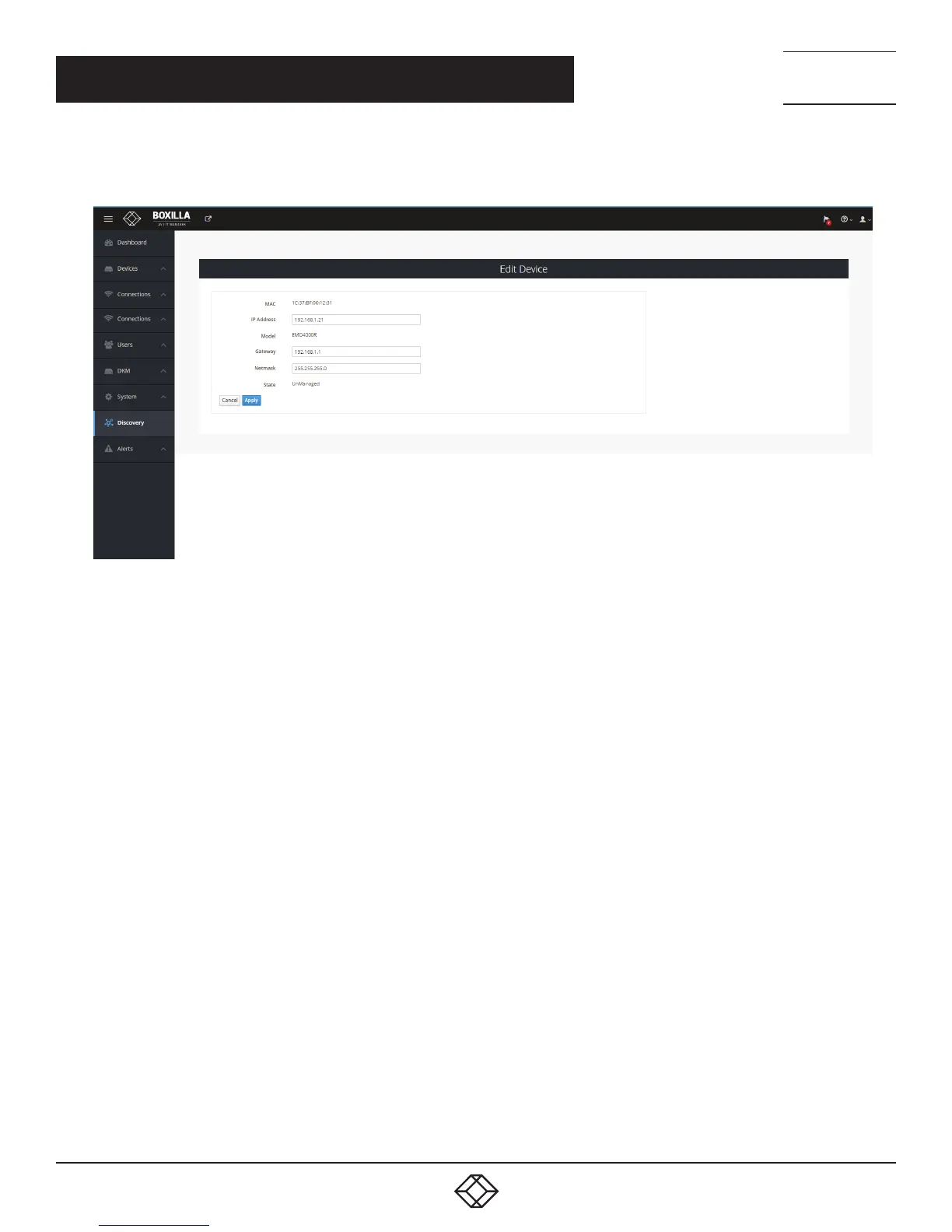
The administrator should be aware that the IP address should be changed to one reachable by Boxilla (i.e. if moved to a subnet
different to Boxilla manager, a router is required to enable communication).
FIGURE 19. EDIT DEVICE SCREEN
Once the IP address has been specified, an unmanaged device can now be set to be part of this Boxilla’s managed domain. This is
done by clicking on the Manage option shown in Figure 18. This causes the device’s state to change from UnManaged to Managed.
The device is given a name as part of the process of making it managed. This name is used to make it easier
for administrators and users to refer to the device (e.g. ControlRoom1 to name a device in Control Room 1). Once managed
by Boxilla, this device cannot be managed or configured by any other manager.
CHAPTER 6: DISCOVERY—ADDING DEVICES



 To Next Page