877-877-2269 | blackbox.com
Page 116
Appendix B: Configuring the PC
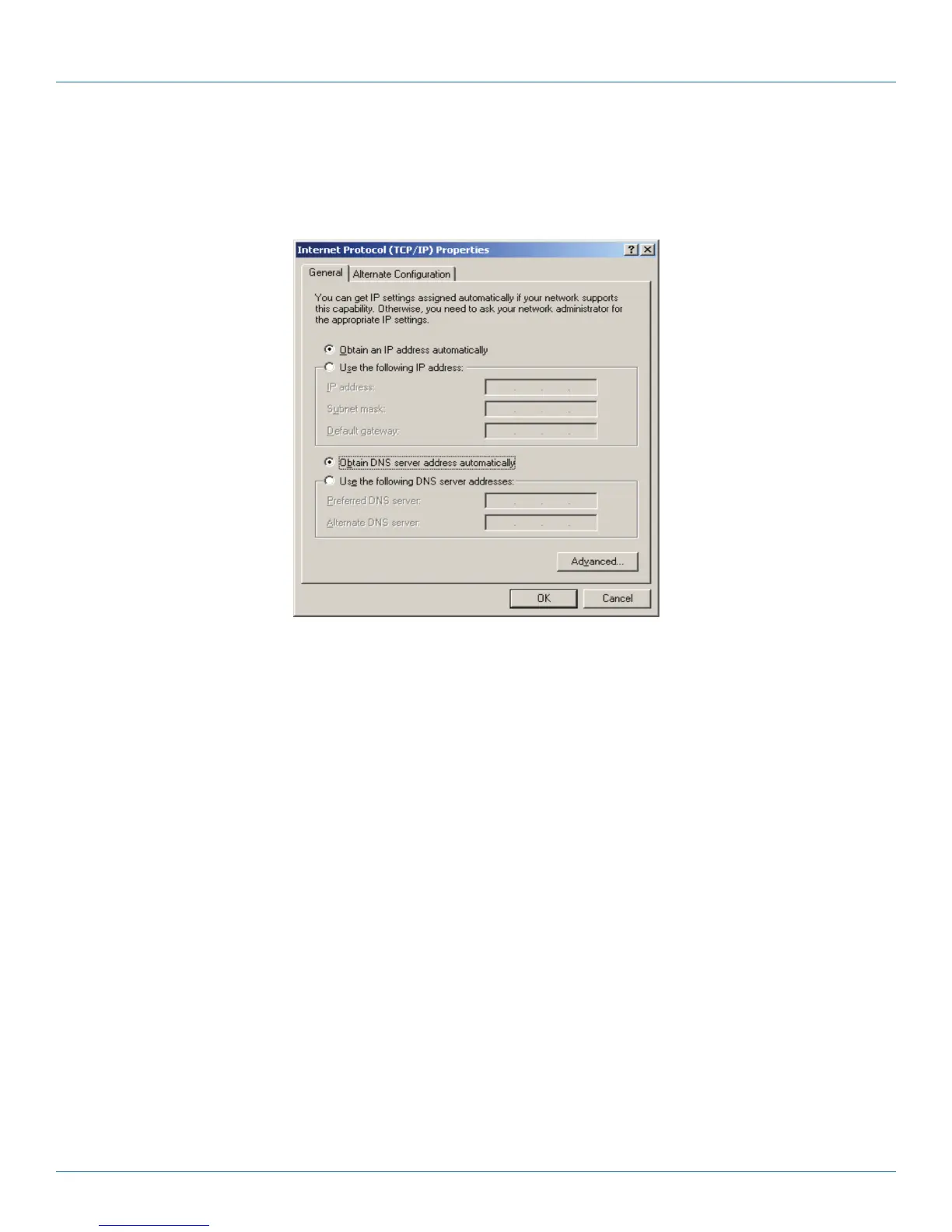
5. The following TCP/IP Properties window will display and the IP Address tab is open on this window by default.
6. Select Obtain an IP address automatically and Obtain DNS server automatically, as shown in the next Figure.
Figure B-3. Obtain IP address automatically.



 To Next Page