877-877-2269 | blackbox.com
Page 96
Chapter 5: Configuring the Router
5.19.2 Comexe.cn DDNS
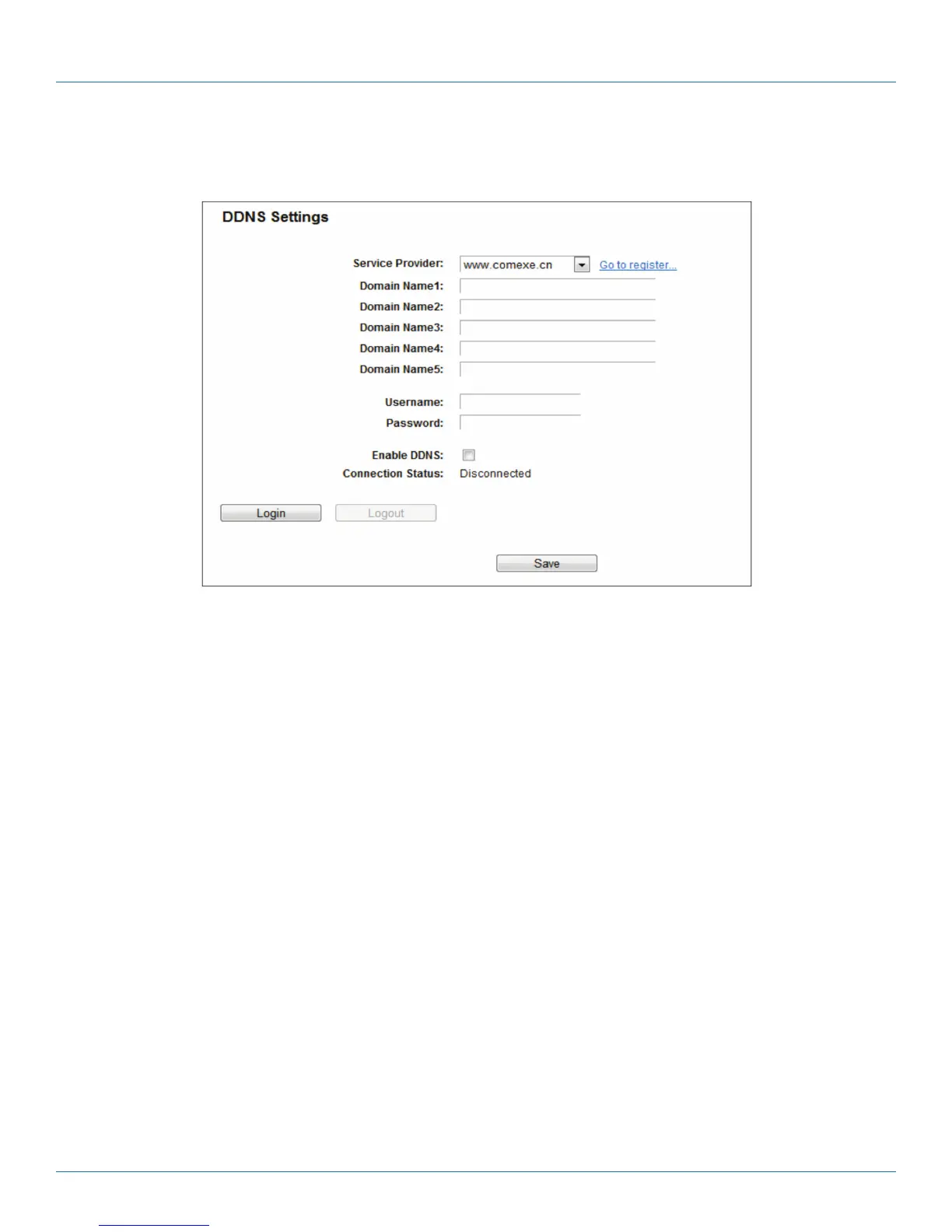
If the dynamic DNS Service Provider you select is www.comexe.cn, the next page will appear.
Figure 5-104. Comexe.cn DDNS Settings.
To set up for DDNS, follow these instructions:
1. Enter the Domain Name your dynamic DNS service provider gave you.
2. Enter the Username for your DDNS account.
3. Enter the Password for your DDNS account.
4. Enable DDNS.
5. Click the Login button to log in to the DDNS service.
Connection Status—The status of the DDNS service connection is displayed here.
Click Logout to log out from the DDNS service.
NOTE: If you want to login again with another account after a successful login, click the Logout button, then input your new
username and password and click the Login button.



 To Next Page