Page 29
877-877-2269 | blackbox.com
Chapter 4: Quick Installation Guide
Chapter 5. Configuring the Router
This chapter will show each key function of the Web page and its configuration method.
To access the configuration utility, open a web-browser and type in the default address http://192.168.1.1 in the address field of
the browser.
After a moment, a login window will appear. Enter admin for the User Name and Password, both in lower case letters. Then click
Login or press Enter.
5.1 Login
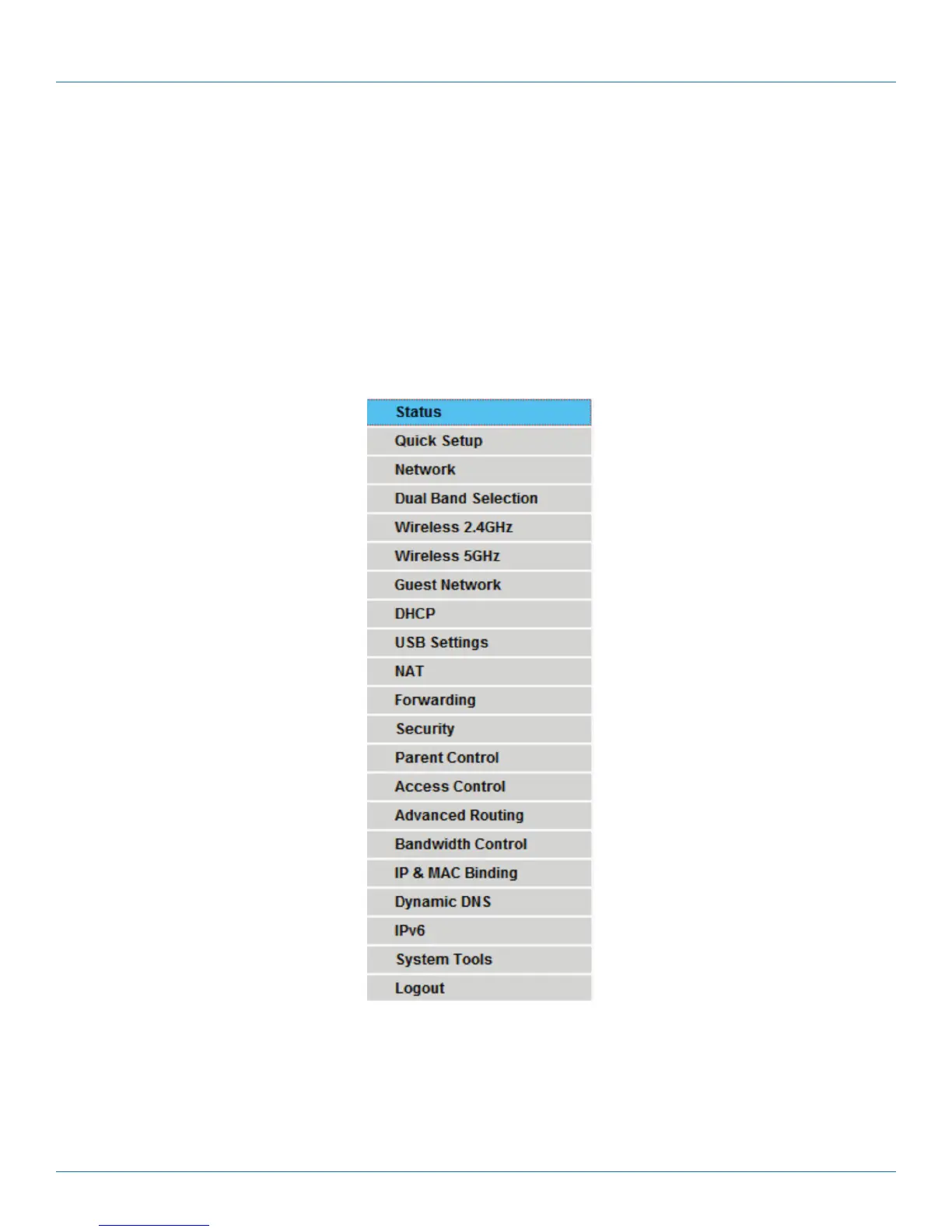
After your successful login, you will see the main menus on the left of the Web-based utility. On the right, there are the
corresponding explanations and instructions.
Figure 5-1. Main menus.
Detailed explanations for each Web page’s key function are listed below.



 To Next Page