Page 11
877-877-2269 | blackbox.com
Chapter 2: Overview
2.3 What‘s Included
Your package should contain the following items. If anything is missing or damaged, contact Black Box Technical Support
at 877-877-2269 or info@blackbox.com.
• Gigabit Dual Band Router - 802.11ac Wi-Fi
• DC Power Adapter
• Quick Installation Guide
To download this User Manual from our Web site:
1. Go to www.blackbox.com
2. Enter the part number in the search box.
3. Click on the “Support” tab on the product page, and select the document you wish to download.
If you have any trouble accessing the Black Box site to download the manual, you can contact our Technical Support
at 877-877-2269 or info@blackbox.com.
2.4 Hardware Description
2.4.1 Front Panel
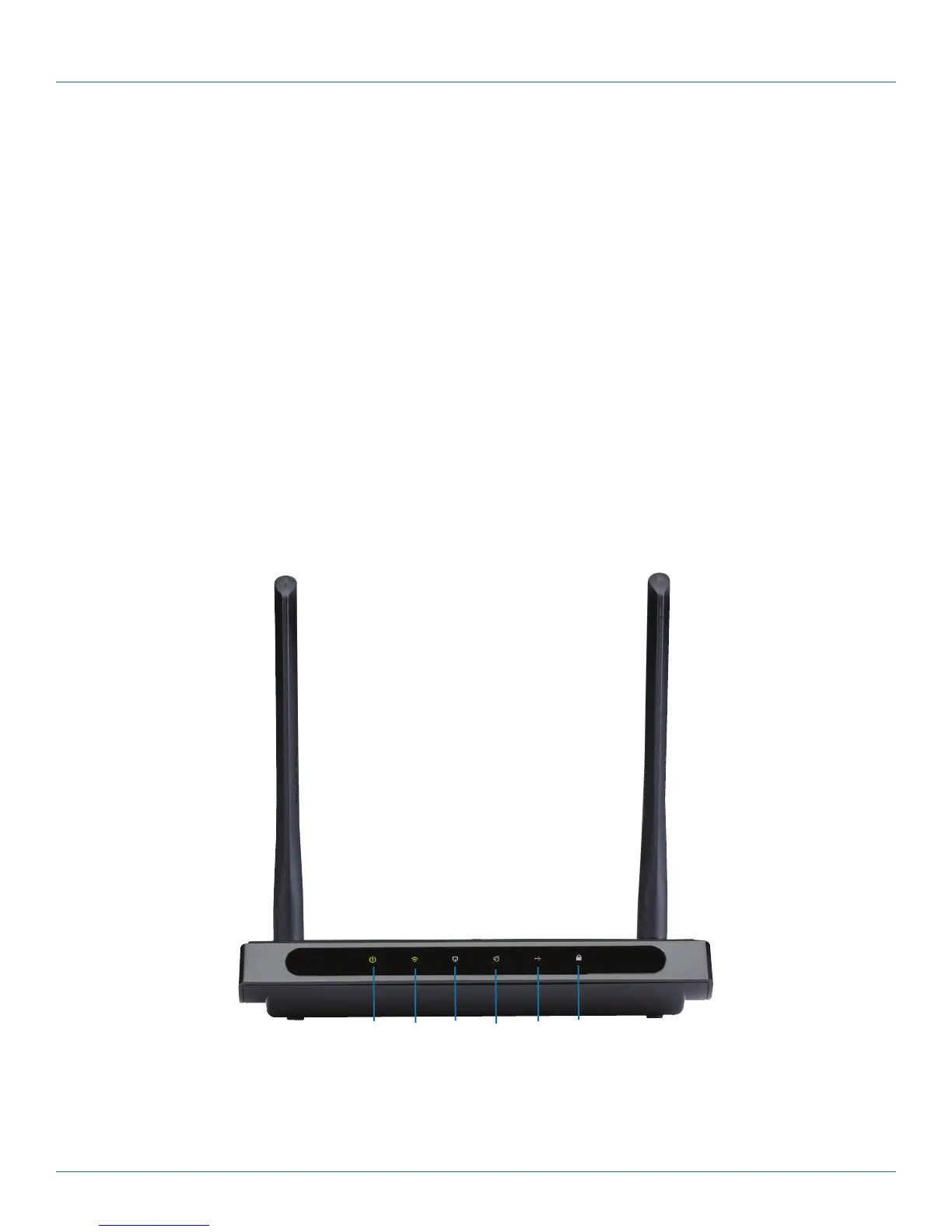
Figure 2-1 shows the front panel of the router. Table 2-1 describes its components.
1 2 3 4 5 6
Figure 2-1. Router's front panel.
The router’s LEDs are located on the front panel (View from left to right).



 To Next Page