877-877-2269 | blackbox.com
Page 98
Chapter 5: Configuring the Router
5.20.1 IPv6 Status
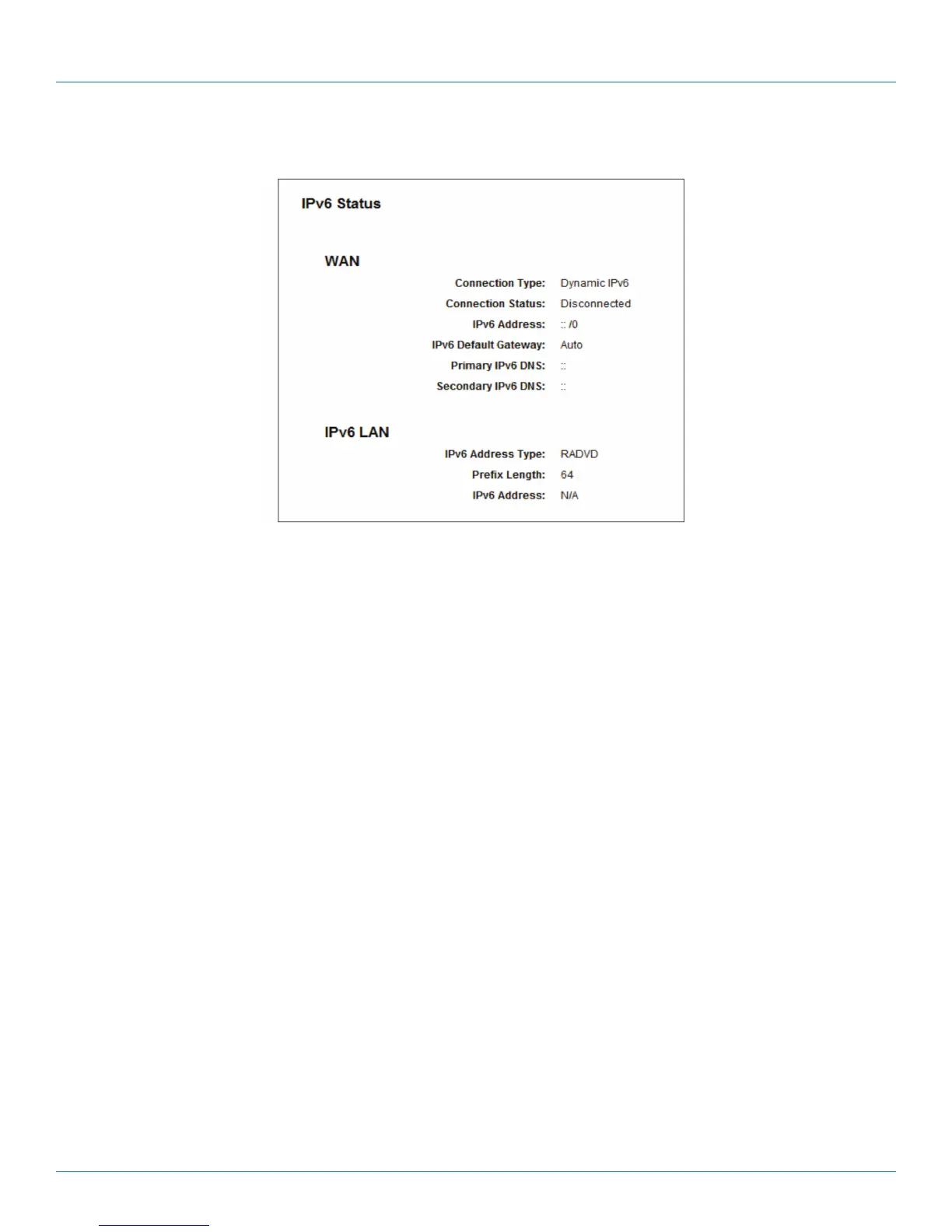
Figure 5-107. IPv6 Status.
The IPv6 Status page displays the router's current IPv6 status and configuration. All information is read-only.
• WAN
- Connection Type—The IPv6 connection for the WAN.
- Connection Status—The status of the IPv6 connection.
- IPv6 Address—The WAN IPv6 address.
- IPv6 Default Gateway—The router's default gateway.
- Primary IPv6 DNS—The primary IPv6 DNS address.
- Secondary IPv6 DNS—The secondary IPv6 DNS address.
• LAN
- IPv6 Address Type—There are two types of assignments for the IPv6 address: RADVD (Stateless address auto-configuration) and
DHCPv6 (Dynamic Host Configuration Protocol for IPv6) Server.
- Prefix Length—The prefix length of the IPv6 address.
- IPv6 Address—The LAN IPv6 address.



 To Next Page